



There are hundreds of new apps released every week, 30,000+ users downloaded Sub4Sub latest version on 9Apps for free every week! You can enjoy it by use in your own phone. This hot app was released on 2020-02-06. That’s it! You’re done?
Sub4Sub Tuber for YouTube is a gathering place for apps for YouTubers from all over the world who have the same mission of getting customers and viewing the easy way.
In this Sub4Sub application for YouTube, members will subscribe to their channel so they can develop their subscribers and view the channel naturally
The working principle of Sub4Sub for YouTube is that members will subscribe to the channel that is currently campaigning and each time they subscribe, they will get a coin. This coin can be used to campaign your channel to other members, so your channel can easily get subscribers and views.
How to use Sub4Sub Tuber for YouTube:
1. Select the language you will use.
2. Check all the rules that apply in the sub4sub application.
3. Log in to the application using your Google account.
4. Click mine to view and subscribe to the channel being campaigned for.
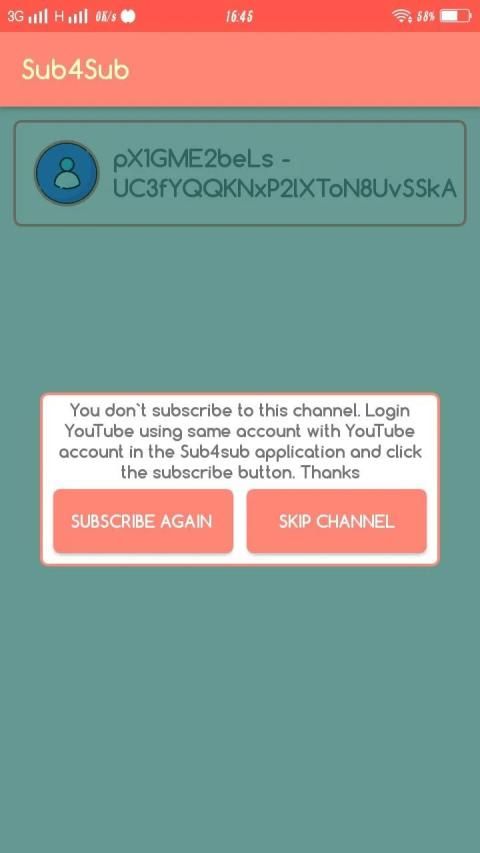
5. Equating the account that is logged in sub4sub with the account that is logged on YouTube
6. Subscribe to the channel and click again.
7. Sub4sub will verify your subscription, whether you have subscribed to the channel or not.
8. You will get coins that can be used to create campaigns for your channel.
How to Create a Campaign:
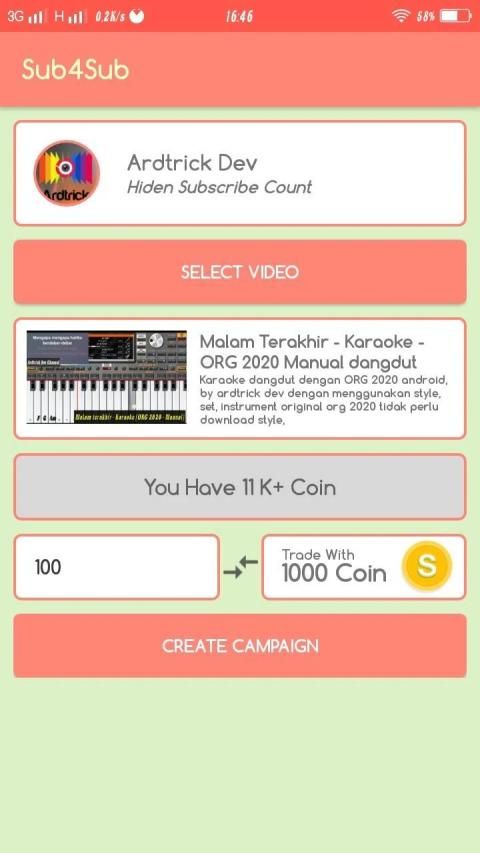
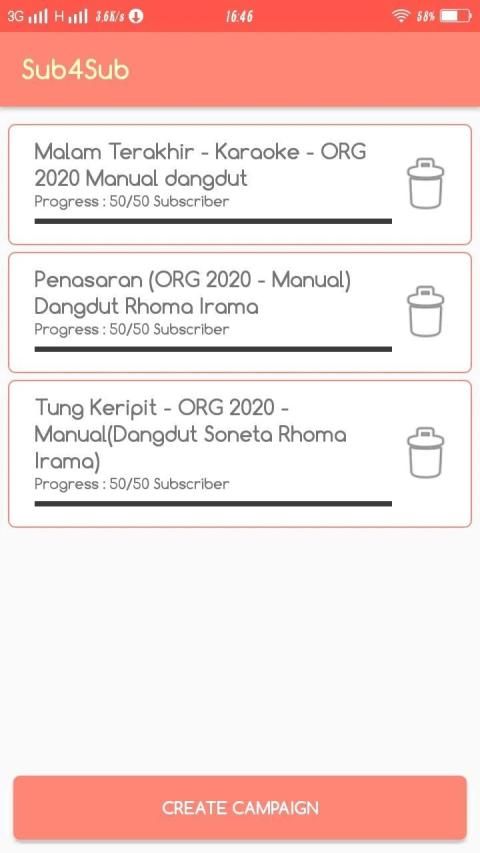
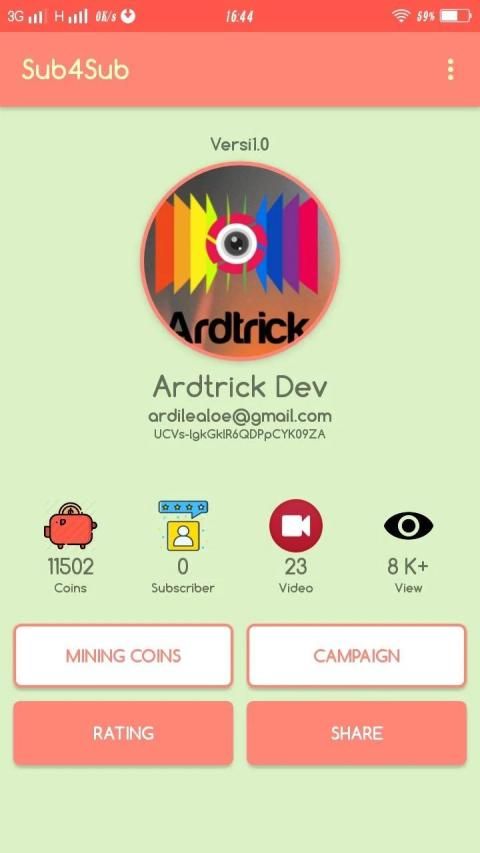
1. Click campaign on the Sub4sub pro application dashboard.
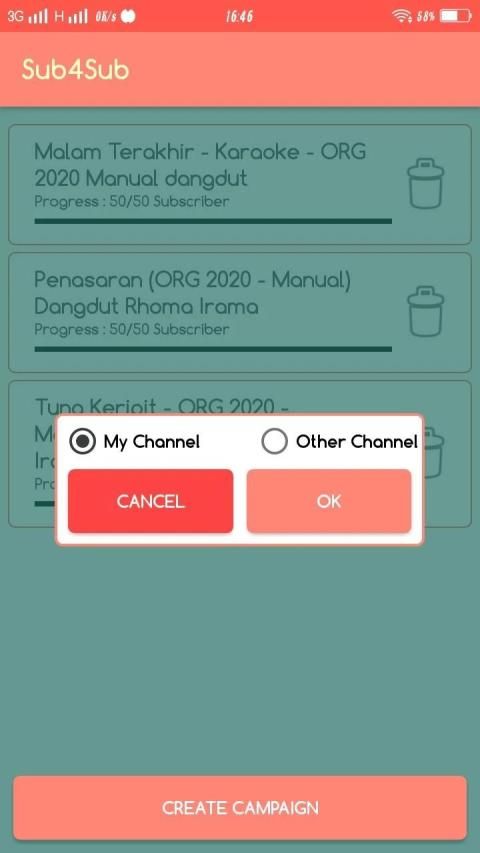
2. Click the create campaign button.
3. There are 2 campaign choices, my channel and other channels. If you choose my channel then you will campaign for the youtube channel currently in sub4sub, if you choose another channel then you will campaign for other channels.
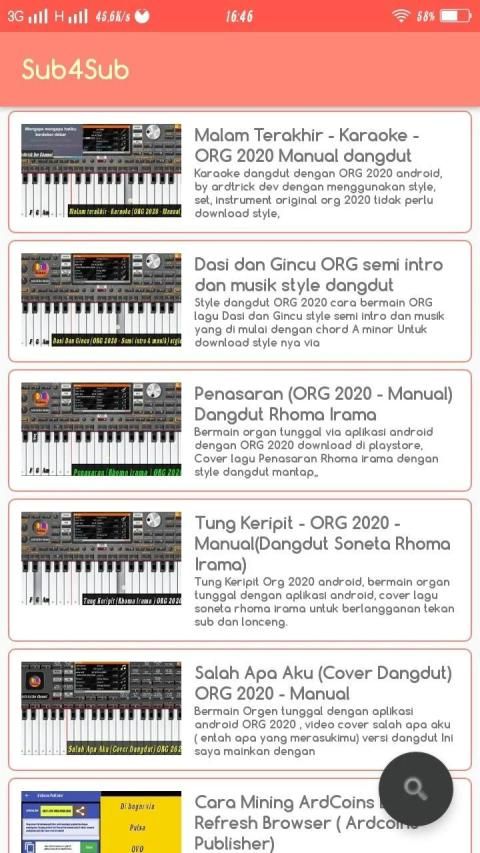
4. Click choose video, and select the video that you want to campaign.
5. Enter the desired number of customers
5. Click create campaign
6. Done
YouTube के लिए Sub4Sub Tuber दुनिया भर के YouTubers के लिए उन ऐप्स के लिए एक सभा स्थल है, जिनके पास ग्राहक पाने और आसान रास्ता देखने का एक ही मिशन है।
YouTube के लिए इस Sub4Sub एप्लिकेशन में, सदस्य अपने चैनल की सदस्यता लेंगे ताकि वे अपने ग्राहकों को विकसित कर सकें और चैनल को स्वाभाविक रूप से देख सकें
YouTube के लिए Sub4Sub का कार्य सिद्धांत यह है कि सदस्य उस चैनल की सदस्यता लेंगे जो वर्तमान में अभियान चला रहा है और हर बार जब वे सदस्यता लेते हैं, तो उन्हें एक सिक्का मिलेगा। इस सिक्के का उपयोग आपके चैनल को अन्य सदस्यों के लिए प्रचार करने के लिए किया जा सकता है, जिससे आपके चैनल को ग्राहक और विचार आसानी से मिल सकते हैं।
YouTube के लिए Sub4Sub कंद का उपयोग कैसे करें:
1. उस भाषा का चयन करें जिसका आप उपयोग करेंगे।
2. सब नियमों की जाँच करें जो सब 4sub एप्लिकेशन में लागू होते हैं।
3. अपने Google खाते का उपयोग करके आवेदन में लॉग इन करें।
4. जिस चैनल के लिए प्रचार किया जा रहा है, उसे देखने और सदस्यता लेने के लिए खान पर क्लिक करें।
5. YouTube पर लॉग किए गए खाते के साथ sub4sub में लॉग किए गए खाते की बराबरी करना
6. चैनल की सदस्यता लें और फिर से क्लिक करें।
7. Sub4sub आपकी सदस्यता को सत्यापित करेगा, कि आपने चैनल की सदस्यता ली है या नहीं।
8. आपको ऐसे सिक्के मिलेंगे जिनका उपयोग आपके चैनल के लिए अभियान बनाने के लिए किया जा सकता है।
अभियान कैसे बनाएँ:
1. Sub4sub प्रो एप्लिकेशन डैशबोर्ड पर अभियान पर क्लिक करें।
2. क्रिएट कैंपेन बटन पर क्लिक करें।
3. 2 अभियान विकल्प हैं, मेरा चैनल और अन्य चैनल। यदि आप मेरा चैनल चुनते हैं तो आप सब -4sub में वर्तमान में youtube चैनल के लिए प्रचार करेंगे, यदि आप कोई अन्य चैनल चुनते हैं तो आप अन्य चैनलों के लिए प्रचार करेंगे।
4. वीडियो चुनें पर क्लिक करें, और उस वीडियो का चयन करें जिसे आप प्रचार करना चाहते हैं।
5. ग्राहकों की वांछित संख्या दर्ज करें
5. अभियान बनाएँ पर क्लिक करें
6. किया
New app sub4sub




9Apps 4.9














