

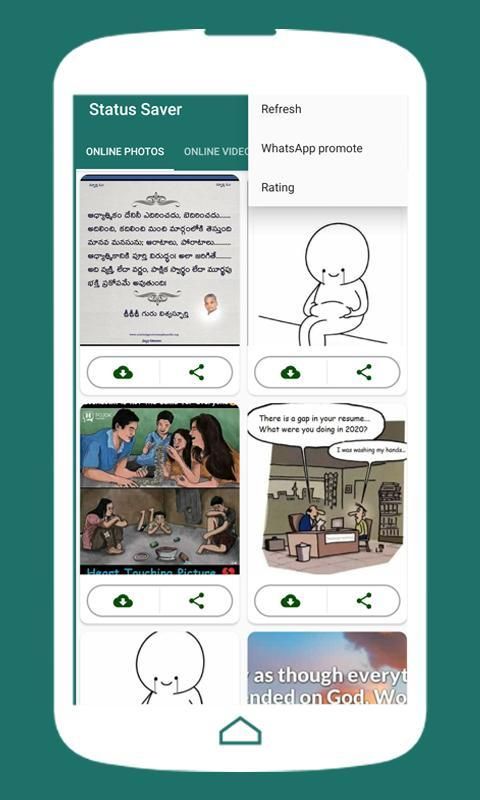

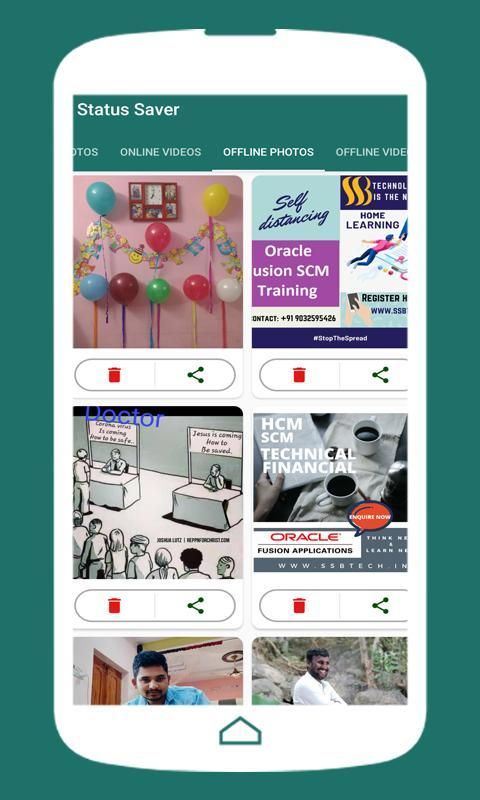
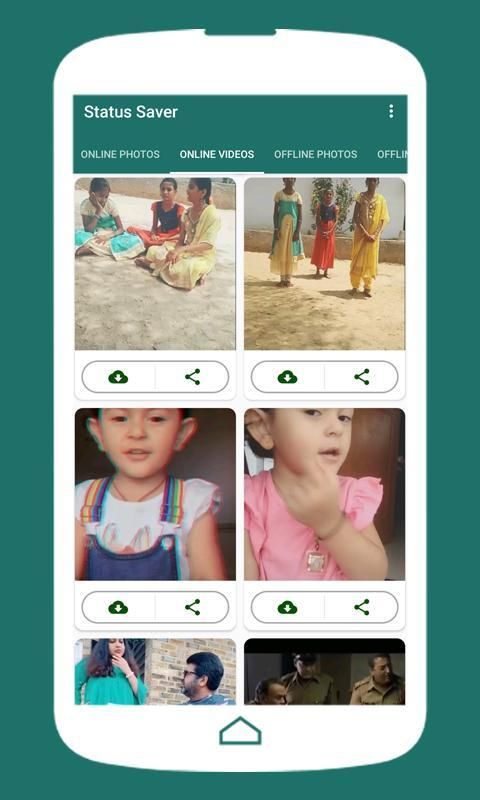
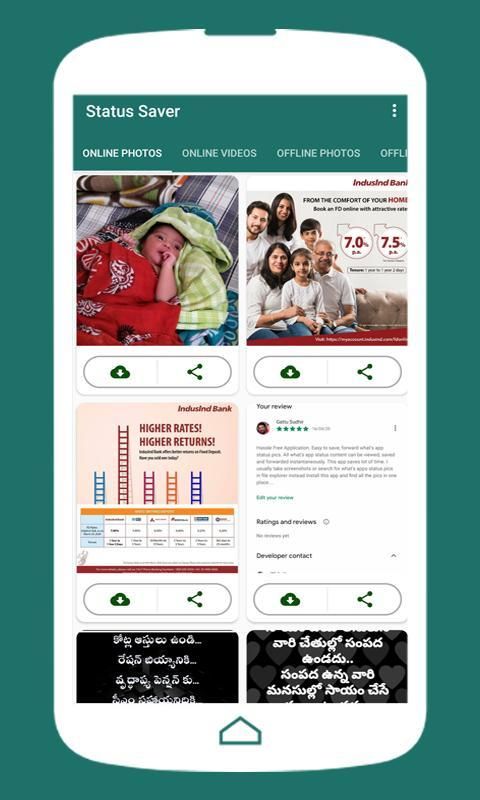
Following is the introduction of a wonderful App. 20,000+ users downloaded Status Saver latest version on 9Apps for free every week! It's not only an app it also teaches you how to use it. This hot app was released on 2020-04-26. Certainly you will love it after play.
Status Saver & Set Your Status download for WhatsApp Images, videos and WhatsApp status! Your friend’s WhatsApp Messenger status and want to download/save and use it? Helps You to Download & Share Your Friends.you can edit the images videos and share the whats app status.
Features:
_________
✓ Save, Delete & Share and quick set your WhatsApp Status
✓ Easy setting as WhatsApp status from the app
✓ Offline images and videos you can edit in device apps.
✓ Video play In-built music apps.
✓ Download/store any status you want permanently in your device
✓ Share or repost any status after downloading/saving it or before
✓ Set as wallpaper or set as profile and set WhatsApp app profile also
✓ Slider images with Zoom.
How It Works
1.Please open WhatsApp Status
2.Open and see the status of your friends
3.Open Status Saver App to see Status and click on Save button to save in the Gallery
NOTE
______
WhatsApp name is copyright to WhatsApp, Inc. This WhatsApp status download is in no way affiliated with, sponsored or endorsed by WhatsApp, Inc. We are not responsible for any kind of re-usage of any WhatsApp status downloaded by the user.
स्टेटस सेवर और व्हाट्सएप इमेज, वीडियो और व्हाट्सएप स्टेटस के लिए अपना स्टेटस डाउनलोड सेट करें! आपके मित्र का व्हाट्सएप मैसेंजर स्टेटस और इसे डाउनलोड / सेव और उपयोग करना चाहते हैं? अपने दोस्तों को डाउनलोड करने और साझा करने में आपकी सहायता करता है। आप चित्र वीडियो को संपादित कर सकते हैं और व्हाट्स ऐप की स्थिति साझा कर सकते हैं।
विशेषताएं:
_________
✓ अपने व्हाट्सएप स्टेटस को सेव, डिलीट और शेयर और क्विक सेट करें
✓ ऐप से व्हाट्सएप स्टेटस के रूप में आसान सेटिंग
। ऑफ़लाइन चित्र और वीडियो जिन्हें आप डिवाइस ऐप्स में संपादित कर सकते हैं।
✓ वीडियो प्ले-इन-म्यूजिक ऐप्स।
✓ अपने डिवाइस में स्थायी रूप से इच्छित किसी भी स्थिति को डाउनलोड / स्टोर करें
/ इसे डाउनलोड करने या सहेजने से पहले या बाद में किसी भी स्टेटस को शेयर या रीपोस्ट करें
Profile वॉलपेपर के रूप में सेट करें या प्रोफाइल के रूप में सेट करें और व्हाट्स एप प्रोफाइल भी सेट करें
ज़ूम के साथ स्लाइडर छवियों।
यह काम किस प्रकार करता है
1. कृपया व्हाट्सएप स्टेटस खोलें
2.Open और अपने दोस्तों की स्थिति देखें
3. ओपेन स्टेटस सेवर ऐप स्टेटस देखने के लिए और गैलरी में सेव करने के लिए सेव बटन पर क्लिक करें
ध्यान दें
______
व्हाट्सएप नाम व्हाट्सएप का कॉपीराइट है। यह व्हाट्सएप स्टेटस डाउनलोड किसी भी तरह से व्हाट्सएप द्वारा प्रायोजित, प्रायोजित या समर्थन के साथ संबद्ध नहीं है। हम उपयोगकर्ता द्वारा डाउनलोड किए गए किसी भी व्हाट्सएप स्टेटस के किसी भी प्रकार के पुन: उपयोग के लिए जिम्मेदार नहीं हैं।
Bugfixes.....




9Apps 4.9














