
It is a truth that 20,000+ users downloaded SmartWatch Notifier latest version on 9Apps for free every week! And now, this app adds more functions. This hot app was released on 2020-06-15. To know more information, read the paragraph below.
SmartWatch Bluetooth Notifier lets you connect to all nearby BLE devices including smartwatches and see their services.
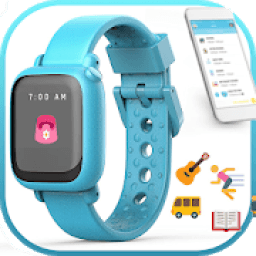
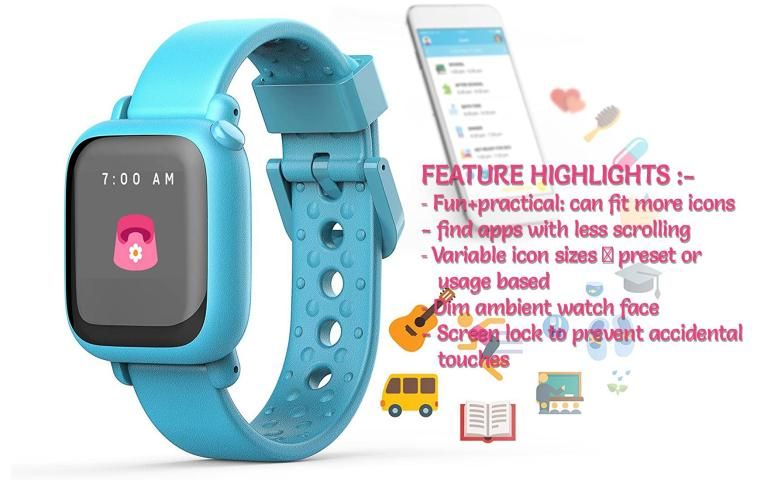
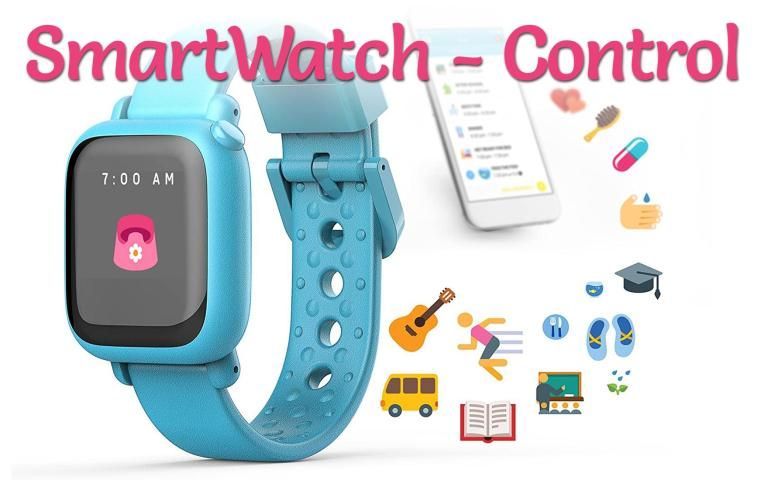
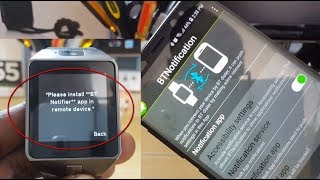
SmartWatch Bluetooth Notifier control of this app you have connected your smartwatch to your smart phone You can control your phone with smart watch.
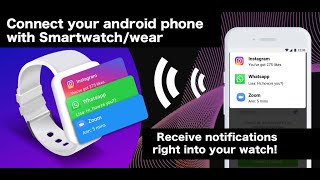
When SmartWatch Bluetooth Notifier control is configured on both devices, SmartWatch control will display all notifications from your phone on your smartwatch screen.
HOW IT WORKS :-
- Restart your phone to ensure that Bluetooth is working properly
- Launch Bluetooth Scanner
- Walk around slowly until you see your device's name displayed. This indicates that your device is nearby.
- Select the device you want to find and click on the radar.
- Continue to walk slowly. As you move closer to your lost device the indicator will change from Far to Near, it means your lost device is close to you!
- When you are about 3-5 feet away from your device the indicator will display notify you. You find your device via Bluetooth finder
Feature:-
- Music control
- Camera control
- Notifications control
- Massage control
Thanks for use this SmartWatch Bluetooth Notifier control app...
स्मार्टवाच ब्लूटूथ नोटिफ़ायर आपको स्मार्टवॉच सहित आसपास के सभी बीएलई उपकरणों से कनेक्ट करने और उनकी सेवाओं को देखने की सुविधा देता है।
इस ऐप के स्मार्टवॉच ब्लूटूथ नोटिफ़ायर कंट्रोल को आपने अपनी स्मार्टवॉच को अपने स्मार्ट फ़ोन से कनेक्ट कर लिया है। आप अपने फ़ोन को स्मार्ट वॉच से नियंत्रित कर सकते हैं।
जब स्मार्टवॉच ब्लूटूथ नोटिफ़ायर कंट्रोल दोनों डिवाइस पर कॉन्फ़िगर किया गया है, तो स्मार्टवॉच नियंत्रण आपके स्मार्टवॉच स्क्रीन पर आपके फोन से सभी सूचनाएं प्रदर्शित करेगा।
यह काम किस प्रकार करता है :-
- यह सुनिश्चित करने के लिए कि ब्लूटूथ ठीक से काम कर रहा है अपने फोन को फिर से शुरू करें
- ब्लूटूथ स्कैनर लॉन्च करें
- अपने डिवाइस का नाम प्रदर्शित होने तक धीरे-धीरे घूमें। यह इंगित करता है कि आपका डिवाइस पास है।
- वह डिवाइस चुनें जिसे आप ढूंढना चाहते हैं और रडार पर क्लिक करें।
- धीरे-धीरे चलना जारी रखें। जैसे ही आप अपने खोए हुए डिवाइस के करीब जाते हैं, संकेतक सुदूर से पास में बदल जाएगा, इसका मतलब है कि आपका खोया डिवाइस आपके करीब है!
- जब आप अपने डिवाइस से लगभग 3-5 फीट की दूरी पर हों, तो संकेतक आपको सूचित करेगा। आप अपने डिवाइस को ब्लूटूथ फाइंडर के जरिए ढूंढते हैं
सुविधा: -
- संगीत नियंत्रण
- कैमरा नियंत्रण
- सूचनाएं नियंत्रण
- मालिश नियंत्रण
इस स्मार्टवॉच ब्लूटूथ नोटिफ़ायर कंट्रोल ऐप का उपयोग करने के लिए धन्यवाद ...


9Apps 4.9















