

Here provides top Free Android Apps. 20,000+ users downloaded Slow Motion Video latest version on 9Apps for free every week! By use it, you can upgrade your abilities smartly. This hot app was released on 2018-10-29. However, has been a fashionable app for a long time.
Slow Motion Video Editor is the fastest and easiest way to edit video speed: slow-motion video, fast video as you like
You will make yourself a very special video that is incredibly simple, with effects that slow down video or fast video, Lets you choose the speed of the output movie. for example, you can make your speech fast - you will sound like a tiny little mouse! Slow motion video editor app is free to create your own style and personal videos. You can also make your favorite videos effects and have fun with fast motion video.
Key Features of Slow Motion Video Editor app
Simple slow down video and very easy to use!
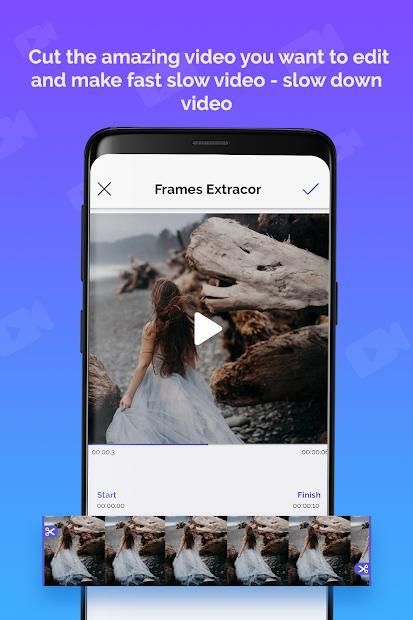
Edit video with selected time interval and generate slow motion video editor.
Offline Slow motion Video editor for android.
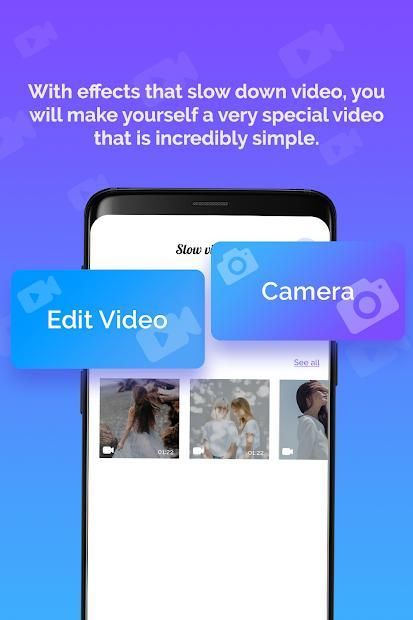
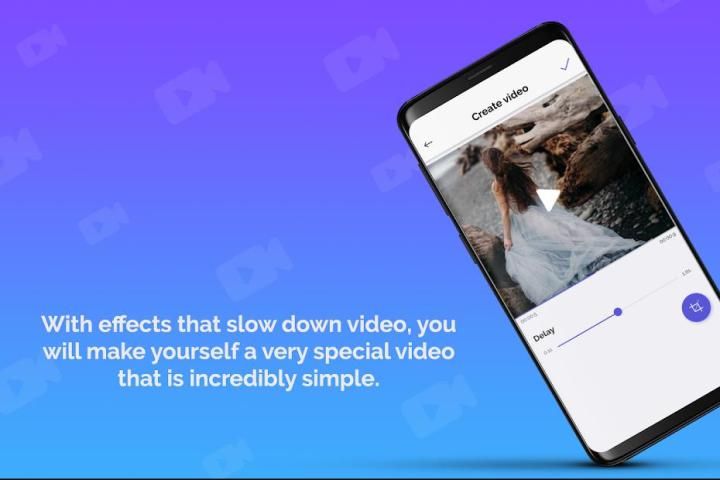
With effects that slow down video or fast video, you will make yourself a very special video that is incredibly simple.
Does not affect resolution of a video, create fast video.
Edit video with original video of the same quality.
This is an awesome Slow down video Player.
Slow motion video editor app is very fast and easy to use with user friendly
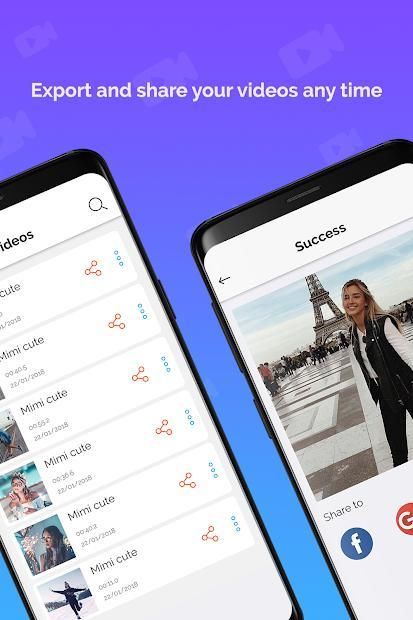
Share your generated fast video, slow motion video editor .
Play slow motion video camera or slow down video - fast motion video
Fast motion video, slow motion – Video Editor, edit video camera
Slow down video is a mobile application that helps you edit video camera very fast and can use video to share.
Slow Motion Video - video camera - edit video
Slow down Video - video camera - fast video
=>Use the slow motion video editor application to slow down video. You can edit video camera make the whole video run in slow motion, fast video
=> We created the slow-motion video editor application that will help you deal with the hobby of slow down motion processing and you can comfortably use your video camera professionally
How to use Slow Motion Video Editor app
⁉️⁉️
Open the app and open your video.
Select videos from your Gallery, video camera.
Edit your video fast, slow.
Done and Wait for complete process, create slow-motion video editor, fast motion video .
♻️ Were you waiting for a great fast motion video? This can work smoothly and is compatible with all your favorite video download files - fast video.
♻️ Slow motion video editor is an application that allows you to watch your favorite videos in slow motion. You can manually edit your video playback speed to see details you never saw before. Spend time enjoying your friends by showing videos in slow motion. It is easy to use and completely free.
If you have any problems or any ideas to make this Slow Motion Video Editor - Fast motion video app mode batter, please reply to us via email.
If you find this Slow Motion Video Editor app useful, you can leave ★★★★★ for our Slow Motion Video Editor - Fast motion video and show your love on the reviews below
धीमी गति वीडियो संपादक वीडियो की गति को संपादित करने का सबसे तेज़ और आसान तरीका है: धीमी गति वाली वीडियो, तेज़ वीडियो जैसा आपको पसंद है
आप अपने आप को एक बहुत ही खास वीडियो बना देंगे जो अविश्वसनीय रूप से सरल है, वीडियो या तेज़ वीडियो को धीमा करने वाले प्रभावों के साथ, आप आउटपुट मूवी की गति चुन सकते हैं। उदाहरण के लिए, आप अपना भाषण तेजी से कर सकते हैं - आप एक छोटे से छोटे माउस की तरह लगेंगे! धीमी गति वीडियो संपादक ऐप अपनी शैली और व्यक्तिगत वीडियो बनाने के लिए स्वतंत्र है। आप अपने पसंदीदा वीडियो प्रभाव भी बना सकते हैं और तेज़ गति वीडियो के साथ मजा कर सकते हैं।
धीमी गति वीडियो संपादक ऐप की मुख्य विशेषताएं
सरल धीमी वीडियो और उपयोग करने में बहुत आसान है!
Selected चयनित समय अंतराल के साथ वीडियो संपादित करें और धीमी गति वीडियो संपादक उत्पन्न करें।
एंड्रॉइड के लिए ऑफलाइन धीमी गति वीडियो संपादक।
Video वीडियो या तेज़ वीडियो को धीमा करने वाले प्रभावों के साथ, आप स्वयं को एक बहुत ही खास वीडियो बना देंगे जो अविश्वसनीय रूप से सरल है।
वीडियो के संकल्प को प्रभावित नहीं करता है, तेज़ वीडियो बनाएं।
एक ही गुणवत्ता के मूल वीडियो के साथ वीडियो संपादित करें।
यह एक शानदार धीमा वीडियो प्लेयर है।
धीमी गति वीडियो संपादक ऐप उपयोगकर्ता के अनुकूल के साथ उपयोग करने में बहुत तेज़ और आसान है
Generated अपने जेनरेट किए गए तेज़ वीडियो, धीमी गति वीडियो संपादक साझा करें।
Slow धीमी गति वीडियो कैमरा चलाएं या वीडियो धीमा करें - तेज़ गति वीडियो
फास्ट मोशन वीडियो, धीमी गति - वीडियो संपादक, वीडियो कैमरा संपादित करें
नीचे वीडियो एक मोबाइल एप्लिकेशन है जो आपको वीडियो कैमरे को बहुत तेज़ी से संपादित करने में मदद करता है और साझा करने के लिए वीडियो का उपयोग कर सकता है।
धीमी गति वीडियो - वीडियो कैमरा - वीडियो संपादित करें
धीमा वीडियो - वीडियो कैमरा - तेज़ वीडियो
=> वीडियो धीमा करने के लिए धीमी गति वीडियो संपादक एप्लिकेशन का उपयोग करें। आप वीडियो कैमरा को धीमा गति, तेज़ वीडियो में पूरा वीडियो चलाने के लिए संपादित कर सकते हैं
=> हमने धीमी गति वाली वीडियो संपादक एप्लिकेशन बनाई है जो आपको धीमी गति से गति प्रसंस्करण के शौक से निपटने में मदद करेगी और आप आसानी से अपने वीडियो कैमरे का आसानी से उपयोग कर सकते हैं
धीमी गति वीडियो संपादक ऐप का उपयोग कैसे करें ⁉️⁉️
ऐप खोलें और अपना वीडियो खोलें।
Gallery अपनी गैलरी, वीडियो कैमरा से वीडियो का चयन करें।
अपने वीडियो को तेज़, धीमा करें।
पूर्ण प्रक्रिया के लिए संपन्न हो गया और प्रतीक्षा करें, धीमी गति वीडियो संपादक, तेज़ गति वीडियो बनाएं।
♻️ क्या आप एक महान तेज़ गति वीडियो की प्रतीक्षा कर रहे थे? यह आसानी से काम कर सकता है और आपकी सभी पसंदीदा वीडियो डाउनलोड फ़ाइलों - तेज़ वीडियो के साथ संगत है।
♻️ धीमी गति वीडियो संपादक एक ऐसा एप्लिकेशन है जो आपको धीमे गति में अपने पसंदीदा वीडियो देखने की अनुमति देता है। आप पहले कभी नहीं देखे गए विवरण देखने के लिए अपनी वीडियो प्लेबैक गति को मैन्युअल रूप से संपादित कर सकते हैं। धीमी गति में वीडियो दिखाकर अपने दोस्तों का आनंद लेने में समय व्यतीत करें। इसका उपयोग करना और पूरी तरह से मुक्त करना आसान है।
यदि आपको धीमी गति वीडियो संपादक - फास्ट मोशन वीडियो ऐप मोड बल्लेबाज बनाने के लिए कोई समस्या या कोई विचार है, तो कृपया हमें ईमेल के माध्यम से जवाब दें।
यदि आपको यह धीमी गति वीडियो संपादक ऐप उपयोगी लगता है, तो आप हमारे धीमी गति वीडियो संपादक - फास्ट मोशन वीडियो के लिए ★★★★★ छोड़ सकते हैं और नीचे दिए गए समीक्षाओं पर अपना प्यार दिखा सकते हैं



9Apps 4.9














