
◆Brief introduction
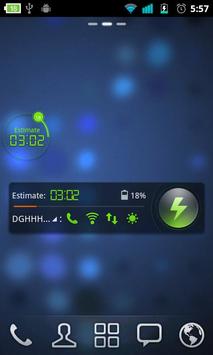
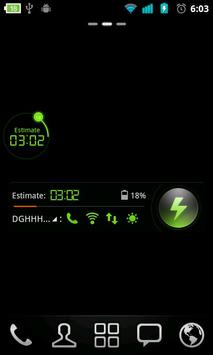
Simple theme is designed for GO Power Master Systerm Widget. It has a very cool style and looks fine with the dark background.
◆Important tips
1. Make sure you have installed the latest version of GO Power Master and upgrade to the full version.
2. Open the GO Power Master and click the "Widget Theme" icon in the home screen.
3. Find the theme you have installed in "Syterm Widget" or "GOWidget".
◆How to add a Systerm Widget?
1. Press “menu”- choose “add”-choose “Widgets”-Find GO Power Master
2. Make sure you have enough space for placing the widgets
No recent changes



9Apps 4.9














