
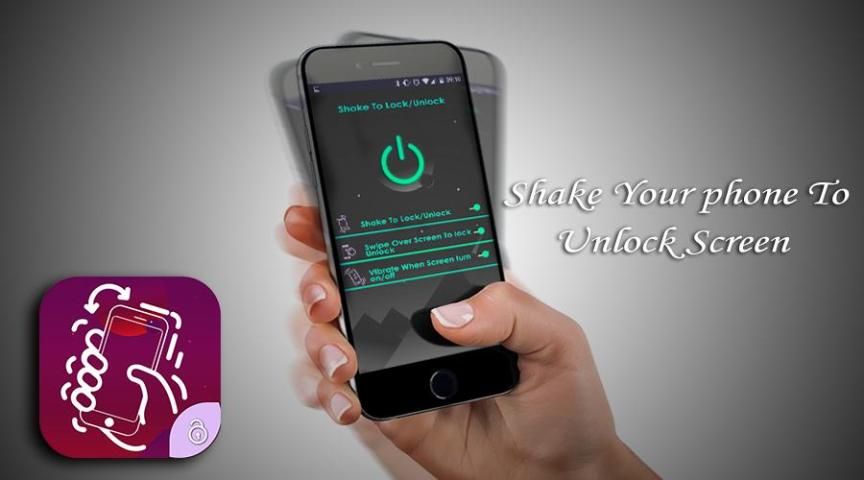
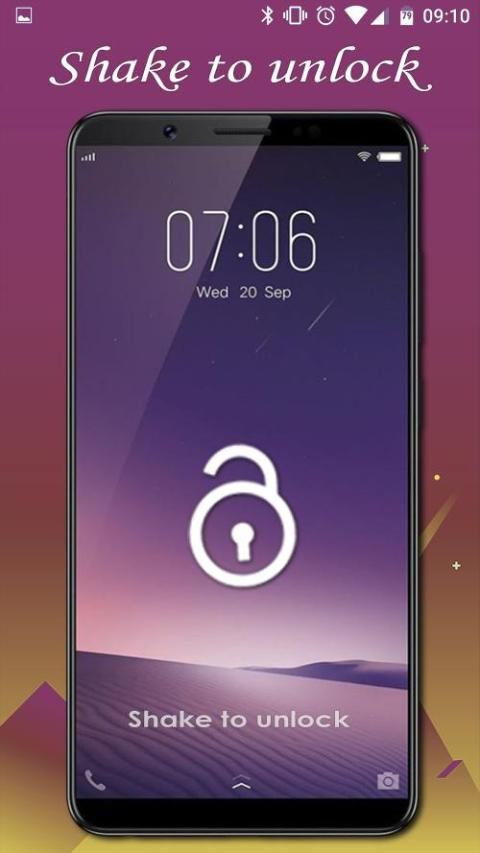
Browse and download apps to your android phone from the App Store. 20,000+ users downloaded Shake Phone To On Off latest version on 9Apps for free every week! It is simply to learn how to use it. This hot app was released on 2019-01-09. If you like it, just download and enjoy this app!
Shake to Unlock –will help you protect the power button and home button when you don’t need to use them many times to turn on and off screen. Easily shake to wake up your phone with Shake to Unlock.
Open screen with just a shake of your hand and become more professional in front of your friends – that’s what Shake to Unlock can do for you!
Lock the screen with ease. You can lock the screen by just shaking your device. This is very simple and light weight application. With this application you don't need to press the power button to lock the screen. Just install the application and activate it. Device admin (this is just for the permission to lock the screen, nothing else) and select the suitable sensitivity and the application is ready for use. Just exit the application and shake it.
Shake to open applications and screen lock will protect your power key is not used much will help protect your phone better.
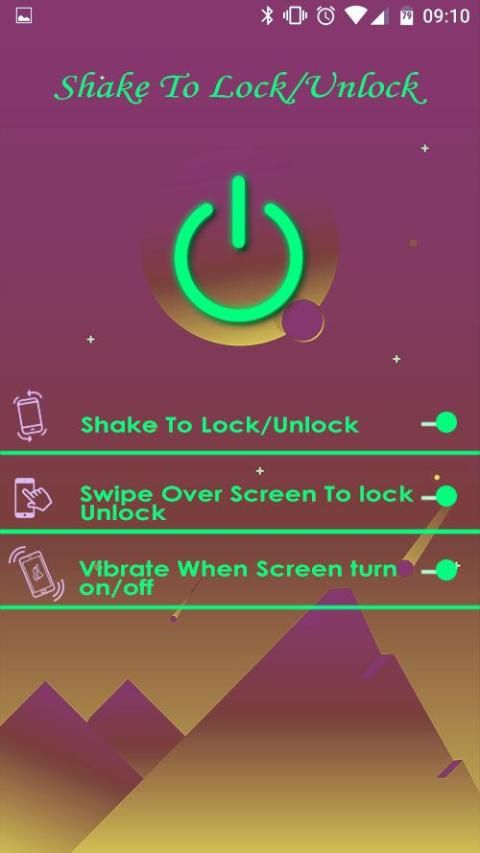
Main features of Shake to Unlock:
★ Shake to wake up and turn on screen.
★ Shake to turn off the screen
★ User-friendly interface for users
★Easily adjust the sensitivity of the sensor
★ Completely free for you
★ Protect the power button and home button for you
जब आप स्क्रीन को चालू और बंद करने के लिए कई बार उपयोग करने की आवश्यकता नहीं करते हैं, तो पावर बटन और होम बटन की सुरक्षा करने में मदद करें। आसानी से हिला के साथ अपने फोन को जगाने के लिए हिलाओ।
अपने हाथ के सिर्फ एक हिला के साथ स्क्रीन खोलें और अपने दोस्तों के सामने अधिक पेशेवर बनें - जो आपके लिए शेक टू अनलॉक कर सकता है!
आराम से स्क्रीन लॉक करें। आप केवल अपने डिवाइस को हिलाकर स्क्रीन को लॉक कर सकते हैं। यह बहुत ही सरल और हल्के वजन का अनुप्रयोग है। इस एप्लिकेशन के साथ आपको स्क्रीन लॉक करने के लिए पावर बटन दबाने की आवश्यकता नहीं है। बस एप्लिकेशन इंस्टॉल करें और इसे सक्रिय करें। डिवाइस व्यवस्थापक (यह केवल स्क्रीन लॉक करने की अनुमति के लिए है, और कुछ नहीं) और उपयुक्त संवेदनशीलता का चयन करें और उपयोग के लिए आवेदन तैयार है। बस आवेदन से बाहर निकलें और इसे हिलाएं।
एप्लिकेशन खोलने और स्क्रीन लॉक को हिला देने से आपकी बिजली की सुरक्षा हो जाएगी।
शेक टू अनलॉक की मुख्य विशेषताएं:
★ जगाने और स्क्रीन चालू करने के लिए हिलाएं।
★ स्क्रीन को बंद करने के लिए हिलाएं
उपयोगकर्ताओं के लिए ★ उपयोगकर्ता के अनुकूल इंटरफेस
★ आसानी से सेंसर की संवेदनशीलता को समायोजित करें
★ आप के लिए पूरी तरह से मुक्त
★ आप के लिए पावर बटन और होम बटन को सुरक्षित रखें
Performance Improvement
Bug Fixes
![Shake to Lock Your Android Phone or Tablet [How-To] screenshot 1](https://i.ytimg.com/vi/rQhL0s4H8jk/mqdefault.jpg)



9Apps 4.9













