
What makes me unbelievable is that 20,000+ users downloaded Screen Recorder latest version on 9Apps for free every week! This app was totally funny. This hot app was released on 2020-05-01. You can quickly get it from 9Apps!
Screen Recorder is an app help you easy Record Screen and Take Screenshot anywhere.
screen recording software is a free screen recorder no root app to record and capture your mobile screen in video formats with or without front camera.
Screen recorder. It doesn’t require root access, no time limit, no watermark and very easy to use with one action to start and stop recording. This screen recording app will let you make beautiful screencast videos by providing every feature that you need in a simple and elegant user experience design.
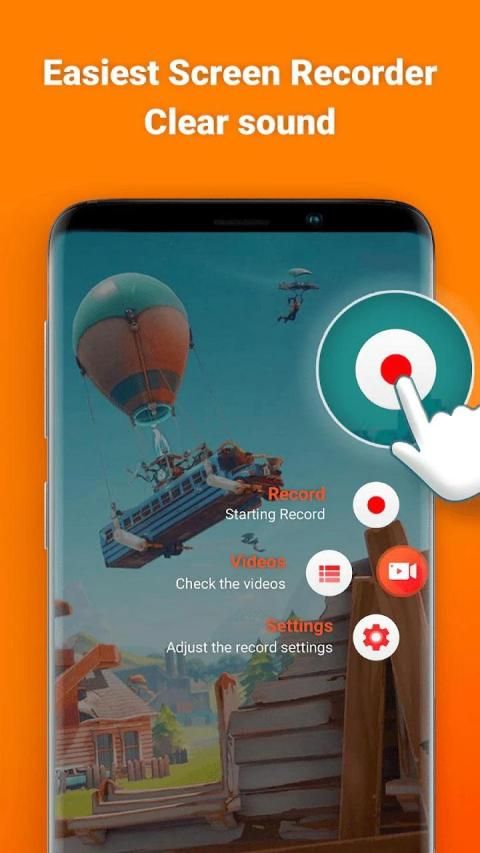
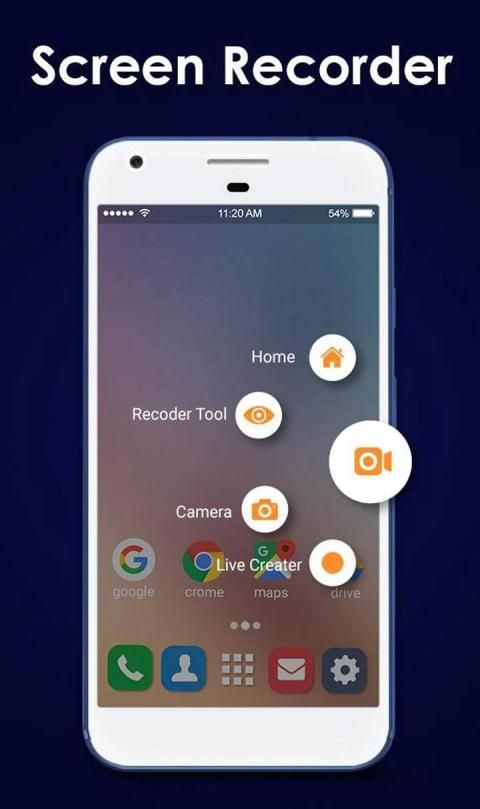
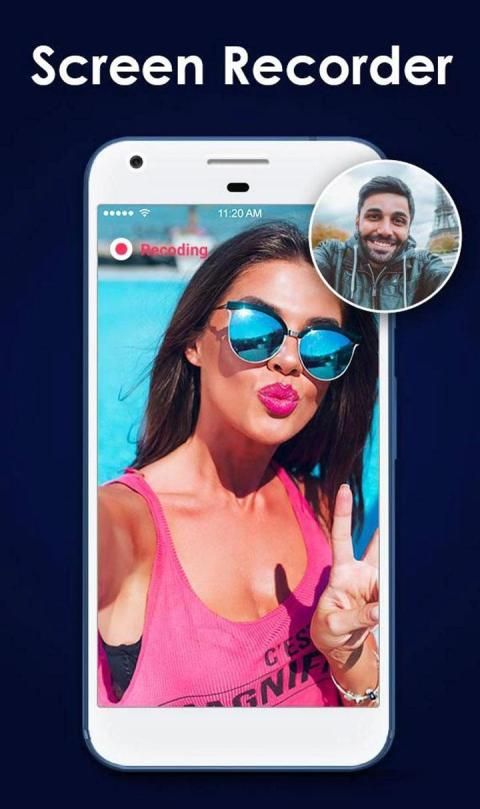
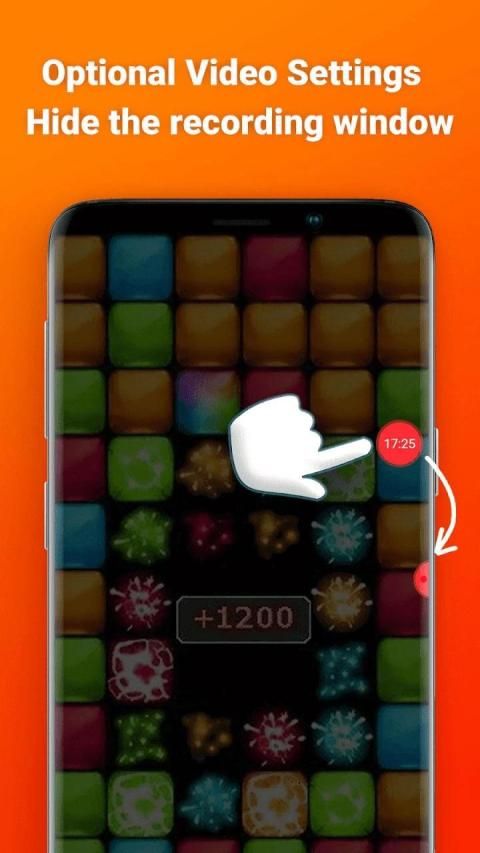
Screen recorder. Open the app to start to record on screen. Our toolbar will appear on the screen for you to customize such as turning on the camera, drawing to screen or pause at any time. It is simple to record games on your phone, sound and face cam at the same time.
Screen recorder. Now very easy to record you’re your mobile screen. Best video editor app and screen capture. Screen Recorder is an app help you easy Record Screen and Take Screenshot anywhere.
screen capture offers a lot of features such as video recorder, screen capture, game recorder.
Everything we do is for your better screen recording experience.
Key Features of My Screen Recorder:
- Variety of features such as video recorder, video editor, screen capture.
- game screen recorder, videos, live shows, video chats.
- Record screen with audio and screen recorder for pc
-screen recorder with sound and free screen recorder
-screenshot download, screen voice recorder,screen video recorder app.
- screen capture app, screen recorder download
- Share your videos or screenshots to Youtube, Facebook and Twitter.
- Edit recording screen videos, trim / merge / crop videos.
- Create high quality videos with FUll HD graphics in 1080p.
- Totally free, NO watermark, NO root needed, NO time limit, NO watermark
- Screen recorder
- Screen capture
- Screen video editor
- Screen recorder with audio
- No limit on recording time
- Audio recording
- Show screen touches while recording
- Shake or switch screen off to stop
- Possibility to delay start of recording
=>Screen Recorder
With stable and fluid screen video recorder, you can easily record popular mobile game videos,
video calls with family and friends. Also popular programs on live apps!
-One tap to start screen recording during ur gameplay & Facetime.
-Intelligent 3 sec preparation after starting the recording.
-Capture your reactions freely with Facecam!
-Easily start/stop recording by quick control panel on notification bar or in floating window.
-Create high quality videos with FUll HD graphics in 1080 p.
-Automatically record sounds from MIC when recording screen video.
=>Video Editor
GO Recorder provides several amazing features to help you create better videos. You can easily
make the following video editing operations with the screen recorder :
-Trim the beginning/ending redundant parts of the clips to make your perfect videos.
=>Screenshots
GO Screen Recorder is not only a screen recorder
स्क्रीन रिकॉर्डर एक ऐप है जो आपको रिकॉर्ड स्क्रीन को आसान बनाने में मदद करता है और कहीं भी स्क्रीनशॉट ले सकता है।
स्क्रीन रिकॉर्डिंग सॉफ्टवेयर एक मुफ्त स्क्रीन रिकॉर्डर है जो बिना किसी फ्रंट कैमरा के या बिना आपके मोबाइल स्क्रीन को वीडियो प्रारूपों में रिकॉर्ड करने और कैप्चर करने के लिए है।
स्क्रीन रिकॉर्डर। रिकॉर्डिंग शुरू करने और बंद करने के लिए एक क्रिया के साथ रूट वॉटर एक्सेस, कोई समय सीमा, कोई वॉटरमार्क और बहुत आसान की आवश्यकता नहीं है। यह स्क्रीन रिकॉर्डिंग ऐप आपको एक सरल और सुरुचिपूर्ण उपयोगकर्ता अनुभव डिज़ाइन में आवश्यक हर सुविधा प्रदान करके सुंदर स्क्रैंकास्ट वीडियो बनाने देगा।
स्क्रीन रिकॉर्डर। स्क्रीन पर रिकॉर्ड करने के लिए शुरू करने के लिए ऐप खोलें। हमारा टूलबार स्क्रीन पर आपके लिए अनुकूलित होगा जैसे कि कैमरा चालू करना, स्क्रीन पर ड्रॉ करना या किसी भी समय रोकना। एक ही समय में अपने फोन, साउंड और फेस कैम पर गेम रिकॉर्ड करना सरल है।
स्क्रीन रिकॉर्डर। अब आपको अपना मोबाइल स्क्रीन रिकॉर्ड करना बहुत आसान है। सर्वश्रेष्ठ वीडियो संपादक ऐप और स्क्रीन कैप्चर। स्क्रीन रिकॉर्डर एक ऐप है जो आपको रिकॉर्ड स्क्रीन को आसान बनाने और कहीं भी स्क्रीनशॉट लेने में मदद करता है।
स्क्रीन कैप्चर वीडियो रिकॉर्डर, स्क्रीन कैप्चर, गेम रिकॉर्डर जैसी कई सुविधाएँ प्रदान करता है। आपके बेहतर स्क्रीन रिकॉर्डिंग अनुभव के लिए है।
मेरा स्क्रीन रिकॉर्डर की प्रमुख विशेषताएं:
- वीडियो रिकॉर्डर, वीडियो संपादक, स्क्रीन कैप्चर जैसी सुविधाओं की विविधता।
- गेम स्क्रीन रिकॉर्डर , वीडियो, लाइव शो, वीडियो चैट्स।
- पीसी के लिए ऑडियो और स्क्रीन रिकॉर्डर के साथ रिकॉर्ड स्क्रीन। साउंड और फ्री स्क्रीन रिकॉर्डर के साथ-स्क्रीन रिकॉर्डर के साथ -स्क्रीन डाउनलोड, स्क्रीन वॉयस रिकॉर्डर, स्क्रीन वीडियो रिकॉर्डर ऐप।
- स्क्रीन कैप्चर ऐप, स्क्रीन रिकॉर्डर डाउनलोड
- यूट्यूब, फेसबुक और ट्विटर पर अपने वीडियो या स्क्रीनशॉट साझा करें।
- रिकॉर्डिंग स्क्रीन वीडियो, ट्रिम / मर्ज / फसल वीडियो संपादित करें।
- उच्च गुणवत्ता बनाएँ। 1080p में FUll HD ग्राफिक्स के साथ वीडियो।
- पूरी तरह से मुक्त, कोई वॉटरमार्क, कोई मूल आवश्यकता, कोई समय सीमा, कोई वॉटरमार्क
- स्क्रीन रिकॉर्डर
- स्क्रीन कैप्चर ई
- स्क्रीन वीडियो संपादक
- ऑडियो रिकॉर्डर के साथ स्क्रीन रिकॉर्डर - रिकॉर्डिंग समय पर कोई सीमा नहीं
- ऑडियो रिकॉर्डिंग
- रिकॉर्डिंग के दौरान स्क्रीन को छूता है
- स्क्रीन को हिलाएं या स्विच बंद करें बंद करो
- रिकॉर्डिंग शुरू करने में देरी करने की संभावना
=> स्क्रीन रिकॉर्डर
स्थिर और तरल पदार्थ स्क्रीन वीडियो रिकॉर्डर के साथ, आप आसानी से लोकप्रिय मोबाइल गेम वीडियो रिकॉर्ड कर सकते हैं,
परिवार और दोस्तों के साथ वीडियो कॉल । लाइव ऐप्स पर भी लोकप्रिय कार्यक्रम!
! उर गेमप्ले और फेसटाइम के दौरान स्क्रीन रिकॉर्डिंग शुरू करने के लिए टैप करें।
-Intelligent रिकॉर्डिंग शुरू करने के बाद 3 सेकंड की तैयारी।
Facecam के साथ आसानी से अपनी प्रतिक्रियाएँ! अधिसूचना बार या फ्लोटिंग विंडो में क्विक कंट्रोल पैनल द्वारा तुरंत रिकॉर्डिंग शुरू करना। >
=> वीडियो संपादक
GO रिकॉर्डर आपको बेहतर वीडियो बनाने में मदद करने के लिए कई अद्भुत सुविधाएँ प्रदान करता है। आप स्क्रीन रिकॉर्डर के साथ निम्न वीडियो संपादन कार्य आसानी से कर सकते हैं:
-प्रतिष्ठित करें / अपने संपूर्ण वीडियो बनाने के लिए क्लिप के निरर्थक भागों को समाप्त करें।
=> स्क्रीनशॉट
GO स्क्रीन रिकॉर्डर केवल एक स्क्रीन रिकॉर्डर नहीं है
HD Screen Recorder



9Apps 4.9














