
Recently, we found a very popular application. 30,000+ users downloaded Screen Mirroring Miracast latest version on 9Apps for free every week! Therefore, people are willing to accept this latest version. This hot app was released on 2018-07-04. To know more information, read the paragraph below.
Easy to use, just choose your media and press to play, one step to play it on your TV!!!
At any time and anywhere, from any device - enjoy with friends and family - with TV Assist on your phone, you can play your favorite photos, videos and music as you like, Such as a nearby TV. Moments with everyone to see and hear .
TV Assist can also browse the media on other DLNA devices and play them on your TV or other DLNA device .
TV support can work as a multimedia receiver (rendering), it can also receive media played from other DLNA devices, for example, another Phone / Pad that works with TV Assist !!!
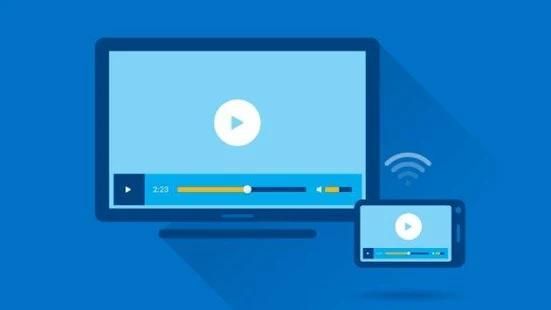
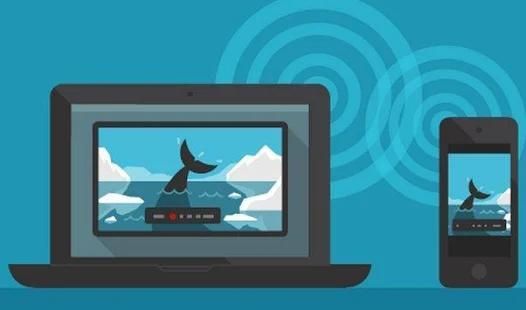
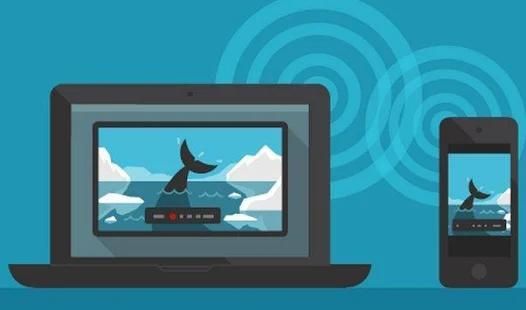
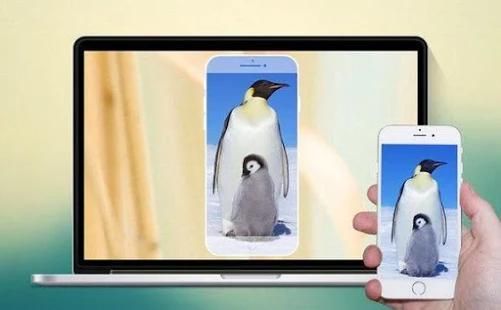
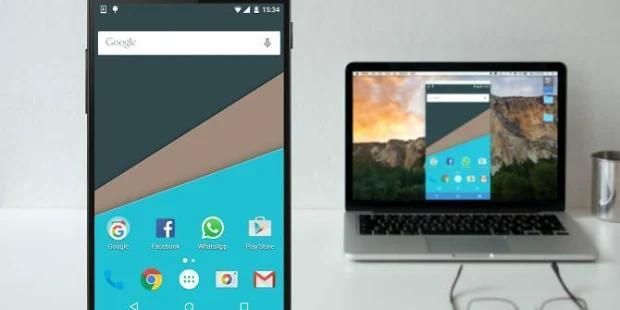
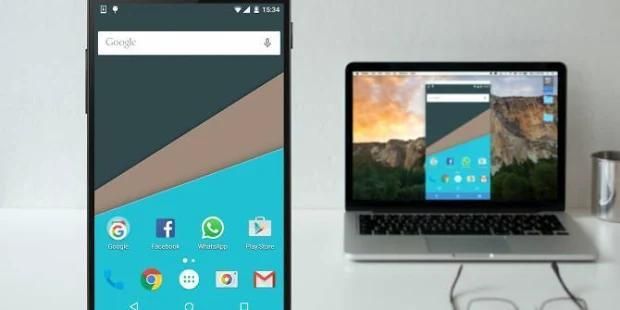
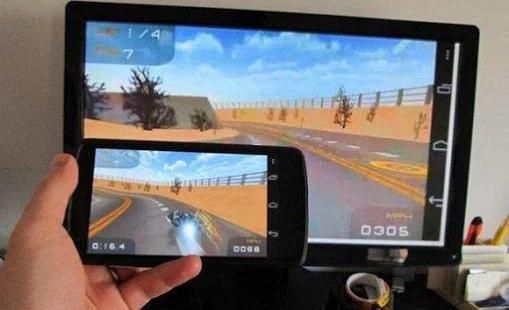
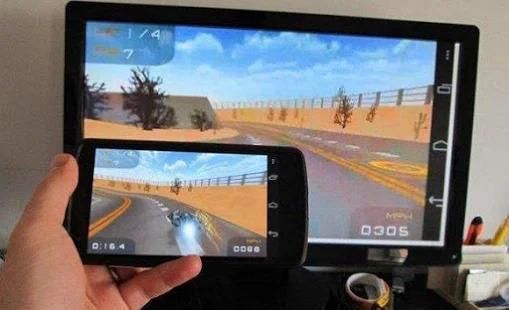
Miracast Display finder app will helps to find share your mobile/Tablet device screen to suitable/ compatible Miracast/Wireless display device such as Smart TV or Wireless display dongles/adopters.
This app works(Tested) on most of the mobile phones with Android version 4.2 and above.
Miracast : Mirror Screen Sharing using wifi
To Share/mirror mobile screen to SmartTV or Wifi Display dongle connected to TV, Following steps needs to performed:
1. Check your TV wheather it supports Wireless Display / Miracast.
2. Your device and TV must connect same network.
3. Click connect button on app and choose TV.
Thanks you for choosing our product!
उपयोग करने के लिए, बस खेलने के लिए अपने मीडिया और प्रेस का चयन आसान, एक कदम अपने टीवी पर यह खेलने के लिए !!!
किसी भी समय और कहीं भी, किसी भी डिवाइस से - मित्रों और परिवार के साथ आनंद - टीवी के साथ अपने फोन पर सहायता, आप अपने पसंदीदा फ़ोटो, वीडियो और संगीत खेल सकते हैं के रूप में आप इस तरह के पास के एक टीवी के रूप में, अच्छा लगता है। हर किसी के साथ क्षणों को देखने और सुनने के लिए।
टीवी भी अन्य DLNA उपकरणों पर मीडिया ब्राउज़ करें और अपने टीवी या अन्य DLNA डिवाइस पर उन्हें खेल सकते हैं सहायता।
टीवी समर्थन एक मल्टीमीडिया रिसीवर (चित्रण) के रूप में काम कर सकते हैं, यह भी प्राप्त कर सकते हैं मीडिया अन्य DLNA उपकरणों से खेला जाता है, उदाहरण के लिए, एक और फोन / पैड है कि टीवी के साथ काम करता असिस्ट !!!
Miracast प्रदर्शन खोजक एप्लिकेशन इच्छा इस तरह के स्मार्ट टीवी या वायरलेस डिस्प्ले डोंगल / ग्रहण करने वालों के रूप में उपयुक्त / संगत Miracast / वायरलेस डिस्प्ले डिवाइस के लिए अपने मोबाइल / टैब्लेट डिवाइस स्क्रीन का हिस्सा लगता है मदद करता है।
यह एप्लिकेशन (परीक्षण) मोबाइल फोन का सबसे Android पर संस्करण 4.2 और इसके बाद के संस्करण के साथ काम करता है।
Miracast: आईना स्क्रीन साझा वाईफाई का उपयोग करते हुए
साझा करने के लिए / दर्पण SmartTV या वाईफ़ाई प्रदर्शन डोंगल टीवी से कनेक्ट करने के लिए मोबाइल स्क्रीन, चरणों का पालन किया जाता करने की जरूरत है:
wheather यह वायरलेस डिस्प्ले Miracast का समर्थन करता है / 1. अपने टीवी की जाँच करें।
2. आपकी डिवाइस और टीवी एक ही नेटवर्क से कनेक्ट करना होगा।
3. ऐप पर बटन कनेक्ट और टीवी चुनें पर क्लिक करें।
आप हमारे उत्पाद चुनने के लिए धन्यवाद!




9Apps 4.9














