
There's no denying the fact that 10,000+ users downloaded Remote Phone Access latest version on 9Apps for free every week! When you click, the app will start downloading and wait till it completes installation you can start play. This hot app was released on 2013-04-02. Hope you will like this amazing app!
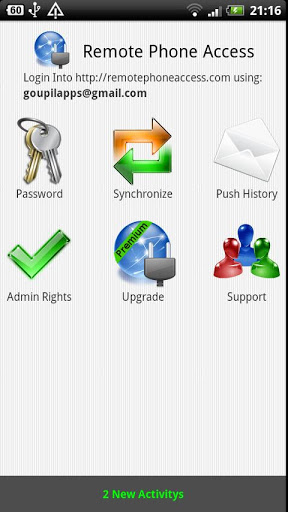
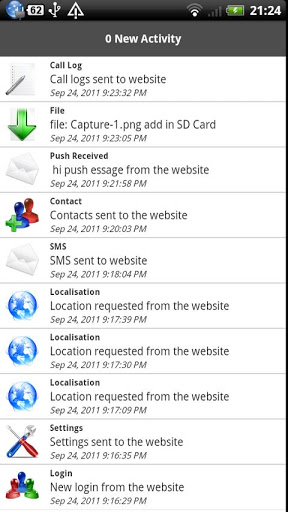
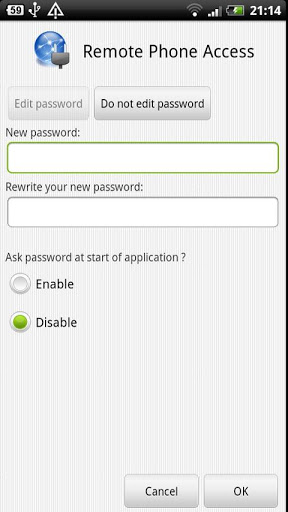
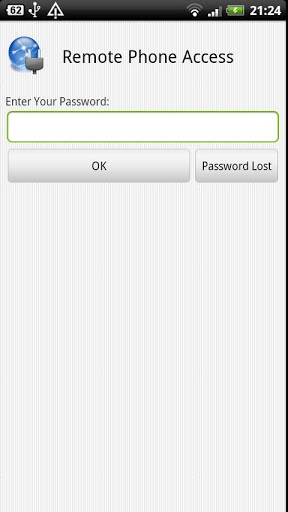
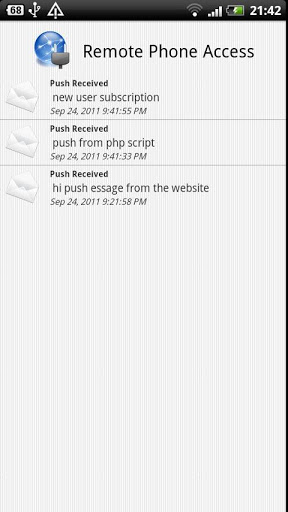
Manage android device from internetAccess your Android smartphone or tablet remotely from your web browser RemotePhoneAccess is an easytosetup and reliable application providing fast and secure remote access to your Android smartphone or tablet. Send and receive SMS, edit contacts, manage files and data, track your smartphone location or lock it remotely All you need for that is to have an Internet access and connect yourself to your personal RemotePhoneAccess accountWhy Remote Phone Access?Onthego access to your Android smartphoneRemote Phone Access is the ultimate remote control tool for the Android smartphones.EasytosetupSimply install the mobile application on your computer remote Android smartphone and access to your personal platform via the web browser and RemotePhoneAccess is ready to use. You don39;t need to adjust any firewall router settings.Provide assistance even when you39;re away.Strong encryption and master password will keep you safe and secure.RemotePhoneAccess application can be installed on as many smartphones as you want at no additional cost.For manage your android device remotely go on: http:www.remotephoneaccess.com and login with your google accountFor uninstall you must deactivate the admin rightsFeatures:From the website you can:See your information system:In quot;General informationquot;: Phone Number, Device Serial, Sim Serial, Network Operator Name, Network Country Iso, Sim Operator, NameNext Alarm Formatted.In quot;Memory Usagequot;: free, Used, Total for internal memory and and external memory SD Card.In quot;Settings informationquot;: ADB active, Data Roaming active, Current Failed Password Attempts, Bluetooth Active, WIFI Active, Current Network Active.In quot;Battery informationquot;: percentage, Temperatureand Voltage.Localisation:Localise your android device from the website with the GPS or the Mobile network, and you can keep a history if you wishSMS:Read and write Text message from the website, keep a thread of discussion, when you send a text message from the website, it will be add to thread of discussion on your android device. You can see on the website the acknowledgment.Contacts:See your Contacts on website for search a phone number or use a list of contacts for select a recipient when your write a sms from the website.Push Message:Send a push message on your android phone from the website or from a php script, it may be useful when you develop a website, you can keep a history on your android device and on the webiste of all the push message sent.Settings:Edit your phone settings from the website.In quot;Power Controlquot;: Enable or Disable the WIFI, GPS, Sync and the BluetoothIn quot;Factory data resetquot;: you can erase all the data on your phone if you are a urgency.In quot;Lock Devicequot;: you can lock your device with a password from the website if you have lost your phone.In quot;Reset application39;s passwordquot;: you can lock Remote Phone Access with a password.File Manager:upload a file on website and push the file on your android device, you can too keep the file on the website for backup, you can too download the file on your computer if you have lost it.Call Logs:See all your call logs on the website with the duration of the call, all the calls are sorted by: Incoming, Outgoing and MissedThe website of Remote Phone Access is: http:www.remotephoneaccess.comRemote Phone Access is secured by ssl





9Apps 4.9













