
QR and Barcode Scanner : Generator
Features of QR Scan App
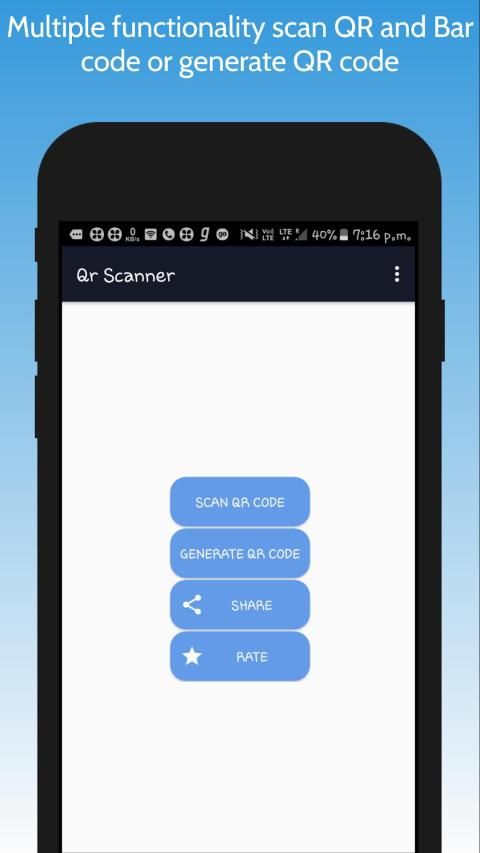
Scan Quick Response (QR) code and get equivalent link, text or mobile number etc.
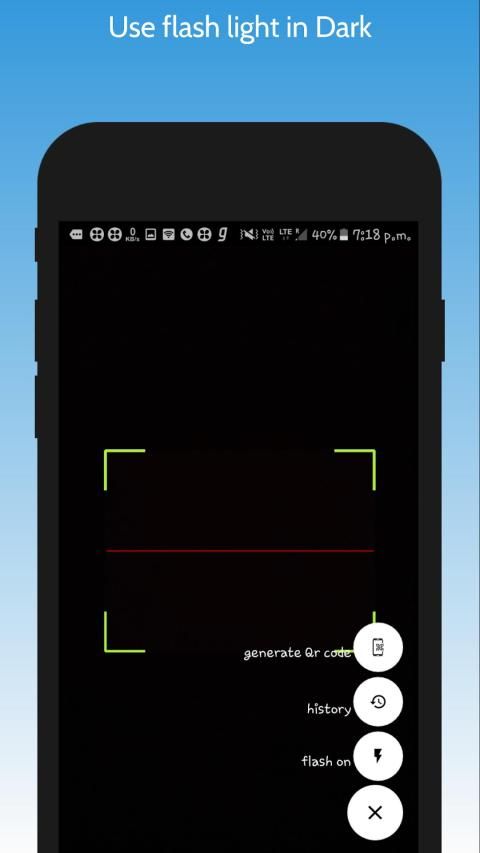
If can't scan QR code due to lack of light (Dark) than no worries we have given flash option in here
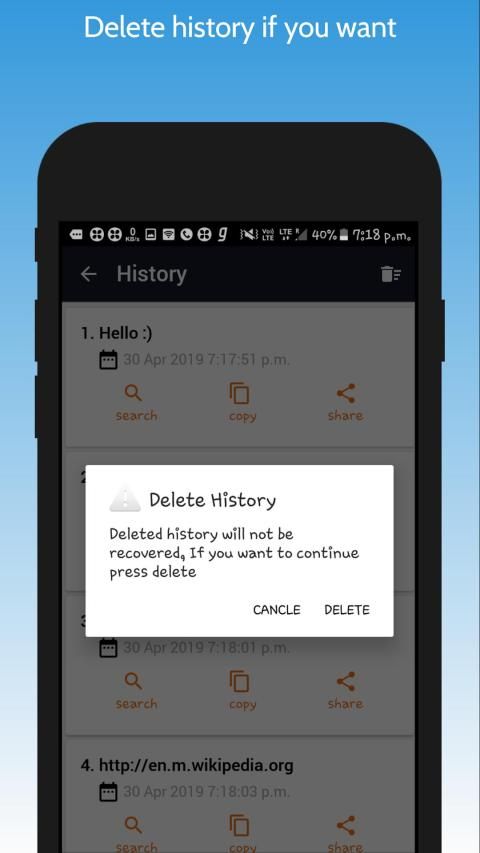
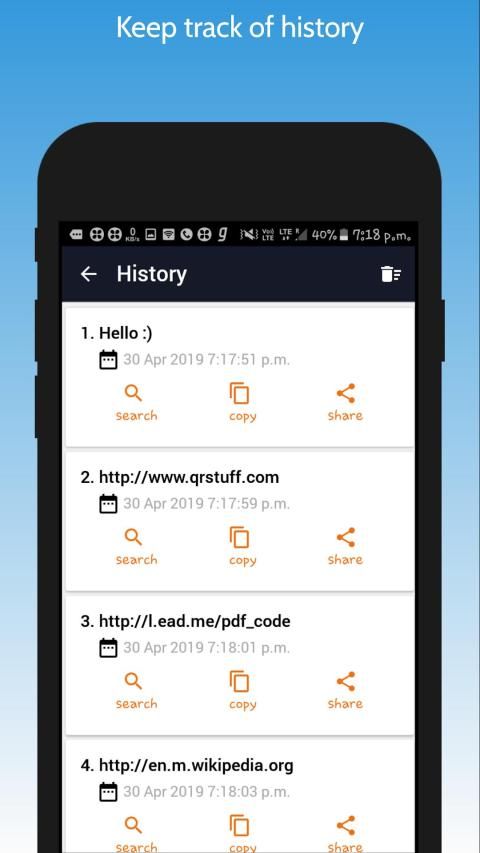
Scan whatever will be automatically saved in history to refer in future
Scanned results can directly be web search from inside the app
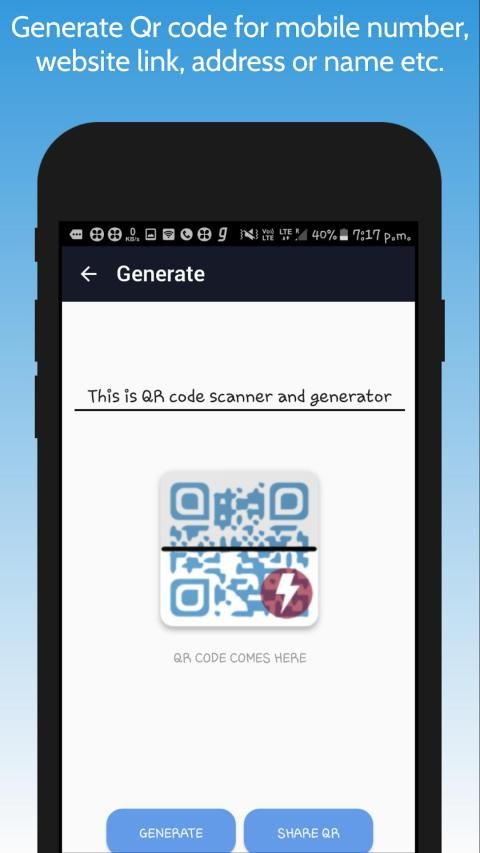
Many times we need our mobile number or website Qr code just type text and generate it
Share generated QR Code to Mail or other messengers too
You can refresh history to get latest list of history if you think something bis missing
How to scan QR code
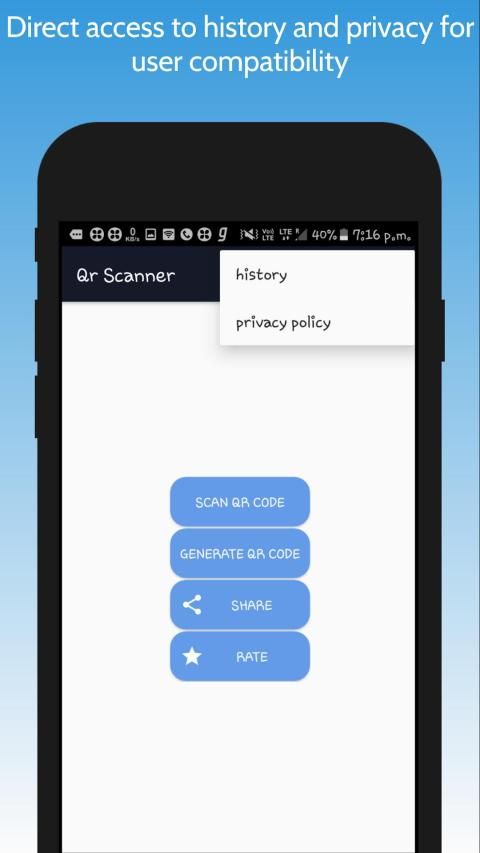
Launch the app
Click scan button
Put Qr code in front of camera (use flash if you in dark)
Make sure entire QR Code should come within Square shown on scanning screen.
Your phone will show you a dialog box having many options like share, search (web search) and copy on clipboard
This application is user friendly and suggest us on
developer account
mentioned below in developer's details.
Disclaimer
This app is not affiliated to any other than AppDevops. This is AppDevops product.
Thanks to visit AppDevops we will be launching Pro version of this application. Stay tuned
QR और बारकोड स्कैनर: जनरेटर
QR स्कैन ऐप की विशेषताएं
Equivalent क्विक रिस्पांस (क्यूआर) कोड को स्कैन करें और समकक्ष लिंक, टेक्स्ट या मोबाइल नंबर आदि प्राप्त करें।
अगर हमारे पास फ्लैश विकल्प नहीं है, तो बिना किसी चिंता के प्रकाश (डार्क) की कमी के कारण QR कोड को स्कैन नहीं किया जा सकता
भविष्य में संदर्भित करने के लिए इतिहास में जो भी स्वचालित रूप से सहेजा जाएगा, उसे स्कैन करें
स्कैन किए गए परिणाम सीधे ऐप के अंदर से वेब खोज हो सकते हैं
कई बार हमें अपने मोबाइल नंबर या वेबसाइट Qr कोड की जरूरत होती है बस टेक्स्ट टाइप करें और इसे जनरेट करें
शेयर या अन्य दूतों को भी क्यूआर कोड जनरेट किया
Is आप इतिहास की ताज़ा सूची प्राप्त करने के लिए इतिहास को ताज़ा कर सकते हैं यदि आपको लगता है कि कुछ बीआईएस गायब है
QR कोड स्कैन कैसे करें
App ऐप लॉन्च करें
Button स्कैन बटन पर क्लिक करें
कैमरे के सामने Qr कोड रखो (अंधेरे में फ्लैश का उपयोग करें)
सुनिश्चित करें कि संपूर्ण क्यूआर कोड स्कैनिंग स्क्रीन पर दिखाए गए स्क्वायर के भीतर आना चाहिए।
Options आपका फोन आपको एक डायलॉग बॉक्स दिखाएगा जिसमें शेयर, सर्च (वेब सर्च) और कॉपीबोर्ड जैसे कई विकल्प होंगे
यह एप्लिकेशन उपयोगकर्ता के अनुकूल है और हमें डेवलपर के विवरण में नीचे दिए गए
डेवलपर खाते पर सुझाव देता है।
अस्वीकरण
यह ऐप AppDevops के अलावा किसी अन्य से संबद्ध नहीं है। यह AppDevops उत्पाद है।
AppDevops पर जाने के लिए धन्यवाद हम इस एप्लिकेशन के प्रो संस्करण को लॉन्च करेंगे। बने रहिए
Use flash light now while scanning qr code,
Removed some bugs and improved performance, changed some UI



9Apps 4.9













