
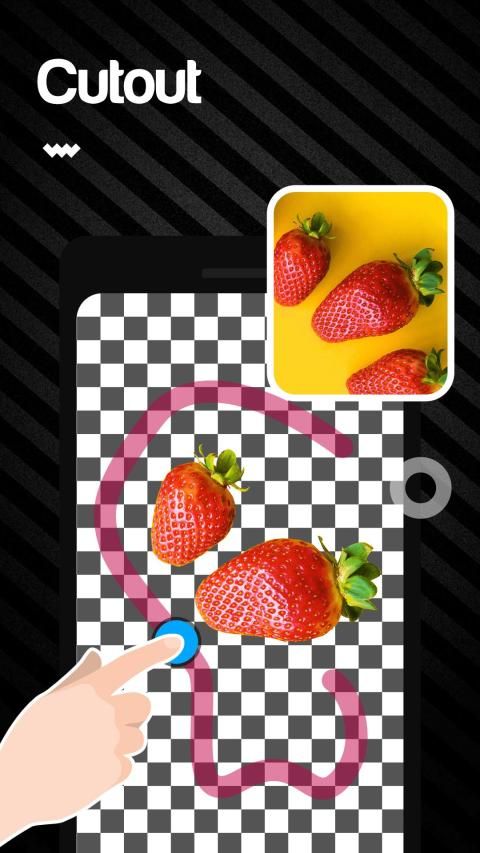
Big event coming! 20,000+ users downloaded Photo Cut Out Studio latest version on 9Apps for free every week! This app was totally funny. This hot app was released on 2019-02-21. Why not download and play it now?
Photo Cut Out Studio
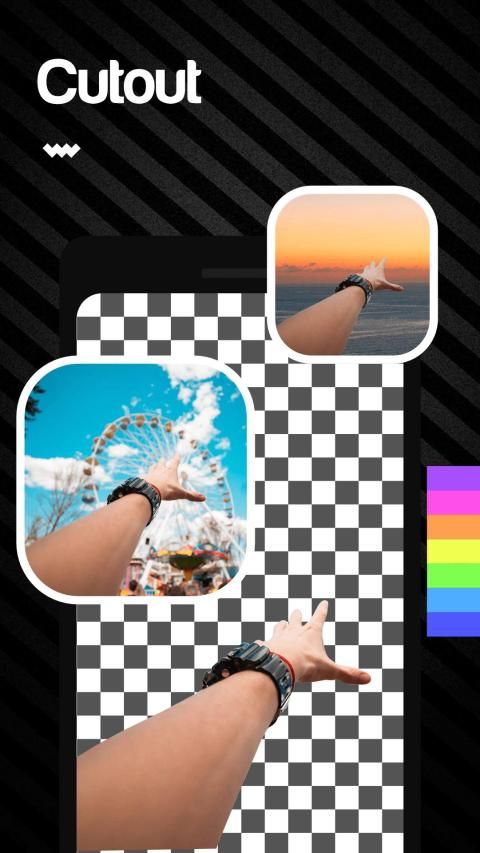
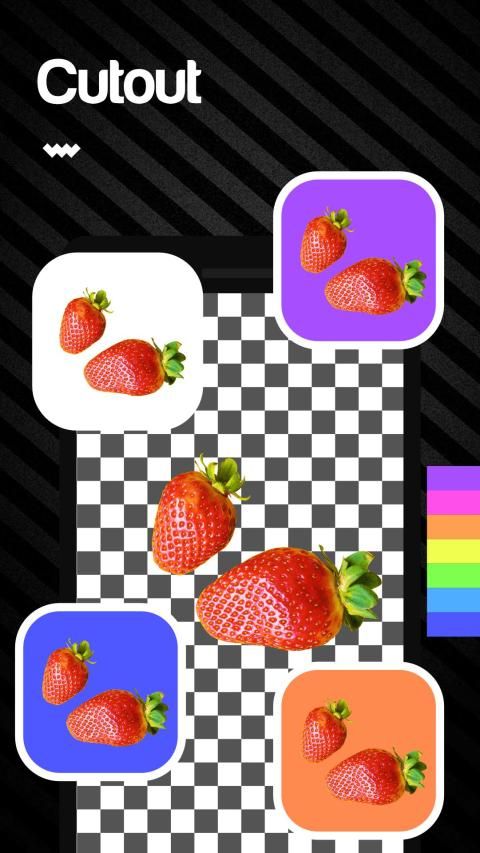
is an interesting photo editing APP which can erase photo background and make it transparent.
If you want to try different background , Photo Cut Out Studio will be your best choice.
In addition , You can also use it to create a natural and formal identification photo, like passport image or ID card image and something like that for yourself. You can avoid complex image matting procedures because of it.
How to use it:
Select photo:
select a photo from your phone
Cut photo:
cut the photo according to the subject location
Remove background:
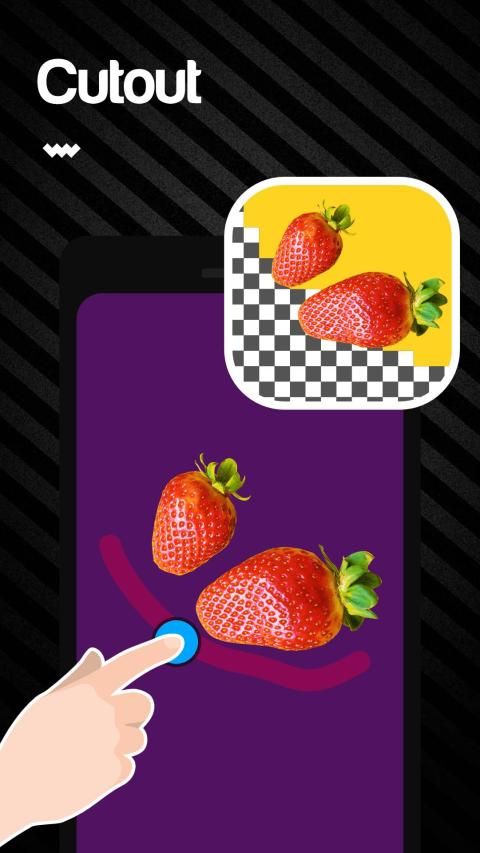
delete the background automatically or manually by clicking or sliding the brush
Save photo:
save the composite photograph and share it on the social network site
Features:
♦️
Brush adjustment:
you can choose the size of the brush
♦️
Photo editing:
you can move or rotate the photo
♦️
Edge blur:
you can blur the edges of the remaining photo and you can set the level of the blur
♦️
Perfect combination:
the remaining photo and the background will be combined perfectly and the final picture will be natural
♦️
Original photo reserved:
the original photo still in your phone
Let's try it! You will love it!
फोटो कट आउट स्टूडियो एक दिलचस्प फोटो संपादन एपीपी है जो फोटो पृष्ठभूमि को मिटा सकता है और इसे पारदर्शी बना सकता है।
यदि आप अलग पृष्ठभूमि की कोशिश करना चाहते हैं, तो फोटो कट आउट स्टूडियो आपका सबसे अच्छा विकल्प होगा।
इसके अलावा, आप इसका उपयोग प्राकृतिक और औपचारिक पहचान फोटो बनाने के लिए भी कर सकते हैं, जैसे पासपोर्ट छवि या आईडी कार्ड छवि और अपने लिए कुछ ऐसा। आप इसकी वजह से जटिल छवि परिपक्व प्रक्रियाओं से बच सकते हैं।
इसे कैसे उपयोग करे:
फोटो चुनें: अपने फोन से एक फोटो चुनें
कट फोटो: विषय स्थान के अनुसार फोटो काटें
पृष्ठभूमि निकालें: पृष्ठभूमि को मैन्युअल रूप से या मैन्युअल रूप से ब्रश को क्लिक या स्लाइड करके हटाएं
फ़ोटो सहेजें: समग्र फ़ोटो को सहेजें और इसे सोशल नेटवर्क साइट पर साझा करें
विशेषताएं:
♦ b
ब्रश समायोजन: आप ब्रश का आकार चुन सकते हैं
> B
फोटो संपादन: आप फोटो को घुमा या घुमा सकते हैं
> B
एज ब्लर: आप शेष फ़ोटो के किनारों को धुंधला कर सकते हैं और आप ब्लर का स्तर सेट कर सकते हैं
: B
सही संयोजन: शेष फ़ोटो और पृष्ठभूमि पूरी तरह से संयुक्त हो जाएगी और अंतिम चित्र प्राकृतिक होगा
> /
मूल फ़ोटो आरक्षित: मूल फ़ोटो अभी भी आपके फ़ोन में है
चलो यह कोशिश करते हैं! आप इसे प्यार करेंगे!
bug fixed and new development



9Apps 4.9













