
We access you a main official website for app download. 20,000+ users downloaded Remove Unwanted Object from Photo latest version on 9Apps for free every week! It is a wonderful app that amazes every player. This hot app was released on 2020-06-15. If you wanna more apps besides this, turn to 9Apps.
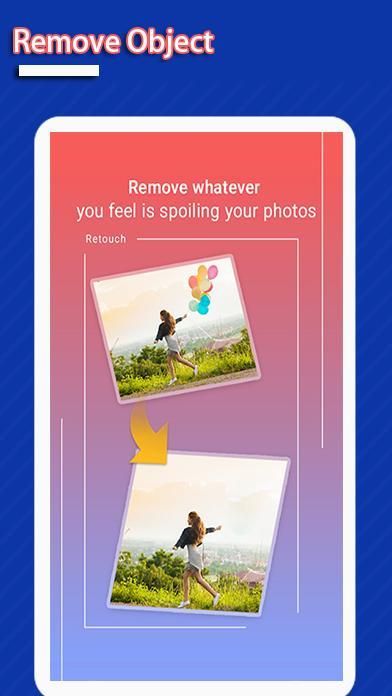
This is one of best applications that lets you remove unwanted content from your photos using just the tip of your finger. It will help you save time to retouch your image with simple image processing, fast, effective and easy to use.
How to use touch & retouch?
1. Pick photo from camera or gallery
2. Choose objects you want to remove which selected in red
3. Press process button and see magic on your photo
4. Save or share this image to your friends
What you can do with Remove Unwanted object from photo :
- telephone wires and posts, power lines;
- surface breaks and scratches – both straight and curved;
- photobombers, scalado remove, and object remover;
- pimples and skin blemishes with lunapic photo editor;
- retouching human-made objects like stop lights, street signs, trash cans;
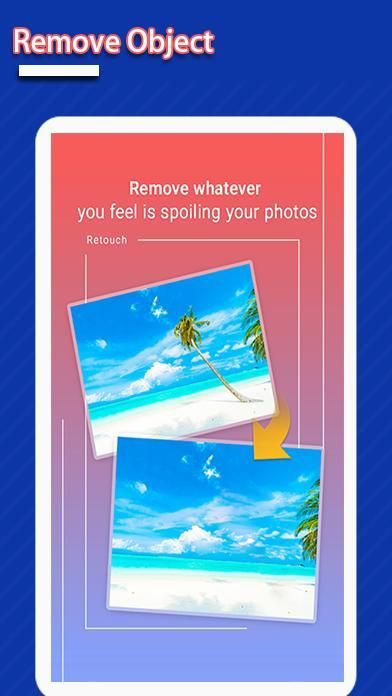
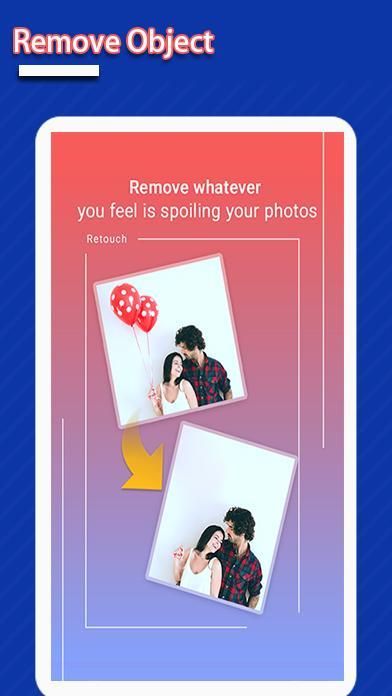
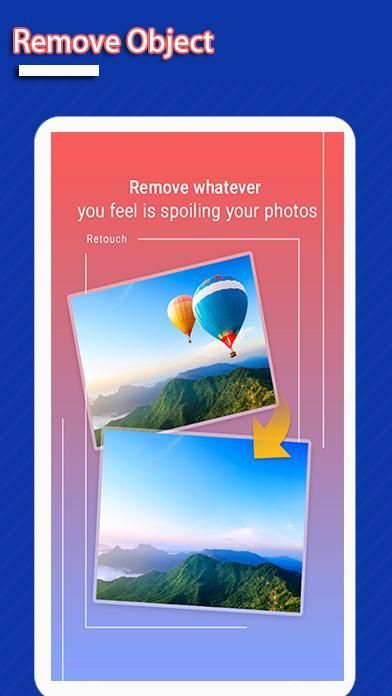
- whatever you feel is spoiling your photos.
- Remove Unwanted Objects with Life In LoFi Touch.
What does touch-retouch do for you?
% Remove telephone wires and posts, power lines
% Remove surface breaks and scratches—both straight and curved
% Remove photobombers
% Remove pimples and skin blemishes
% Remove human-made objects like stop lights, street signs, trash cans
% Remove whatever you feel is spoiling your photos
You can use Selection tools to select and then automatically remove unwanted details from the photo. Or you can use the Clone tool to manually copy detail from one part of the frame to another.
Make unwanted objects vanish right before your eyes by just marking them.
With Blemish Remover, you can touch any minor blemish once to remove it forever.
Thank you for using our application!
यह सबसे अच्छा अनुप्रयोगों में से एक है जो आपको अपनी उंगली की नोक का उपयोग करके अपनी तस्वीरों से अवांछित सामग्री को हटाने देता है। यह आपकी छवि को सरल छवि प्रसंस्करण, तेज, प्रभावी और उपयोग करने में आसान के साथ समय बचाने में मदद करेगा।
टच और रीटच का उपयोग कैसे करें?
1. कैमरा या गैलरी से फोटो उठाओ
2. उन वस्तुओं को चुनें जिन्हें आप लाल रंग में चुनना चाहते हैं
3. प्रेस प्रक्रिया बटन और अपनी तस्वीर पर जादू देखें
4. इस छवि को अपने दोस्तों को सहेजें या साझा करें
फ़ोटो से निकालें अवांछित वस्तु के साथ आप क्या कर सकते हैं:
- टेलीफोन तारों और पदों, बिजली लाइनों;
- सतह टूट और खरोंच - दोनों सीधे और घुमावदार;
- फोटोबॉम्बर्स, स्केलडो हटा, और ऑब्जेक्ट रिमूवर;
- लुनैपिक फोटो एडिटर के साथ पिंपल्स और त्वचा का धब्बा;
- मानव निर्मित वस्तुओं जैसे स्टॉप लाइट, स्ट्रीट साइन्स, कचरा डिब्बे;
- आपको जो भी लग रहा है वह आपकी तस्वीरों को खराब कर रहा है।
- LoFi टच में जीवन के साथ अवांछित वस्तुओं को हटा दें।
टच-रीटच आपके लिए क्या करता है?
टेलीफोन तार और पोस्ट, बिजली लाइनों को हटा दें
% सतह के टूटने और खरोंच को हटा दें - दोनों सीधे और घुमावदार
% फोटोबॉम्बर्स निकालें
% पिंपल्स और त्वचा की धब्बों को दूर करें
% मानव निर्मित वस्तुओं जैसे स्टॉप लाइट, स्ट्रीट साइन्स, कचरा डिब्बे को हटा दें
% जो कुछ भी आप महसूस करते हैं उसे हटा दें
चयन करने के लिए आप चयन टूल का उपयोग कर सकते हैं और फिर स्वचालित रूप से फोटो से अवांछित विवरण हटा सकते हैं। या आप फ़्रेम के एक हिस्से से दूसरे में विस्तार से कॉपी करने के लिए क्लोन टूल का उपयोग कर सकते हैं।
अवांछित वस्तुओं को अपनी आंखों के ठीक सामने गायब कर दें।
ब्लेमिश रिमूवर के साथ, आप इसे हमेशा के लिए हटाने के लिए किसी भी मामूली दोष को छू सकते हैं।
हमारे आवेदन का उपयोग करने के लिए धन्यवाद!



9Apps 4.9















