

Are you looking for some free apps? 20,000+ users downloaded Keyboard Neymar latest version on 9Apps for free every week! Although you probably won't notice it at first. This hot app was released on 2018-06-17. If you wanna more apps besides this, turn to 9Apps.
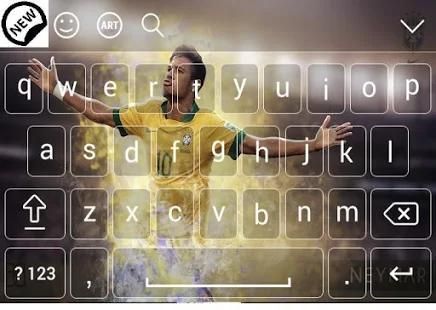
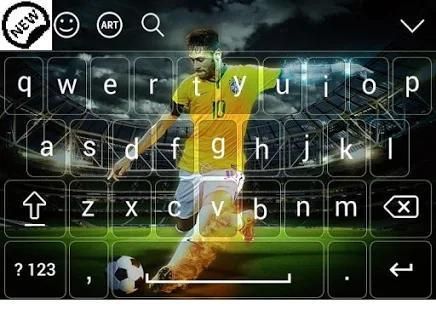
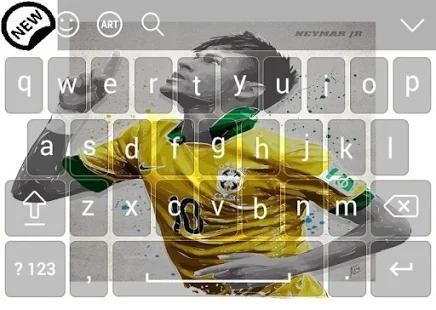
Keyboard Neymar Brazil emoji this keyboard is an application that will display a variety of images on a Neymar Brazil emoji is very interesting in your phone, this application also displays expressions / smiles very interesting. Keyboard Neymar Brazil emoji keyboard is very easy to use.
steps to download the keyboard:
1. install the keyboard application
2. after you install, and pair applications.
3. The entry into language and input settings application, select Neymar Brazil emoji keyboard
4. The next entry to set the input method settings, select his language english
5. The Neymar Brazil emoji image settings you want to make the cover of the keyboard. after that you can use the application keyboard and Neymar Brazil emoji cute smile.
This application can also display the best photos yourselves. Her way is very easy, if you want to show your photo on the cover on the phone follow this way.
1. find themes in the application Background keyboard,
2. (Baground) select the button style keyboard.
3. (set Background) select the images in the gallery that you think is good.
4. (set themes) for displaying your photos in Background keyboard. congratulations use.
Keyboard for Neymar Brazil is an application that can change our keyboard with Neymar Brazil themes, very interesting and interactive, because in her there are various themes of football that can be selected according to our wishes.
How to use real keyboard emoji:
- Run keyboard for Neymar Brazil fans emoji
- Select enable keyboard
- Select keyboard themes
- Select Set input method, go to insert method
- Select enter the English language (American)
- Select a set of themes, then select theme as you wish.
Thank you for download this app and make fun and enjoy.
कीबोर्ड नेमार ब्राजील इमोजी इस कीबोर्ड एक आवेदन है कि एक नेमार ब्राजील इमोजी पर छवियों की एक किस्म को प्रदर्शित करेगा अपने फ़ोन को बहुत ही दिलचस्प है, इस आवेदन भी भाव को प्रदर्शित करता है / बहुत ही दिलचस्प मुस्कुराता है। कीबोर्ड नेमार ब्राजील इमोजी कीबोर्ड का उपयोग करना बहुत आसान है।
चरणों कुंजीपटल डाउनलोड करने के लिए:
1. कुंजीपटल आवेदन स्थापित
2. आप स्थापित करने के बाद, और जोड़ी अनुप्रयोगों।
3. भाषा और इनपुट सेटिंग आवेदन में प्रवेश, नेमार ब्राजील इमोजी कीबोर्ड का चयन
4. अगले प्रविष्टि, इनपुट पद्धति सेटिंग सेट अंग्रेज़ी उसकी भाषा को चुनने के लिए
5. नेमार ब्राजील इमोजी छवि सेटिंग्स आप कीबोर्ड के कवर करना चाहते हैं। उसके बाद आप आवेदन कीबोर्ड का उपयोग कर सकते हैं और नेमार ब्राजील प्यारा मुस्कान इमोजी।
यह आवेदन भी सर्वश्रेष्ठ फ़ोटो अपने आप प्रदर्शित कर सकते हैं। उसकी तरह, बहुत आसान है अगर आप फोन पर कवर पर अपनी तस्वीर दिखाने के लिए इस तरह से पालन करें।
1. आवेदन पृष्ठभूमि कुंजीपटल में खोज विषयों,
2. (Baground) बटन शैली कुंजीपटल का चयन करें।
3. (सेट पृष्ठभूमि) गैलरी आपको लगता है कि अच्छा है में छवियों का चयन करें।
4. (सेट विषयों) पृष्ठभूमि कुंजीपटल में अपनी तस्वीरों को प्रदर्शित करने के लिए। बधाई का उपयोग करें।
नेमार ब्राजील के लिए कीबोर्ड एक आवेदन है कि नेमार ब्राजील विषयों, बहुत ही दिलचस्प और इंटरैक्टिव के साथ हमारे कुंजीपटल बदल सकते हैं, क्योंकि उसके में वहाँ है कि हमारे इच्छा के अनुसार चुना जा सकता है फुटबॉल के विभिन्न विषयों रहे हैं।
कैसे वास्तविक कुंजीपटल इमोजी उपयोग करने के लिए:
- नेमार ब्राजील प्रशंसकों इमोजी के लिए भागो कुंजीपटल
- कुंजीपटल सक्षम का चयन करें
- चुनें कीबोर्ड विषयों
- सेट इनपुट विधि का चयन करें, विधि डालने के लिए जाना
- अंग्रेजी भाषा में प्रवेश (अमेरिका) का चयन करें
- विषयों का एक सेट का चयन करें, तो विषय का चयन के रूप में आप चाहते हैं।
इस एप्लिकेशन को डाउनलोड करने के लिए धन्यवाद और मजेदार बनाने के लिए और मजा आता है।

9Apps 4.9















