

Hot applications make large number of downloads. 20,000+ users downloaded Navigation Bar latest version on 9Apps for free every week! You get various free apps from the store. This hot app was released on 2020-02-04. Certainly you will love it after play.
Navigation Bar Simple Control 2020
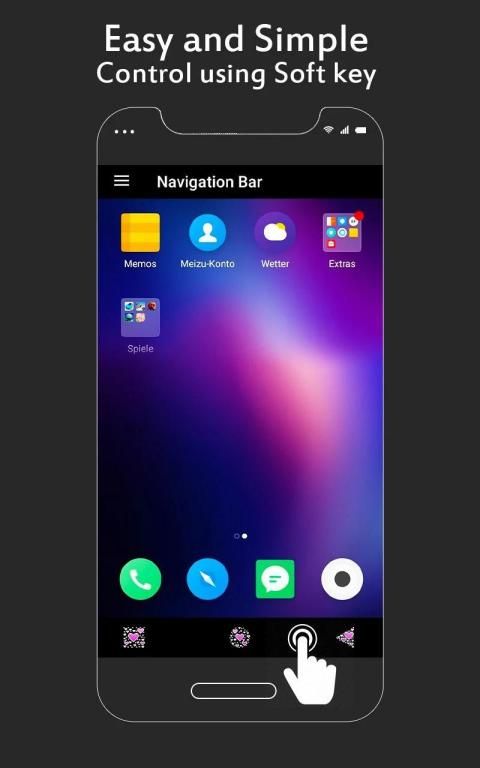
Easy and Simple Control using Soft Key.
Smart Solution if your home button is not working or damaged due to some reason. Using this Navigation Bar App you can easily control your device. Multiple Navigation bar buttons are available.
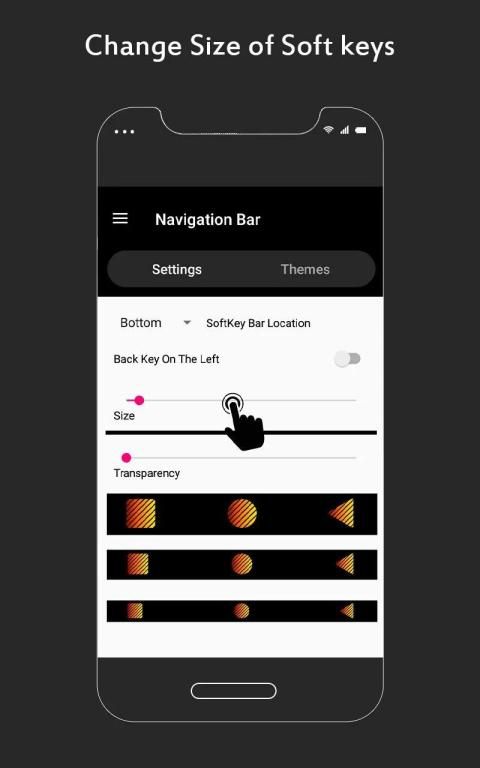
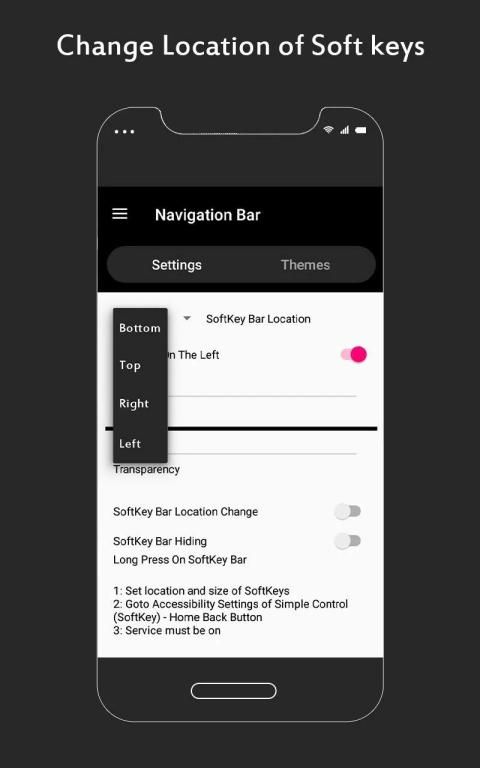
Easy and simple control using soft key, useful tool & easy navigation. You can customize the location of soft keys; this will really help you to easily navigate in the android phone home screen.
This navigation bar smart app provide you four navigation bar locations to place the navigation bar buttons
1. Top (horizontal navigation bar)
2. Bottom (horizontal navigation bar)
3. Left Side (vertical navigation bar)
4. Right Side (vertical navigation bar)
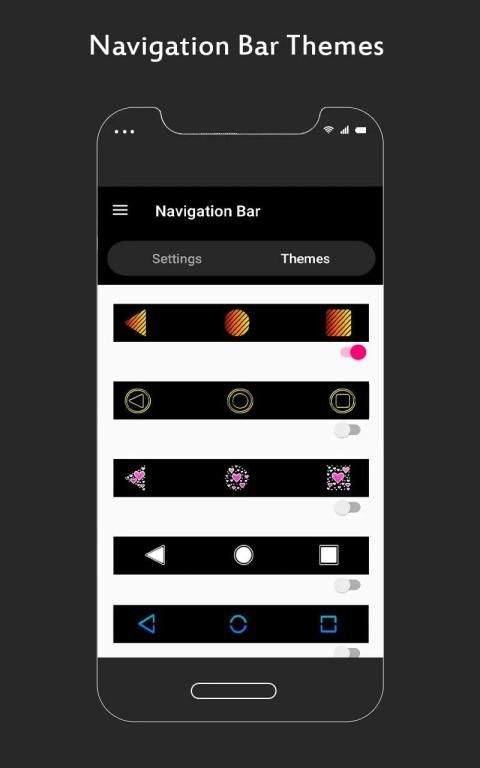
Soft key navigation bar app can replace a damaged or broken button, easy and simple control using soft key in attractive button themes.
DOWNLOAD FREE
Navigation Bar Simple Control 2020 App and start using Soft Keys for Android and enjoy the easy and quick controls keys in your left, top, bottom or right side of the phone screen, these simple control and soft keys helps you in case if your phone home button is not working or back button is not working then this Navigation Bar with simple control back buttons android app is very useful.
It’s easy soft keys app download free today and make the simple control back button part of you smart and easy access!
Please Note;
Device Administrator Permission required to show navigation bar on top. This may interpret with your use of other apps but hopefully you can navigate easily in your mobile device, tested and working with major and common devices.
नेविगेशन बार सिंपल कंट्रोल 2020 सॉफ्ट की का उपयोग करके आसान और सिंपल कंट्रोल।
यदि आपके होम बटन किसी कारण से काम नहीं कर रहा है या क्षतिग्रस्त है तो स्मार्ट सॉल्यूशन। इस नेविगेशन बार ऐप का उपयोग करके आप आसानी से अपने डिवाइस को नियंत्रित कर सकते हैं। कई नेविगेशन बार बटन उपलब्ध हैं।
नरम कुंजी, उपयोगी उपकरण और आसान नेविगेशन का उपयोग करके आसान और सरल नियंत्रण। आप नरम कुंजी के स्थान को अनुकूलित कर सकते हैं; यह वास्तव में आपको एंड्रॉइड फोन होम स्क्रीन में आसानी से नेविगेट करने में मदद करेगा।
यह नेविगेशन बार स्मार्ट ऐप आपको नेविगेशन बार बटन लगाने के लिए चार नेविगेशन बार स्थान प्रदान करता है
1. शीर्ष (क्षैतिज नेविगेशन बार)
2. नीचे (क्षैतिज नेविगेशन बार)
3. बाईं ओर (ऊर्ध्वाधर नेविगेशन बार)
4. राइट साइड (ऊर्ध्वाधर नेविगेशन बार)
सॉफ्ट कुंजी नेविगेशन बार ऐप एक क्षतिग्रस्त या टूटे बटन को बदल सकता है, आकर्षक बटन थीम में सॉफ्ट कुंजी का उपयोग करके आसान और सरल नियंत्रण।
मुफ्त डाउनलोड करें नेविगेशन बार सिंपल कंट्रोल 2020 ऐप और एंड्रॉइड के लिए सॉफ्ट की का उपयोग करना शुरू करें और फोन स्क्रीन के अपने बाएं, ऊपर, नीचे या दाईं ओर आसान और त्वरित नियंत्रण कुंजियों का आनंद लें, ये सरल नियंत्रण और सॉफ्ट चाबियां मामले में आपकी मदद करती हैं अगर आपका फोन होम बटन काम नहीं कर रहा है या बैक बटन काम नहीं कर रहा है तो सिंपल कंट्रोल बैक बटन एंड्रॉइड ऐप वाला यह नेविगेशन बार बहुत उपयोगी है।
यह आज का सॉफ्ट सॉफ्ट एप है, आज ही डाउनलोड करें और सरल कंट्रोल बैक बटन को स्मार्ट और आसान एक्सेस का हिस्सा बनाएं!
कृपया ध्यान दें;
डिवाइस प्रशासक की अनुमति शीर्ष पर नेविगेशन बार दिखाने के लिए आवश्यक है। यह आपके अन्य एप्लिकेशन के उपयोग के साथ व्याख्या कर सकता है लेकिन उम्मीद है कि आप अपने मोबाइल डिवाइस में आसानी से नेविगेट कर सकते हैं, प्रमुख और सामान्य उपकरणों के साथ परीक्षण और काम कर सकते हैं।




9Apps 4.9













