

Free and secured download of Android apps on 9Apps. 20,000+ users downloaded MobileTrans latest version on 9Apps for free every week! The app has also been given a bit of a visual makeover, too This hot app was released on 2019-11-12. I believe that if you are an android apps lover, you would not miss it.
MobileTrans - Copy Data to iOS is the first Move to iOS alternative to help you switch to iPhone/iPad easily. With just a few taps, you can migrate your content from your Android devices to the iPhone securely and easily. The best part is, unlike Move to iOS, you can transfer data after you set up your iPhone, without resetting.
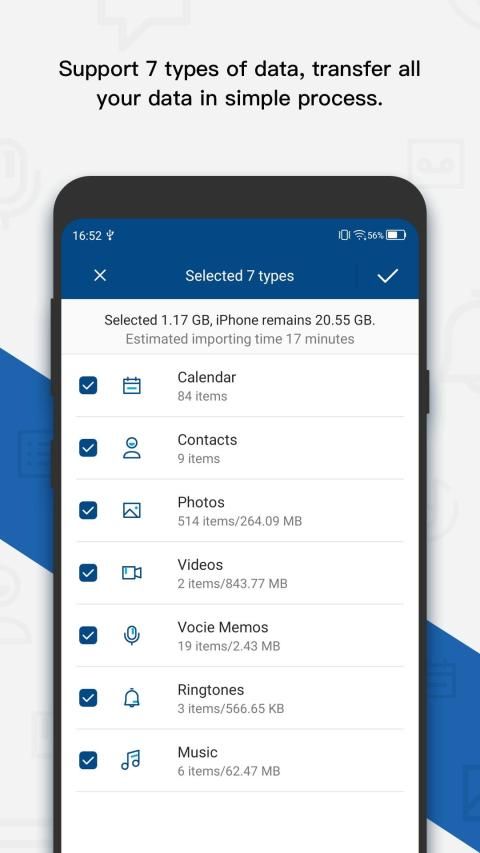
★This data transfer App securely transfers the contents below for you:
Contacts
Calendar
Photos
Videos
Voice Memos
Ringtones
Music
★How it transfer data?
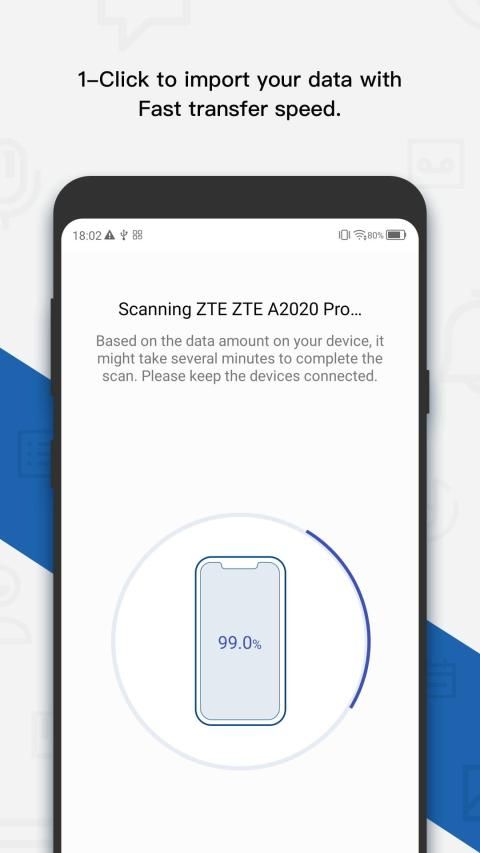
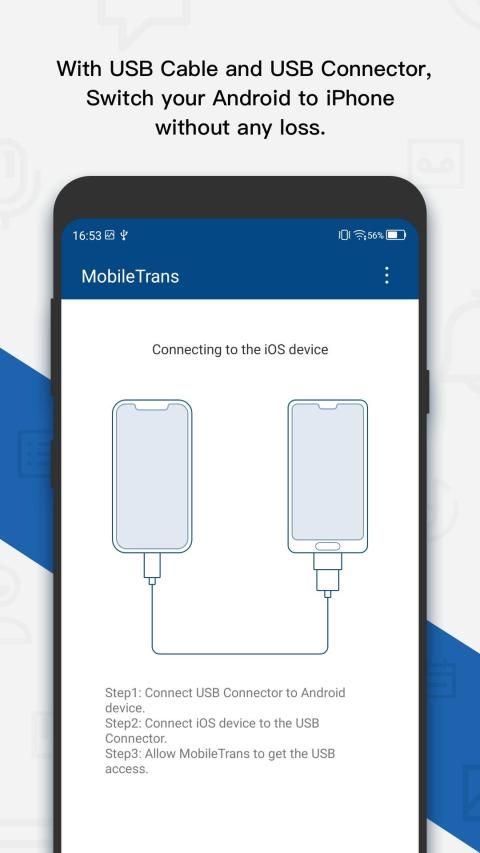
- Download MobileTrans - Copy Data to iOS App on your Android phone. Launch the App and connect your Android and iPhone using an OTG cable.
- Select the content you'd like to transfer after all contents loaded.
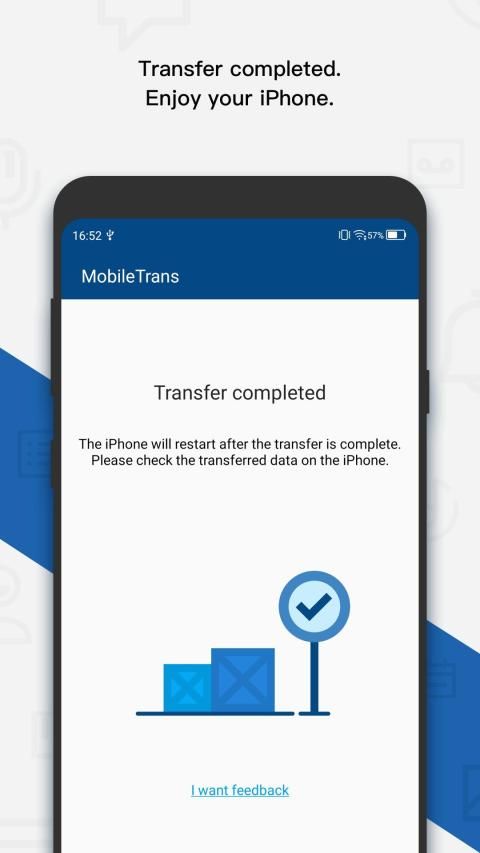
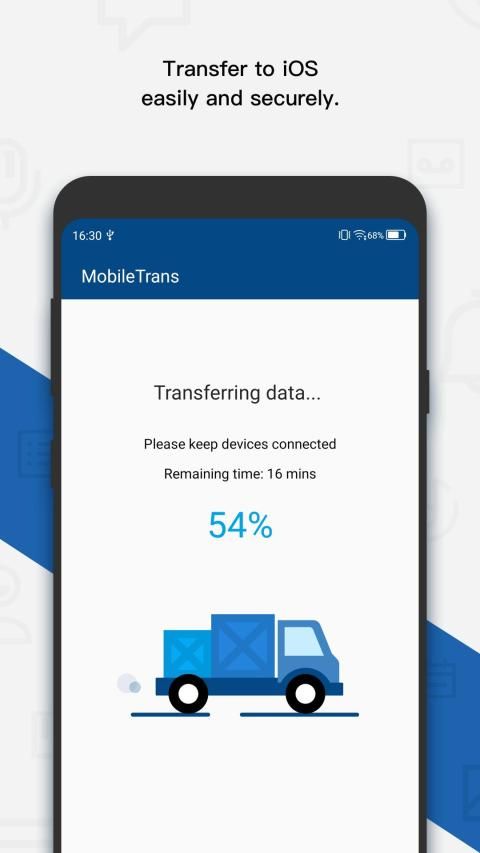
- Tap Start Importing to let the data transferred to your iPhone automatically.
★Supported devices
-iOS 5.0 or above
-Android 6.1 or above
★You can download this App to test how this App works. But transferring the data requires payment first.
MobileTrans - iOS के लिए डेटा कॉपी करें आईओएस / आईपैड पर आसानी से स्विच करने में आपकी मदद करने के लिए iOS के लिए पहला कदम है। केवल कुछ टैप के साथ, आप अपने एंड्रॉइड डिवाइस से iPhone तक सुरक्षित और आसानी से अपनी सामग्री को स्थानांतरित कर सकते हैं। सबसे अच्छा हिस्सा है, आईओएस को स्थानांतरित करने के विपरीत, आप अपना iPhone सेट करने के बाद डेटा को स्थानांतरित कर सकते हैं, बिना रीसेट किए।
★ यह डेटा ट्रांसफर ऐप आपके लिए नीचे दी गई सामग्री को सुरक्षित रूप से स्थानांतरित करता है:
संपर्क
पंचांग
तस्वीरें
वीडियो
ध्वनि मेमो
रिंगटोन
संगीत
★ यह डेटा कैसे स्थानांतरित करता है?
- डाउनलोड MobileTrans - अपने Android फोन पर iOS अनुप्रयोग के लिए डेटा की प्रतिलिपि बनाएँ। ओटीजी केबल का उपयोग करके ऐप लॉन्च करें और अपने एंड्रॉइड और आईफ़ोन को कनेक्ट करें।
- वह सामग्री चुनें, जिसे आप लोड की गई सभी सामग्री के बाद स्थानांतरित करना चाहते हैं।
- अपने iPhone पर डेटा को स्वचालित रूप से स्थानांतरित करने के लिए स्टार्ट स्टार्ट इम्पोर्ट टैप करें।
★ समर्थित उपकरणों
-आईओएस 5.0 या इसके बाद के संस्करण
-एंड्रॉयड 6.1 या इससे ऊपर
★ आप इस ऐप को टेस्ट करने के लिए डाउनलोड कर सकते हैं कि यह ऐप कैसे काम करता है। लेकिन डेटा ट्रांसफर करने के लिए पहले पेमेंट की जरूरत होती है।
► Import Android contents to your iPhone by wire. (iOS device cable and USB connector are necessary)



9Apps 4.9












