

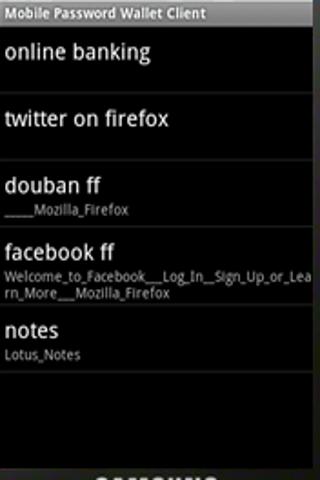
Get the best free apps for your android phones. 10,000+ users downloaded Mobile Password Wallet Client latest version on 9Apps for free every week! All its functions are there and updated. This hot app was released on 2013-04-19. 9Apps believe you can enjoy yourself in this funny app.
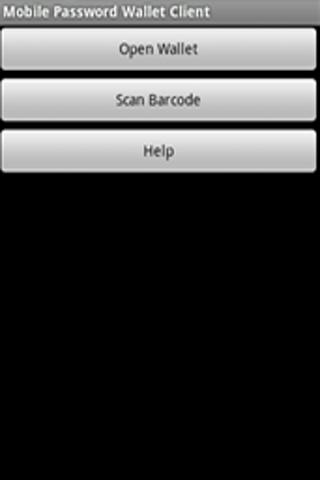
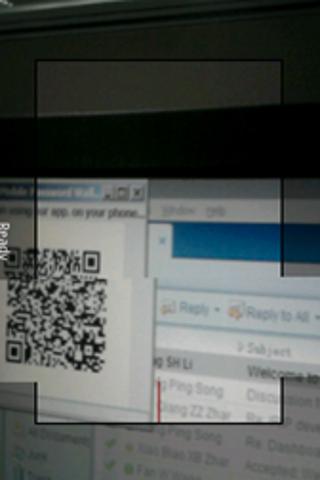
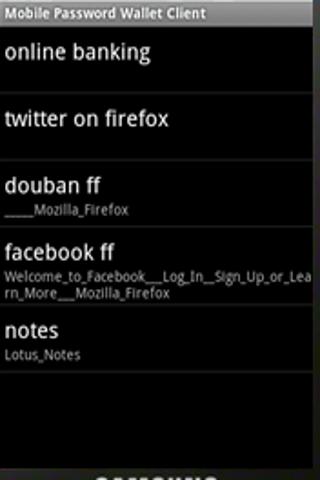
Carry your password on your cell phone and input them on your computer automatically. No need to remember so many passwords anymoreYou can also remote control your PPT playing on your computer using this application.P.S. Need to download a Java program on your computer. Support computers with Windows and JAVA 6 installed only.And your phone must be in the same network as your computer when using this application.Download the robot from:http:code.google.compmobilepasswordwalletDetailsIntroductionDo you have too many accounts and passwords to remember for your computer system? Do you have a hard time to recall a password for a specific web site? Do you often click the link of quot;forget passwordquot; to retrieve your password? Or, do you use one password for all your accounts? If any of these is true, Mobile Password Wallet is the right software for you.Mobile Password Wallet can save your various accounts information on your cell phone. So you don39;t have to remember any of them. It can also input these information on the computer automatically through your cell phone.Here is the basic idea behind it. You have to download a robot and run on your computer. Then install our client application on your cell phone. When you want to input a user name and password on any window of your computer, you can just press the hot key AltM to activate the robot. The robot will display a 2D barcode on your computer screen. On your cell phone, you will scan this barcode using our client. Then, the mobile client will talk to the robot automatically and send your authentication over. After receiving that, the robot will input them into the current window for you. The first time you scan a barcode for a new window, the mobile client will ask you to input your user and password, so the next time, you scan the same window, the client will send your saved information automatically.The robot only supports Windows system with JAVA 6 installed. And the robot and the cell phone must be in the same network.DetailsRobot Requirements Windows JAVA 6 Mobile Client Requirements Android 2.1 Installation1. Download the robot mpw.jar to any folder on your computer.2. Install Java JRE 6 on your computer if you haven39;t done so.3. Run the robot quot;java jar mpw.jarquot;.4. Download and install the mobile client from the google market. Usage1. Make sure the robot is running.2. Bring up the window asking for a user and password. And make sure the cursor rests in the first input field intended, such as the user name field. Also make sure these fields are empty.3. Press quot;AltMquot;.4. When the barcode shows, start the mobile application on your phone.5. Scan the barcode using the mobile application.6. If this window is scanned at the first time, a new connection window will show up on your cell phone. Please input your user and password and give the connection an arbitrary name.7. If this window has a corresponding connection saved on your mobile phone, the user name and password will be sent to the robot and input by it automatically. OthersIf you press quot;AltMquot; when playing a Power Point file, you can scan the barcode and control your playing of the PPT from your cell phone.



9Apps 4.9














