Welcome to the official store for application World. 30,000+ users downloaded Miracast Player latest version on 9Apps for free every week! The App has powerful functions. This hot app was released on 2018-11-12. 9Apps believe you can enjoy yourself in this funny app.
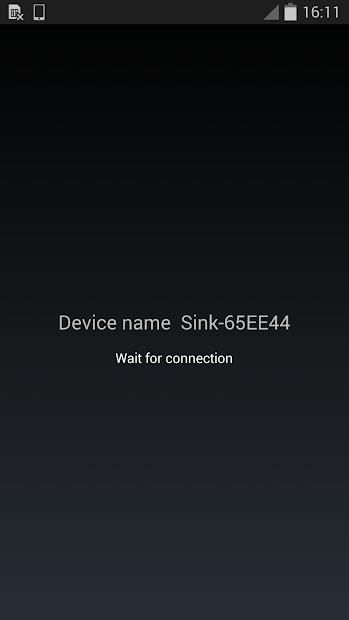
Miracast Player is an application to support cast screen between Android devices. The device running this application will be a wifi display sink and can be connected by another Android device via "Cast Screen". Usage:
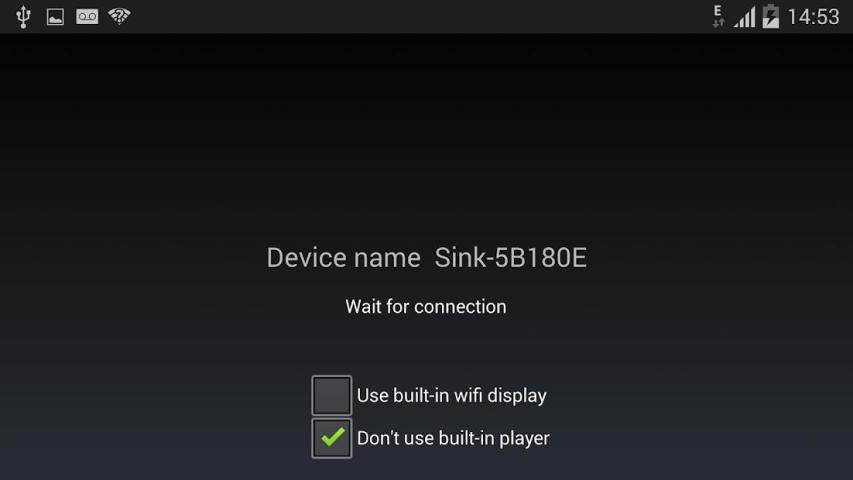
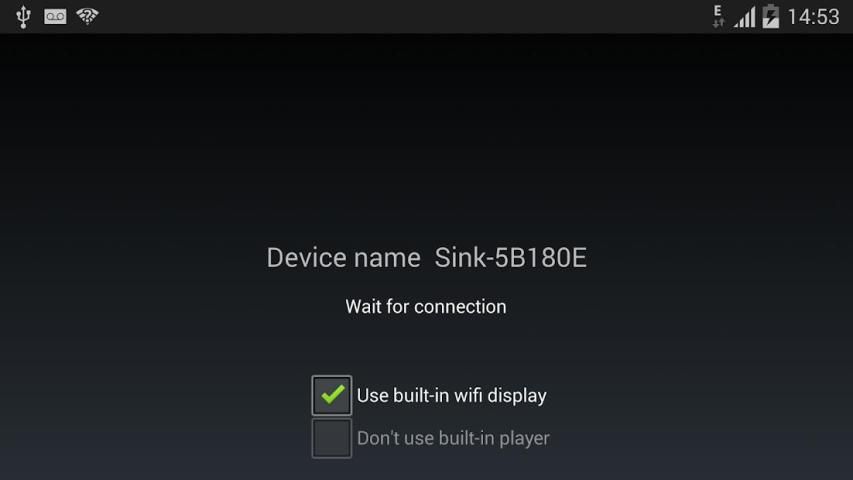
1. Start the application on the 1st Android device. It will display a device name, e.g. "Sink-645A3E"
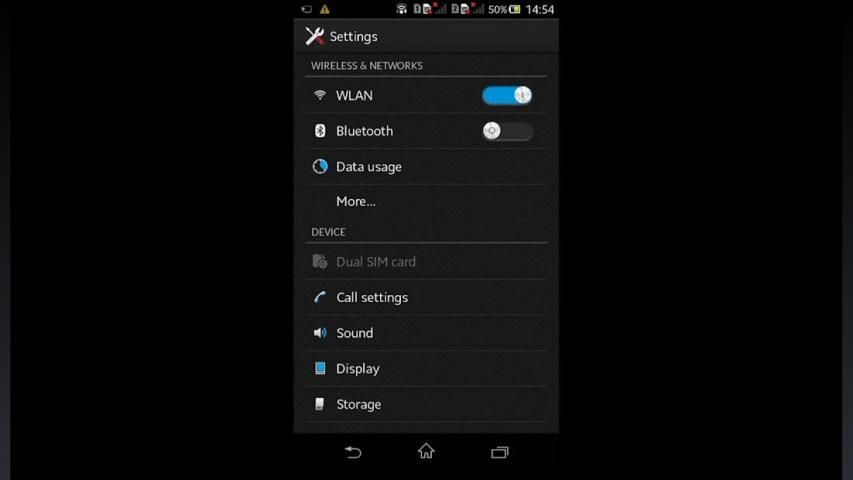
2. On the 2nd Android device, click Settings->Display->Cast Screen (Wireless Display/AllShare/Share Cast/ScreenMirror)
3. Wait until the name of the 1st device is displayed in the 2nd device
4. Click the device name to connect.
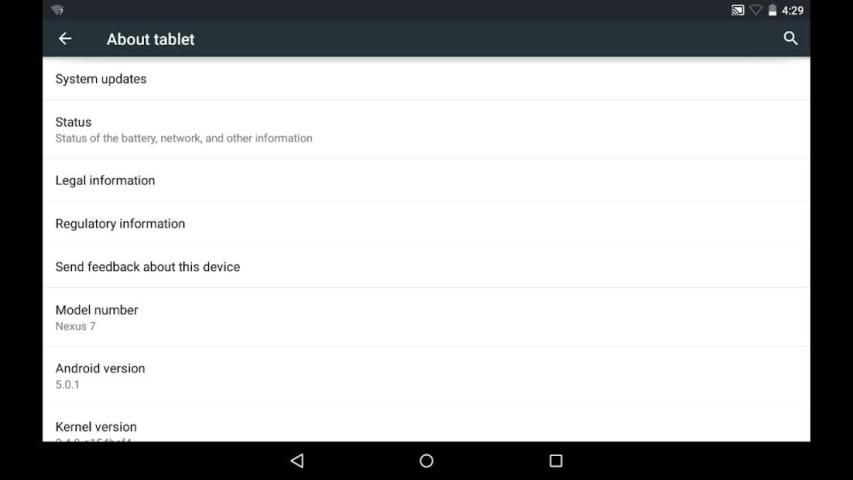
When connection is established, the two devices will have the same screen
Known issues:
1. HDCP is not supported: some devices may enforce HDCP encryption when it is running as a wifi display source, then the device running this application can't display the screen content of the source device.
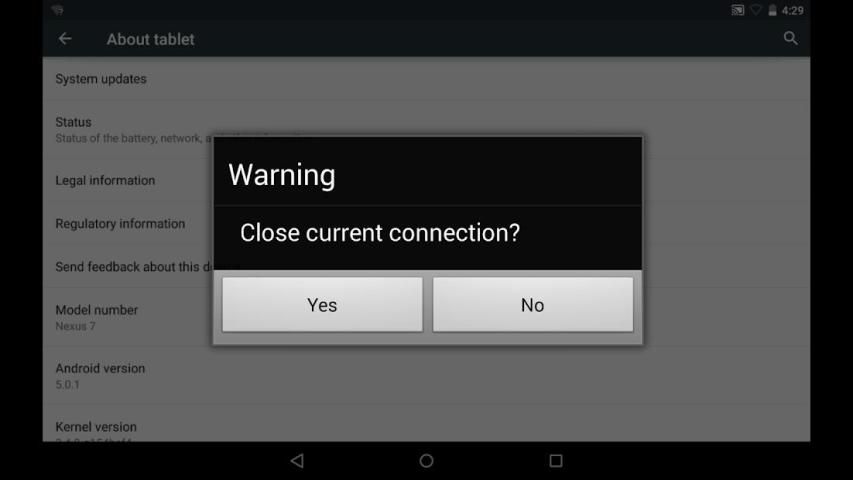
2. Connection issue: sometimes the connection may not be established. Please try to turn off or turn on wifi or re-boot the devices
3. Playback issue: sometimes the two devices are connected with messages like "connected by a source", and then get issues on the following playback (e.g. blackscreen), please enable "Don't use built-in player" or "Use built-in wifi display" if they are availbe
Miracast प्लेयर Android उपकरणों के बीच डाली स्क्रीन का समर्थन करने के लिए एक आवेदन है। डिवाइस इस आवेदन चल रहा है एक वाईफ़ाई प्रदर्शन सिंक हो जाएगा और "कास्ट स्क्रीन" के माध्यम से किसी अन्य Android डिवाइस से कनेक्ट किया जा सकता। उपयोग:
1. 1 Android डिवाइस पर अनुप्रयोग प्रारंभ करें। यह एक उपकरण नाम प्रदर्शित करेगा, उदा "सिंक-645A3E"
2. 2 Android डिवाइस पर, क्लिक करें सेटिंग्स> प्रदर्शन-> कास्ट स्क्रीन (वायरलेस डिस्प्ले / AllShare / शेयर कास्ट / ScreenMirror)
3. 1 डिवाइस का नाम तक इंतजार 2 डिवाइस में प्रदर्शित किया जाता है
4. कनेक्ट करने के लिए डिवाइस नाम पर क्लिक करें।
जब कनेक्शन स्थापित हो जाने, दो उपकरणों के एक ही स्क्रीन होगा
ज्ञात पहलु:
1. HDCP समर्थित नहीं है: कुछ उपकरणों HDCP एन्क्रिप्शन भी लागू हो सकता है जब यह एक वाईफ़ाई प्रदर्शन स्रोत के रूप में चल रहा है, तो डिवाइस इस आवेदन स्रोत डिवाइस की स्क्रीन सामग्री नहीं दिखा सकता चल रहा है।
2. कनेक्शन मुद्दा: कभी कभी कनेक्शन स्थापित नहीं किया जा सकता है। बंद करें या वाईफ़ाई पर बारी या उपकरणों को फिर से बूट करने के लिए प्रयास करें
3. प्लेबैक समस्या: कभी-कभी दो उपकरणों की तरह "एक स्रोत से जुड़े हुए" संदेश के साथ जुड़े हैं, और उसके बाद निम्न प्लेबैक पर मुद्दों (जैसे blackscreen), कृपया सक्षम "का प्रयोग न करें अंतर्निहित प्लेयर" या "उपयोग बनाया मिलता है -इन वाईफ़ाई प्रदर्शन "अगर वे availbe हैं
Generate log file MiracastPlayer.txt in external storage directory. Send this file to author if you want the author to debug the app on your device.

9Apps 4.9