

There are hundreds of new apps released every week, 20,000+ users downloaded MiniSticker -WhatsApp Sticker & Sticker Maker latest version on 9Apps for free every week! This is a wonderful app which is unique in android apps. This hot app was released on 2020-03-04. You can see more apps release recently on 9Apps.
WhatsApp sharing stickers is now available! Send your favorite stickers to your friends. What are you waiting for?
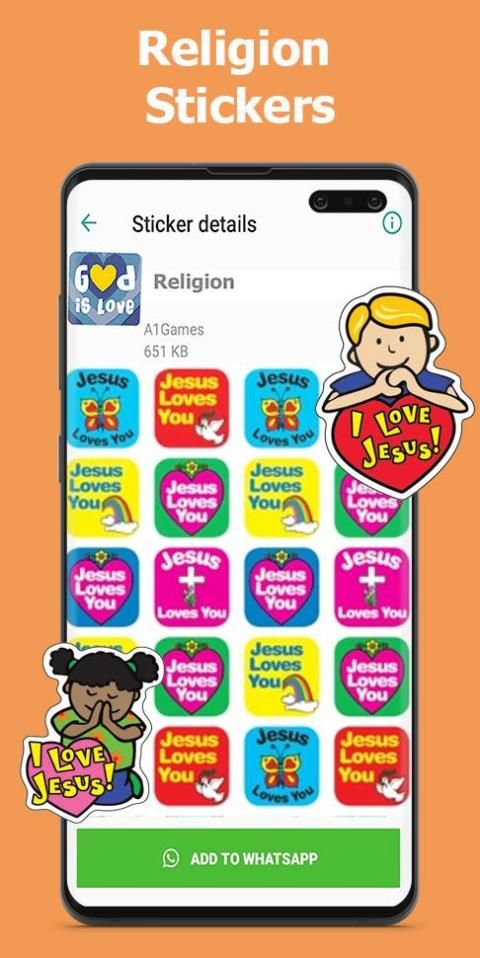
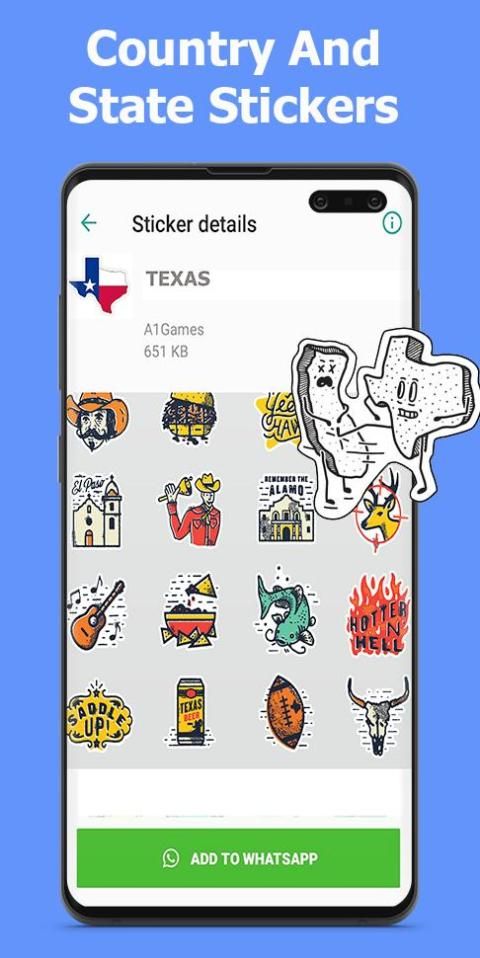
WhatsApp Stickers App contains all kinds of stickers ordered in different categories. Sticker for Whatsapp & create any sticker For WhatsApp.
Different categories
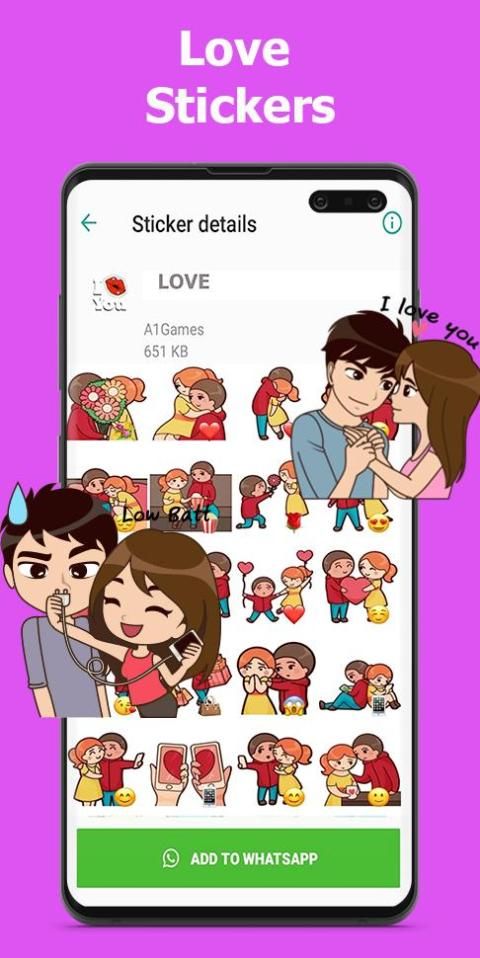
- Love Stickers
- Happy New Year
- Happy Anniversary Stickers
- Happy Birthday
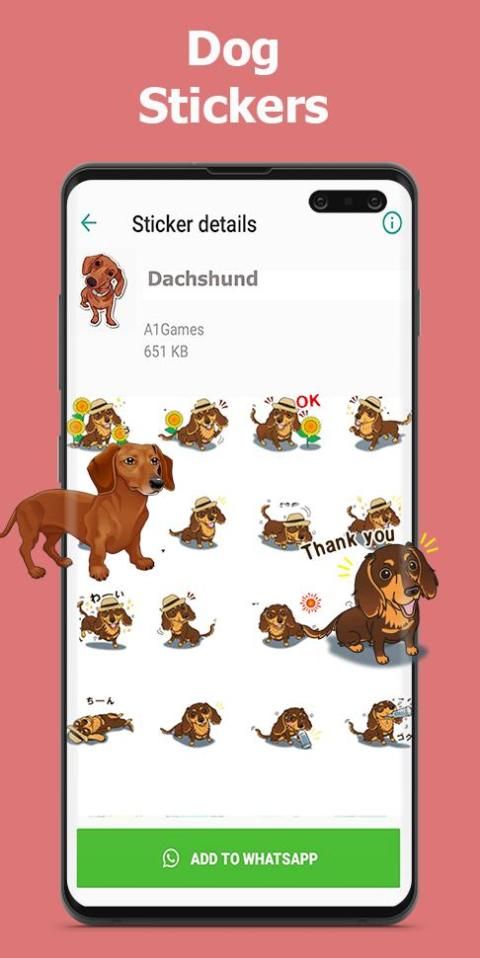
- dogs (Husky, Pit Bull, Rottweiler, Dachshund .... )
- Cats
- Memes & Funny sticker
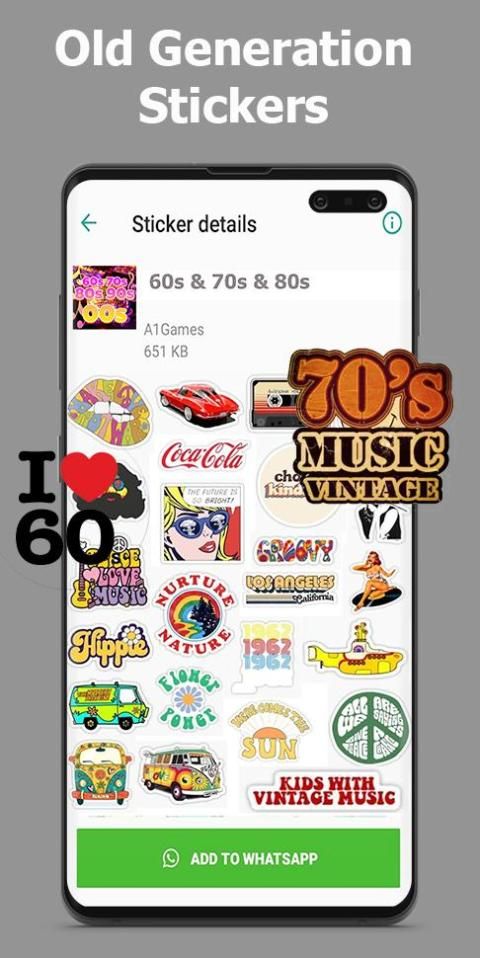
- 1950s - 1960s - 1970s - 1980s 6 1990s generation
Now create any sticker For WhatsApp , using any image, add any text in any language. Below are the main features
+ Personal Stickers & Sticker Maker: Create any sticker whatever you can think of using text, images ( from camera / Gallery ),
emoticons (emoji), Memes (Funny Faces), Happy Birthday, Love Emojis, Love Memes, etc.
& share through any of your favourite social networking chat application.
+ Text Stickers : Any language Support
Create stickers for WAStickerApps
Make your own custom sticker in a few steps:
1. Add photo or image (jpg, webp, png)
2. Remove background automatically or remove background with free hand crop feature
3. Add Text on sticker with many fonts choices
4. Add Emoji and funny decoration on sticker
5. Add border around sticker
6. Save to your own sticker packs
7. Share stickers with friends and make fun
-You can reuse all the cropped imagges to create another sticker
-Magnifying glass support
Note: if you cannot add the stickers to WhatsApp ، it means that you have not received the latest update. You can wait
for the update to be available on Google Play or update your app through the WhatsApp website.
WhatsApp शेयरिंग स्टिकर अब उपलब्ध है! अपने पसंदीदा स्टिकर अपने दोस्तों को भेजें। आप किस का इंतजार कर रहे हैं?
व्हाट्सएप स्टिकर ऐप में विभिन्न श्रेणियों में ऑर्डर किए गए सभी प्रकार के स्टिकर शामिल हैं। व्हाट्सएप के लिए स्टिकर और व्हाट्सएप के लिए कोई भी स्टिकर बनाएं।
विभिन्न श्रेणियों
- लव स्टिकर्स
- नववर्ष की शुभकामना
- हैप्पी एनिवर्सरी स्टिकर
- जन्मदिन की शुभकामनाएं
- कुत्ते (हस्की, पिट बुल, रोट्वेइलर, दछशंड ....)
- बिल्ली की
- मेमे और मजेदार स्टिकर
- १ ९ ५० - १ ९ ६० - १ ९ s० - १ ९ s० ६० के दशक की पीढ़ी
अब व्हाट्सएप के लिए कोई भी स्टिकर बनाएं, किसी भी छवि का उपयोग करके, किसी भी भाषा में कोई भी पाठ जोड़ें। नीचे मुख्य विशेषताएं हैं
+ व्यक्तिगत स्टिकर और स्टिकर निर्माता: पाठ, चित्र (कैमरा / गैलरी से) का उपयोग करने के बारे में जो भी सोच सकते हैं, वह कोई भी स्टिकर बनाएं,
इमोटिकॉन्स (इमोजी), मेम्स (मजेदार चेहरे), हैप्पी बर्थडे, लव इमोजीस, लव मेम्स, आदि।
और अपने पसंदीदा सोशल नेटवर्किंग चैट एप्लिकेशन के माध्यम से साझा करें।
+ पाठ स्टिकर: किसी भी भाषा का समर्थन
WAStickerApps के लिए स्टिकर बनाएँ
कुछ चरणों में अपना स्वयं का कस्टम स्टिकर बनाएं:
1. फ़ोटो या छवि (jpg, webp, png) जोड़ें
2. पृष्ठभूमि को स्वचालित रूप से निकालें या मुफ्त हाथ की फसल की सुविधा के साथ पृष्ठभूमि को हटा दें
3. कई फोंट विकल्पों के साथ स्टिकर पर पाठ जोड़ें
4. स्टीकर पर इमोजी और मज़ेदार सजावट जोड़ें
5. स्टिकर के चारों ओर सीमा जोड़ें
6. अपने स्वयं के स्टिकर पैक को सहेजें
7. दोस्तों के साथ शेयर स्टिकर और मज़ेदार
-आप एक और स्टिकर बनाने के लिए सभी फसली कल्पनाओं का पुन: उपयोग कर सकते हैं
-मग्न ग्लास सपोर्ट
नोट: यदि आप व्हाट्सएप में स्टिकर नहीं जोड़ सकते हैं तो इसका मतलब है कि आपको नवीनतम अपडेट नहीं मिला है। आप प्रतीक्षा कर सकते हैं
Google Play पर उपलब्ध अपडेट के लिए या व्हाट्सएप वेबसाइट के माध्यम से अपने ऐप को अपडेट करें।
MiniSticker 1.0





9Apps 4.9














