
Find most popular android apps here! 20,000+ users downloaded Business latest version on 9Apps for free every week! You'll found many people are using it. This hot app was released on 2020-04-15. Besides, you can also select other popular apps you like here!
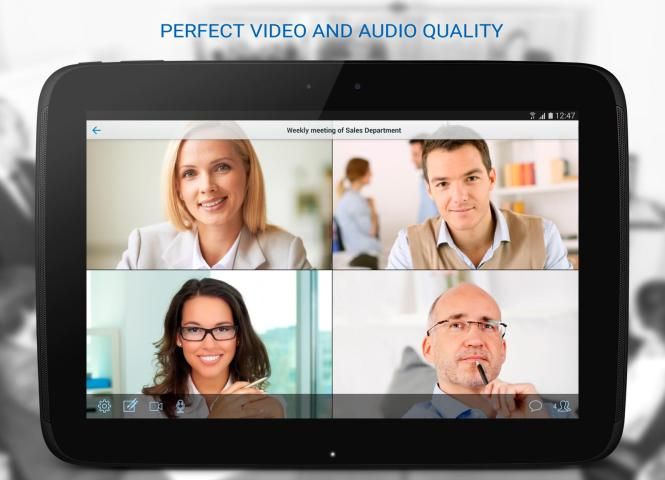
Work more effectively by organizing remote video meetings with coworkers, clients, and partners.
Save on training, travel, and business trip expenses with this convenient, easy-to-use video conferencing service. Now you can make important decisions in less time and discuss pressing issues from anywhere in the world, wherever you are: at the office, at home, on the road, or in a cafe.
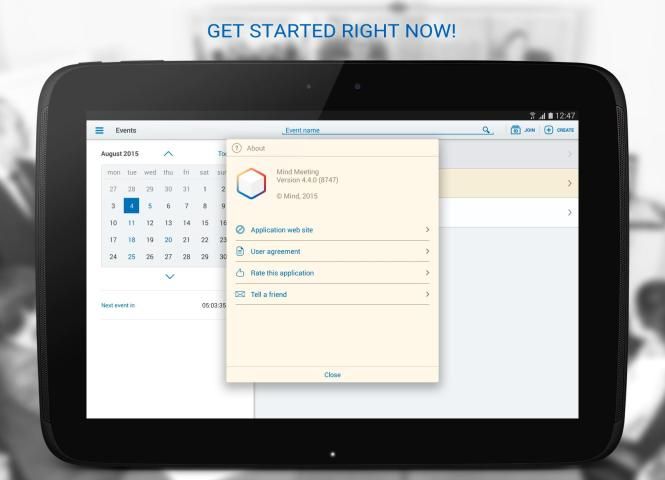
Mind Meeting Business app extends the power of Mind Meeting app for organizing video conferences and webinars using tablet and smartphone.
Now you can choose your arbitrary Mind videoconferencing server to work with.
Anyone can use Mind Meeting Business app when invited to a meeting. However, you must register in the Mind service in order to use the full capability of the Mind Meeting Business app.
IMPORTANT! This application requires connectivity to a compatible Mind server solution.
FEATURES
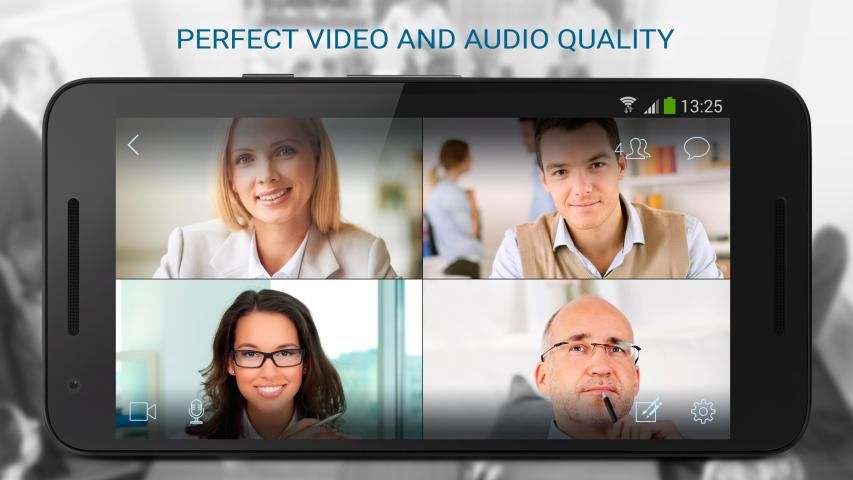
- Participate in webinars, video and audio conferences
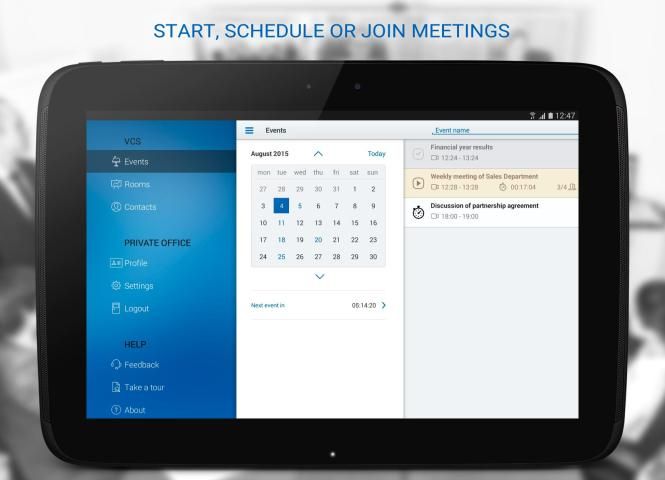
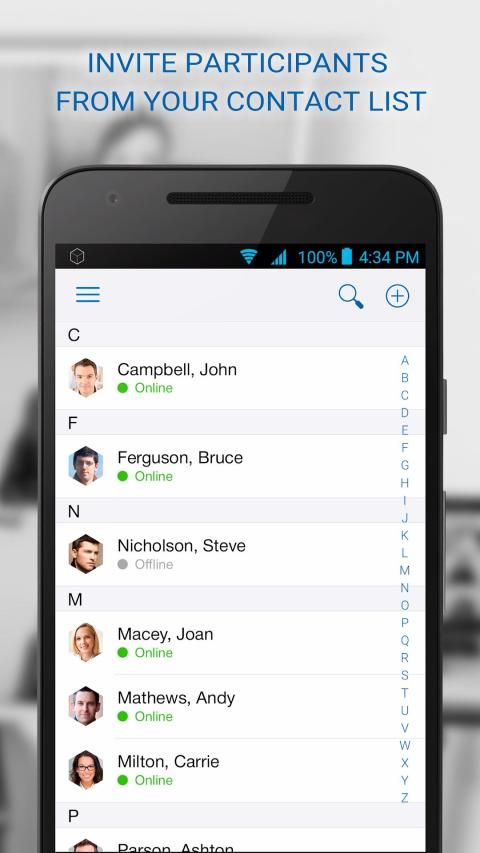
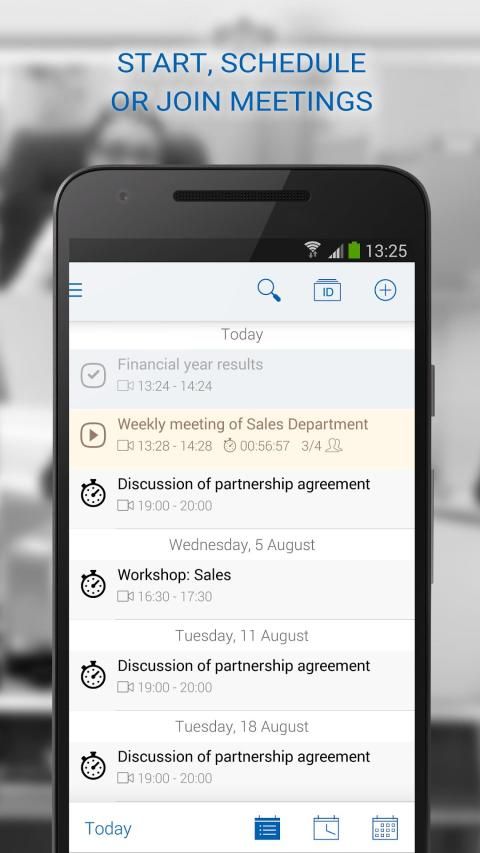
- Create your own events and invite participants
- Get timely notifications of events involving you
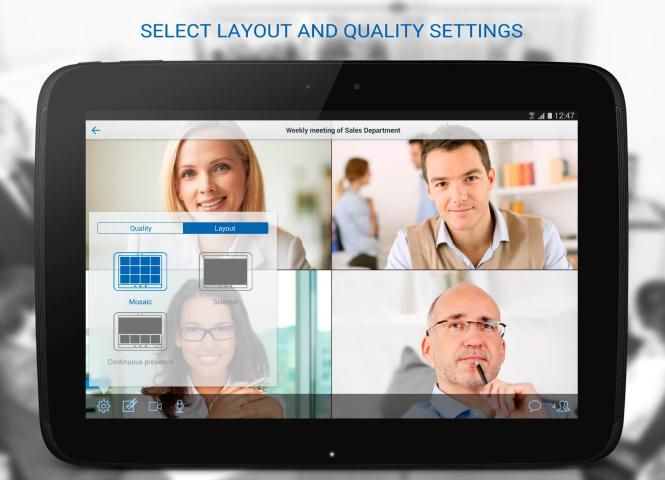
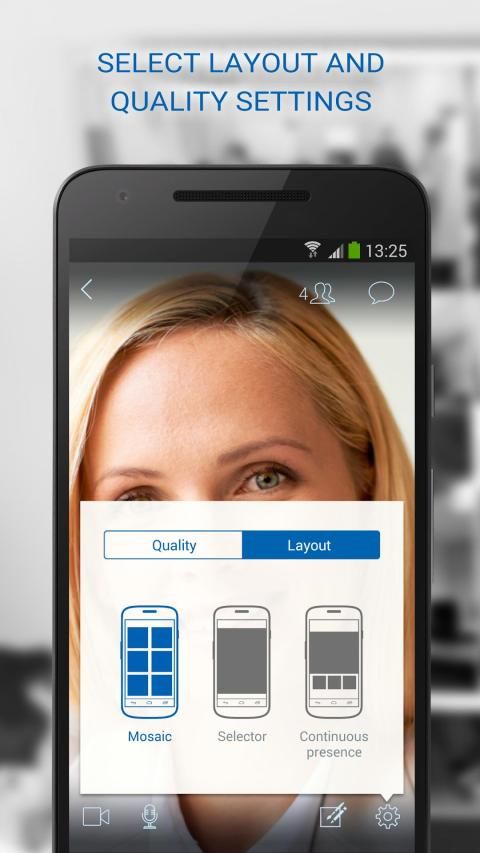
- Choose your preferred video viewing method using full-screen or chat mode
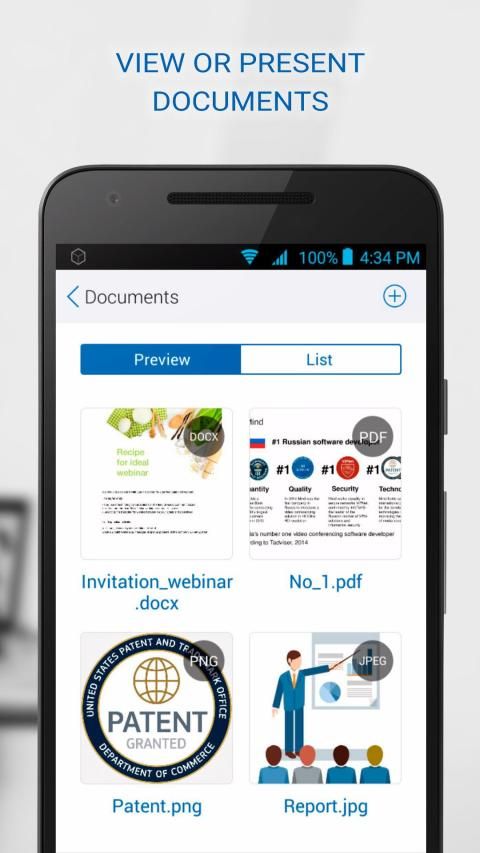
- View the speaker's documents
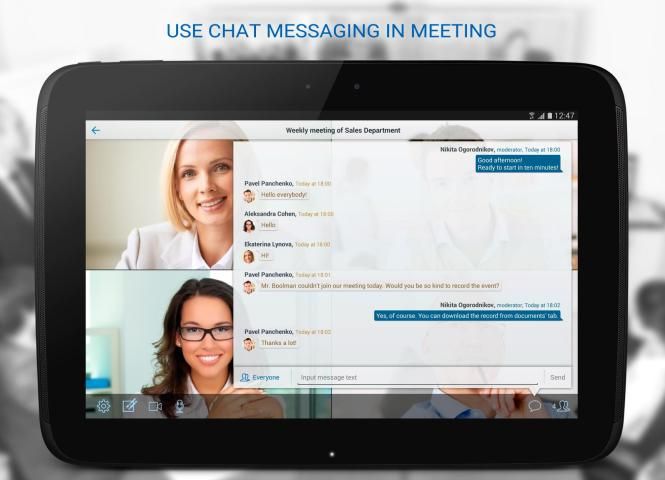
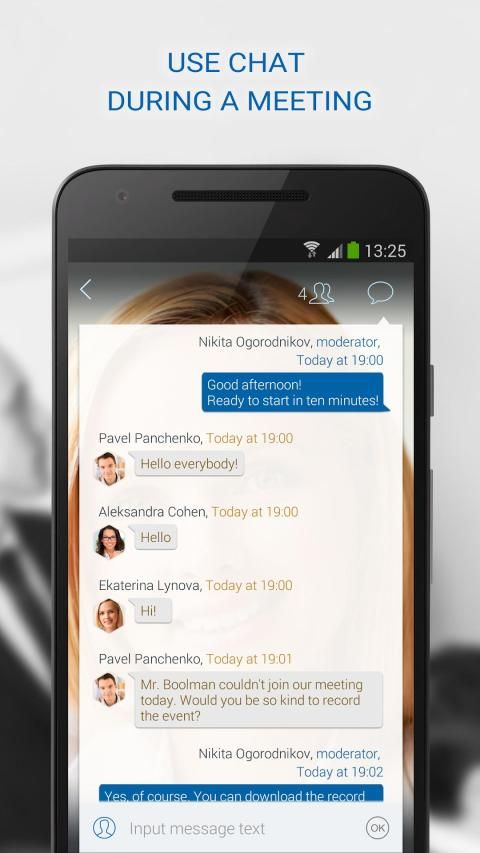
- Visit with other participants via chat
- Record events
- Use the feedback form for any questions you have
HOW DO I CONNECT TO AN EVENT?
- Click on the link you receive from the event organizer.
- If you're registered at www.imind.ru, select the desired event from the schedule.
HOW DO I CREATE AN EVENT?
- Click on "Create" in the upper right-hand corner
- In the window that opens, click the "Start now" tab
- To plan an event in advance, select the "Plan" tab and specify the event date
AUDIO
All you need to ensure good sound quality are the built-in microphone and speakers. For even better results, we recommend that you use a headset, or at least earphones.
VIDEO
- Video transmission requires considerable bandwidth, so when using 3G/4G networks we recommend that you use an unlimited mobile internet plan or a WiFi connection.
- For good quality video and sound we recommend using a WiFi network for a stable connection.
- The camera will be turned on by default. You can turn off the camera any time during the event.
RECORDING
- This app features one-click event recording
- Recording is sever-based, ensuring maximum quality regardless of the stability of your internet connection
सहकर्मियों, ग्राहकों, और भागीदारों के साथ दूरस्थ वीडियो बैठकों का आयोजन करके अधिक प्रभावी ढंग से काम करते हैं।
प्रशिक्षण, यात्रा, और इस सुविधाजनक, आसान करने के लिए उपयोग वीडियो कॉन्फ्रेंसिंग सेवा के साथ व्यापार यात्रा खर्च पर सहेजें। अब आप कम समय में महत्वपूर्ण निर्णय लेने और दुनिया है, जहाँ तुम हो में कहीं से भी अहम मुद्दों पर चर्चा कर सकते हैं: कार्यालय में, घर में, सड़क पर, या एक कैफे में।
मन की बैठक व्यवसाय ऐप्लिकेशन वीडियो सम्मेलनों और टैबलेट और स्मार्टफोन का उपयोग कर वेबिनार के आयोजन के लिए मन की बैठक एप्लिकेशन की शक्ति प्रदान करता है।
अब आप के साथ काम करने के लिए अपने मनमाने ढंग से मन वीडियो कांफ्रेंसिंग सर्वर का चयन कर सकते हैं।
जब एक बैठक के लिए आमंत्रित कोई भी मन की बैठक व्यापार अनुप्रयोग का उपयोग कर सकते हैं। हालांकि, आप मन की बैठक व्यवसाय ऐप्लिकेशन की पूरी क्षमता का उपयोग करने के माइंड सेवा में रजिस्टर करना होगा।
जरूरी! इस आवेदन एक संगत मन सर्वर समाधान के लिए कनेक्टिविटी की आवश्यकता है।
विशेषताएं
- वेबिनार, वीडियो और ऑडियो सम्मेलनों में भाग लेने
- अपनी खुद की घटनाओं बनाएँ और प्रतिभागियों को आमंत्रित
- आप शामिल घटनाओं के समय पर सूचनाएं प्राप्त
- पूर्ण स्क्रीन का उपयोग कर अपने पसंदीदा वीडियो देखने के विधि चुनें या चैट मोड
- वक्ता के दस्तावेज देखें
- चैट के माध्यम से अन्य प्रतिभागियों के साथ भेंट
- रिकार्ड घटनाओं
- अगर आपके पास कोई प्रश्न के लिए प्रतिक्रिया प्रपत्र का उपयोग करें
कैसे मैं एक घटना को कनेक्ट करते हैं?
- लिंक आप इस घटना के आयोजक से प्राप्त करने पर क्लिक करें।
- आप www.imind.ru में पंजीकृत कर रहे हैं, कार्यक्रम से वांछित घटना का चयन करें।
मैं एक घटना कैसे बनाऊँ?
- ऊपरी दाएँ हाथ के कोने में "बनाएँ" पर क्लिक करें
- खुलने वाली विंडो में, "अब शुरू" टैब पर क्लिक करें
- अग्रिम में एक घटना की योजना है, "प्लान" टैब का चयन करें और घटना की तारीख निर्दिष्ट करने के लिए
ऑडियो
आप सभी के लिए अच्छी आवाज की गुणवत्ता सुनिश्चित करने की जरूरत निर्मित माइक्रोफोन और वक्ताओं रहे हैं। और भी बेहतर परिणामों के लिए, हम अनुशंसा करते हैं कि आप एक हेडसेट का उपयोग करें, या कम से कम इयरफ़ोन पर।
वीडियो
- वीडियो ट्रांसमिशन काफी बैंडविड्थ की आवश्यकता है, इसलिए जब 3 जी / 4 जी नेटवर्क का उपयोग कर हम अनुशंसा करते हैं कि आप एक असीमित मोबाइल इंटरनेट की योजना या एक वाईफाई कनेक्शन का उपयोग करें।
- अच्छी गुणवत्ता वाले वीडियो और ध्वनि के लिए हम एक स्थिर कनेक्शन के लिए एक वाईफाई नेटवर्क का उपयोग करना चाहिये।
- कैमरा डिफ़ॉल्ट रूप से चालू कर दिया जाएगा। आप कैमरे से दूर घटना के दौरान किसी भी समय बदल सकते हैं।
रिकॉर्डिंग
- इस app एक क्लिक घटना रिकॉर्डिंग सुविधाओं
- रिकॉर्डिंग, तोड़-आधारित है अधिकतम गुणवत्ता आपके इंटरनेट कनेक्शन की स्थिरता सुनिश्चित करने की परवाह किए बिना
Bug fixes

9Apps 4.9