

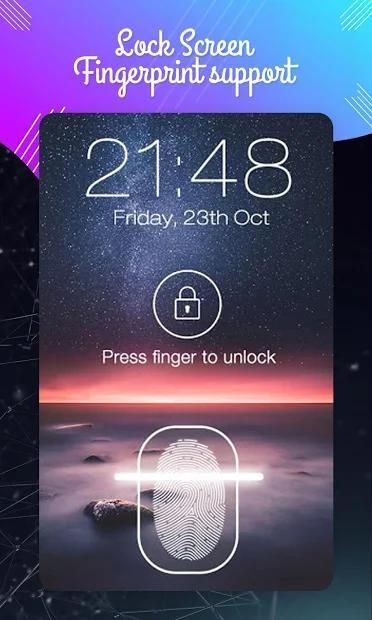
I would like to recommend you an application with large number of downloaders. 30,000+ users downloaded Lock screen Fingerprint support latest version on 9Apps for free every week! More functions were added in this app. This hot app was released on 2018-10-11. Be sure that you check your current app before you start a run.
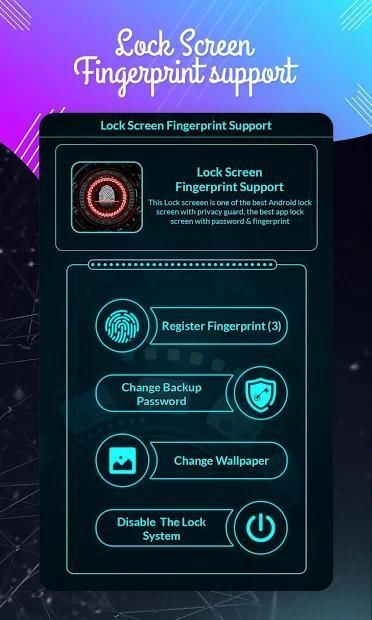
There is a trick to unlock your phone using the fingerprint scanner. First, tap on the lock icon then scan your finger and the application will grant access to the phone.
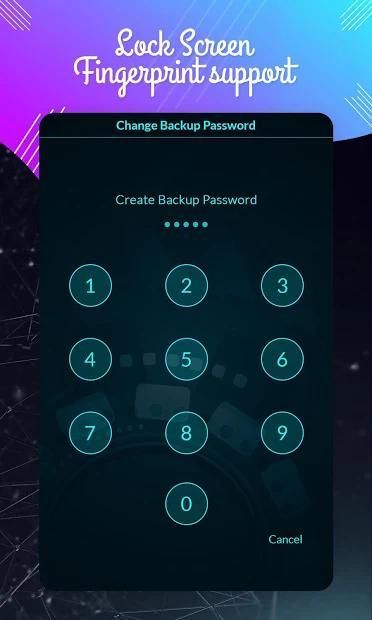
You can also use a passcode if you choose to go the regular way. Just set it up at first launch and you are all set, the app will grant access if the right passcode is entered.
Feature:
★ Lock screen with password
★ Create password to lock your phone with lenght max is 8 number
★ Fingerprint support (only work on supported devices)
★ Fingerprint Simulation
★ Lock screen with a password safe with anyone
★ Stable operation
★ High security, prevent log in your mobile phone
★ Fingerprints Simulation machine with graphic amazing
Thank You...
फिंगरप्रिंट स्कैनर का उपयोग करके अपने फोन को अनलॉक करने के लिए एक चाल है। सबसे पहले, लॉक आइकन पर टैप करें और फिर अपनी उंगली स्कैन करें और एप्लिकेशन फोन तक पहुंच प्रदान करेगा।
यदि आप नियमित तरीके से जाना चुनते हैं तो आप पासकोड का भी उपयोग कर सकते हैं। बस इसे पहले लॉन्च पर सेट करें और आप सभी सेट हैं, यदि सही पासकोड दर्ज किया गया है तो ऐप पहुंच प्रदान करेगा।
फ़ीचर:
★ पासवर्ड के साथ लॉक स्क्रीन
★ अपने फोन को लेंस अधिकतम के साथ लॉक करने के लिए पासवर्ड बनाएं 8 नंबर है
★ फिंगरप्रिंट समर्थन (केवल समर्थित उपकरणों पर काम)
★ फिंगरप्रिंट सिमुलेशन
★ किसी के साथ सुरक्षित पासवर्ड के साथ लॉक स्क्रीन
★ स्थिर ऑपरेशन
★ उच्च सुरक्षा, अपने मोबाइल फोन में लॉग को रोकने
★ ग्राफिक अद्भुत के साथ फिंगरप्रिंट सिमुलेशन मशीन
धन्यवाद...



9Apps 4.9













