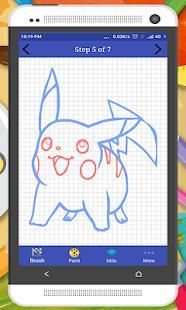
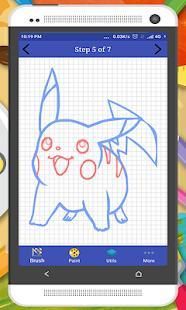
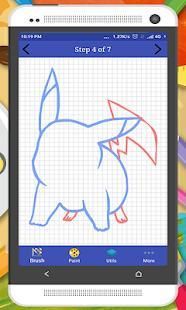
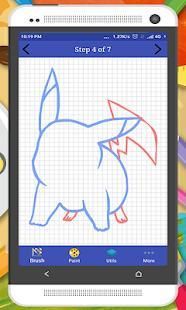
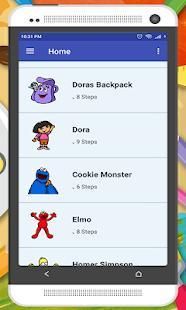
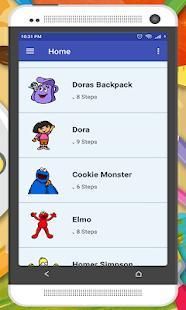
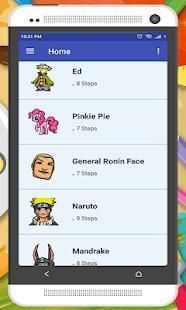
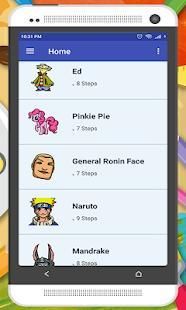
Download and enjoy our service, 20,000+ users downloaded Learn Draw Cartoons latest version on 9Apps for free every week! The App has powerful functions. This hot app was released on 2018-07-21. I will tell you how to use this app in the following page.
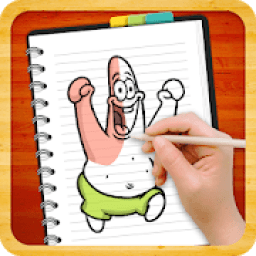
Learn to Draw Cartoon Character - Kids learning app ready with thousand of features. This drawing coloring app will show you a new way to learn how to draw and color you favorite Cartoon character with step by step drawing lessons. Drawing games that very easy to follow the steps. Learn to sketchup with pencil sketch! No drawing skills needed, just easily draw over the instructions directly on your sketch pad without using paper and pencil. Like a personal sketch tutorial, it will teach you how to draw dozens of different objects and create amazing art drawing.
• No need any special skills, just choose from brush sets.
• Option drawings like spray paint, oil painting, face brush and sketch pen.
• Draw with prebuilt-in Brush like Glowing and Emboss Brush.
• Adding text and shape to your drawing.
• Choose your desire colors from pallete/paint swatches.
• Ability to undo or redo your drawing so no need to worry.
• Save and share your arts
Main features:
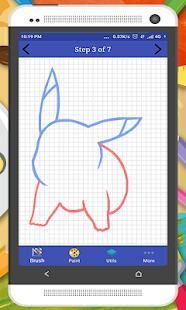
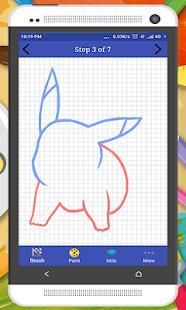
• Just follow the red lines on canvas, till the end.
• Simple and light-weight step by step which are easy to follow.
• Create your own drawing on the screen.
• Teachers can use it to give drawing lessons for children.
कार्टून कैरेक्टर ड्रा करने के लिए जानें - ऐप्लिकेशन सुविधाओं के हजार के साथ तैयार सीखने। यह ड्राइंग रंग एप्लिकेशन आपको आकर्षित और कदम ड्राइंग सबक द्वारा कदम के साथ आप पसंदीदा कार्टून चरित्र रंग करने के लिए सीखने के लिए एक नया रास्ता दिखाएगा। आरेखण खेल बहुत आसान चरणों का पालन करने के लिए कि। पेंसिल स्केच के साथ SketchUp में जानें! कोई ड्राइंग कौशल की जरूरत है, सिर्फ आसानी से निर्देश सीधे अपने स्केच पैड पर कागज और पेंसिल का उपयोग कर के बिना आकर्षित। एक व्यक्तिगत स्केच ट्यूटोरियल की तरह, यह कैसे अलग-अलग वस्तुओं के दर्जनों आकर्षित और अद्भुत कला ड्राइंग बनाने के लिए आपको सिखा देगा।
• कोई ज़रूरत नहीं किसी भी विशेष कौशल, बस ब्रश सेट से चुनें।
• स्प्रे पेंट, तेल चित्रकला, चेहरा ब्रश और स्केच पेन की तरह विकल्प चित्र।
• के साथ चमकदार और नक्काशी ब्रश की तरह पहले से बनाए गए इन ब्रश ड्रा।
• अपने ड्राइंग के लिए पाठ और आकार जोड़ा जा रहा है।
• pallete / रंग नमूनों से अपनी इच्छा रंगों का चयन करें।
• पूर्ववत या अपने ड्राइंग तो चिंता करने की कोई जरूरत नहीं है फिर से करना करने की क्षमता।
• सहेजें और अपने कला का हिस्सा
मुख्य विशेषताएं:
• बस कैनवास पर लाल लाइनों, अंत तक का पालन करें।
• कदम का पालन करने के लिए आसान कर रहे हैं के द्वारा सरल और हल्के वजन कदम।
• स्क्रीन पर अपनी खुद की ड्रॉइंग बनाएं।
• शिक्षक इसका इस्तेमाल बच्चों के लिए ड्राइंग सबक देने के लिए कर सकते हैं।
- First app on market

9Apps 4.9