
With the development of technology, more and more apps appeared in the mobile market. 30,000+ users downloaded Text Scanner latest version on 9Apps for free every week! This is a wonderful app which is unique in android apps. This hot app was released on 2018-10-23. I will tell you how to use this app in the following page.
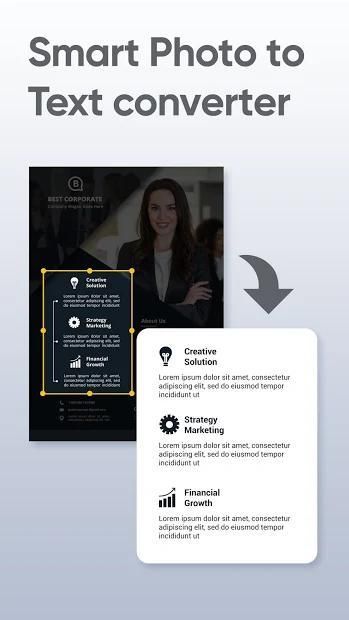
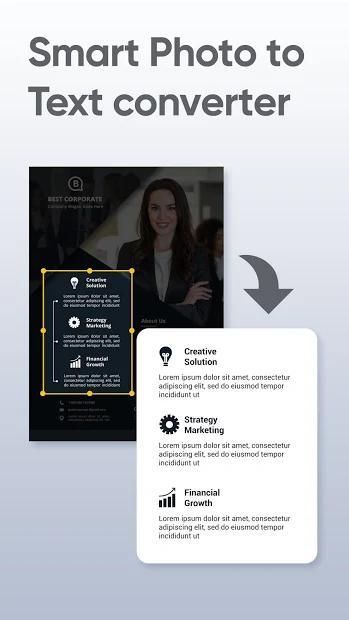
You want to scan image convert to text. What you need to do is download the photo to text scanner & converter application. But you do not know any picture to word converter application that convert photo to text with high accuracy. Then use our picture to text converter & scanner application for the best experience.
The picture scanner apps for free not only convert image to text but also scan image to PDF, read text out loud, edit and copy text.
Find out more about our JPG to PDF file converter application!
Features of the JPG converter app
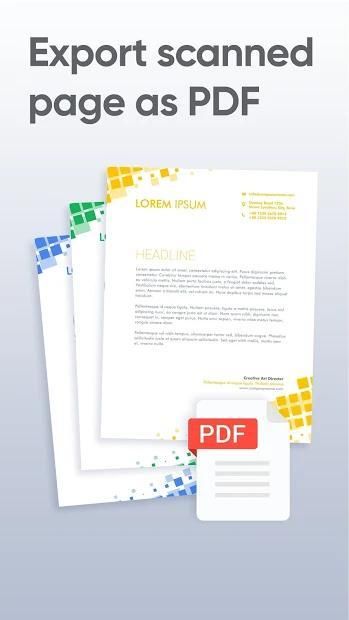
1. Image to PDF converter & scanner
- Take a photo or select an image available in the library to convert picture to text
- Crop image to select the content you want to scan document to word
- Make sure the picture is sharp enough for image to text convert with high accuracy
- JPG to PDF converter offline
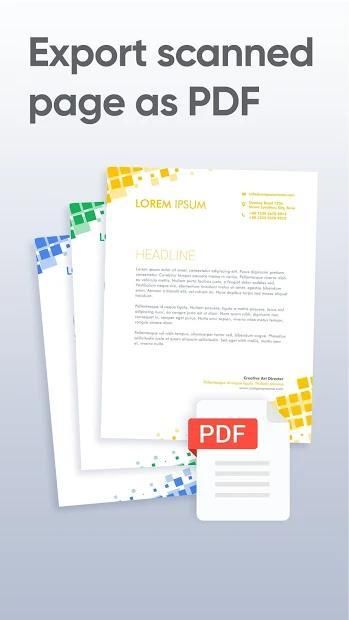
2. Convert images to PDF
- Choose a photo in your gallery to convert PNG to PDF
- The camera scanner for documents application will help you scan photo to PDF quickly and easily
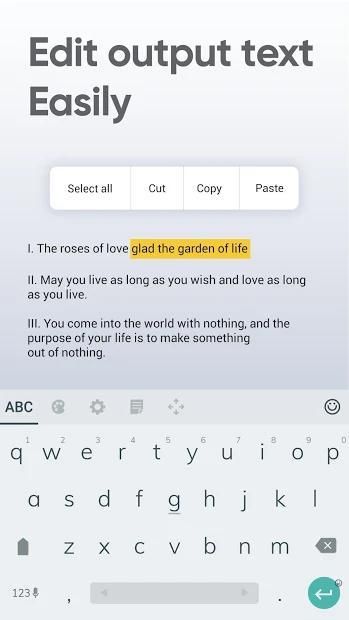
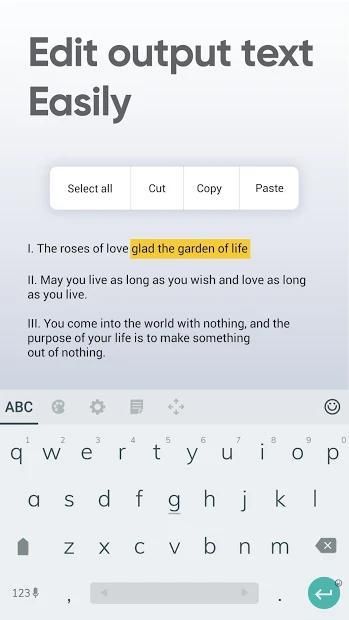
3. Edit text
After converting the image into text, you can double-click the text to make the edit
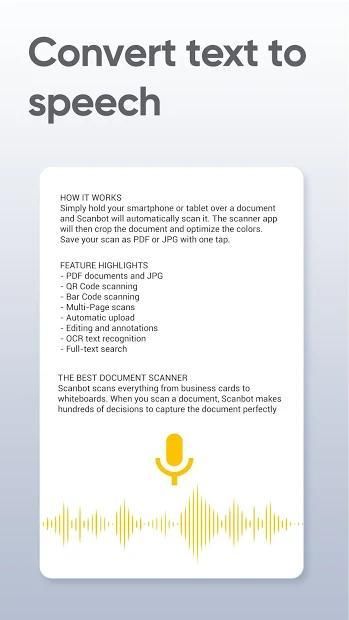
4. Convert text to speech
- The camera scanner image scanner application integrates convert text to audio function that is extremely convenient
- After converting the pictures into text, you can use the text-to-speech function
How to convert the image into text
➟ Take a photo or choose an image available in the gallery
➟ Crop the image to select the content you want to convert the image into text
➟ Select the original language of the content
➟ The camera scanner to PDF application scans the image and convert the image into text
➟ You can convert the text to PDF
Highlights of document scanner and editor app
Image to word document converter with high accuracy
Scan camera PDF conveniently
The text-to-speech feature to avoid eyestrain
Support multiple languages
Edit text easily after convert JPG to PDF free
Simple image scanner to PDF application layout, easy to use
Small photo to PDF file converter & scanner application capacity, fast loading
Photo scanner free
The photo to word document converter application is free but not limited to converting images to text and reading text. Install picture to PDF converter app and experience right away.
If you have any comments about the text scanner from image app, please leave a comment below.
Please rate 5* for JPG to PDF scanner app to support the developer's efforts!
आप छवि को टेक्स्ट में कनवर्ट करना चाहते हैं। आपको टेक्स्ट स्कैनर और कनवर्टर एप्लिकेशन में फोटो डाउनलोड करने की आवश्यकता है। लेकिन आप शब्द कनवर्टर एप्लिकेशन के लिए कोई तस्वीर नहीं जानते हैं जो उच्च सटीकता वाले टेक्स्ट को टेक्स्ट में परिवर्तित करता है। फिर सर्वोत्तम चित्र के लिए टेक्स्ट कनवर्टर और स्कैनर एप्लिकेशन पर हमारी तस्वीर का उपयोग करें।
तस्वीर स्कैनर ऐप्स मुफ्त में न केवल छवि को टेक्स्ट में परिवर्तित करते हैं बल्कि पीडीएफ में छवि को स्कैन करते हैं, टेक्स्ट को ज़ोर से पढ़ते हैं, टेक्स्ट संपादित और कॉपी करते हैं।
पीडीएफ फ़ाइल कनवर्टर एप्लिकेशन के लिए हमारे जेपीजी के बारे में अधिक जानकारी प्राप्त करें!
जेपीजी कनवर्टर ऐप की विशेषताएं
1. पीडीएफ कनवर्टर और स्कैनर के लिए छवि
- तस्वीर को टेक्स्ट में कनवर्ट करने के लिए एक तस्वीर लें या लाइब्रेरी में उपलब्ध एक छवि का चयन करें
- उस सामग्री का चयन करने के लिए क्रॉप छवि जिसे आप दस्तावेज़ को दस्तावेज़ स्कैन करना चाहते हैं
- सुनिश्चित करें कि चित्र उच्च सटीकता के साथ छवि को पाठ में कनवर्ट करने के लिए पर्याप्त तेज़ है
- जेपीजी पीडीएफ कनवर्टर ऑफलाइन
2. छवियों को पीडीएफ में कनवर्ट करें
- पीएनजी को पीडीएफ में बदलने के लिए अपनी गैलरी में एक फोटो चुनें
- दस्तावेज़ एप्लिकेशन के लिए कैमरा स्कैनर आपको तस्वीर को जल्दी और आसानी से पीडीएफ में स्कैन करने में मदद करेगा
3. पाठ संपादित करें
छवि को टेक्स्ट में परिवर्तित करने के बाद, आप संपादन करने के लिए टेक्स्ट को डबल-क्लिक कर सकते हैं
4. पाठ को भाषण में कनवर्ट करें
- कैमरा स्कैनर छवि स्कैनर एप्लिकेशन टेक्स्ट को ऑडियो फ़ंक्शन में कनवर्ट करता है जो बेहद सुविधाजनक है
- चित्रों को पाठ में परिवर्तित करने के बाद, आप टेक्स्ट-टू-स्पीच फ़ंक्शन का उपयोग कर सकते हैं
छवि को टेक्स्ट में कैसे परिवर्तित करें
➟ गैलरी में एक फोटो लें या उपलब्ध एक छवि चुनें
➟ उस छवि का चयन करने के लिए छवि को क्रॉप करें जिसे आप छवि को टेक्स्ट में कनवर्ट करना चाहते हैं
➟ सामग्री की मूल भाषा का चयन करें
PDF पीडीएफ अनुप्रयोग के लिए कैमरा स्कैनर छवि स्कैन करता है और छवि को पाठ में परिवर्तित करता है
➟ आप टेक्स्ट को पीडीएफ में बदल सकते हैं
दस्तावेज़ स्कैनर और संपादक ऐप की मुख्य विशेषताएं
उच्च सटीकता के साथ शब्द दस्तावेज़ कनवर्टर के लिए छवि
Camera कैमरा पीडीएफ आसानी से स्कैन करें
Ey eyestrain से बचने के लिए पाठ-टू-स्पीच सुविधा
एकाधिक भाषाओं का समर्थन करें
जेपीजी को पीडीएफ मुक्त करने के बाद आसानी से टेक्स्ट संपादित करें
उपयोग करने में आसान, पीडीएफ अनुप्रयोग लेआउट के लिए सरल छवि स्कैनर
PDF पीडीएफ फ़ाइल कनवर्टर और स्कैनर अनुप्रयोग क्षमता, तेज लोडिंग के लिए छोटी तस्वीर
फोटो स्कैनर मुफ्त
शब्द दस्तावेज़ कनवर्टर एप्लिकेशन की तस्वीर निःशुल्क है लेकिन छवियों को पाठ और पाठ पढ़ने में परिवर्तित करने तक ही सीमित नहीं है। पीडीएफ कनवर्टर ऐप में तस्वीर स्थापित करें और तुरंत अनुभव करें।
यदि आपके पास छवि ऐप से टेक्स्ट स्कैनर के बारे में कोई टिप्पणी है, तो कृपया नीचे एक टिप्पणी छोड़ दें।
कृपया डेवलपर के प्रयासों का समर्थन करने के लिए जेपीजी के लिए पीडीएफ स्कैनर ऐप के लिए 5 * रेट करें!



9Apps 4.9














