
There you can get the android apps APK installed on your device. 20,000+ users downloaded Kawaii Animals latest version on 9Apps for free every week! In my opinion, you will like this app after use it. This hot app was released on 2020-01-05. You can also find some other similar apps here.
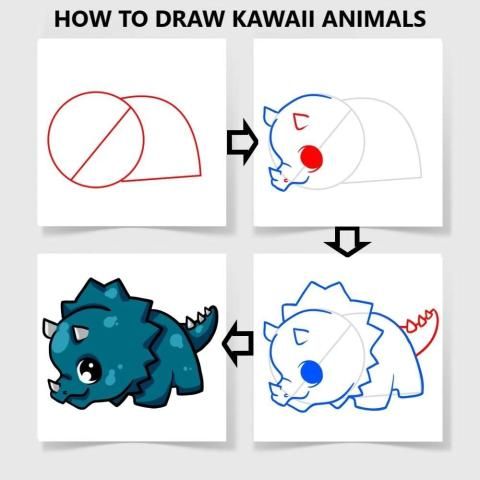
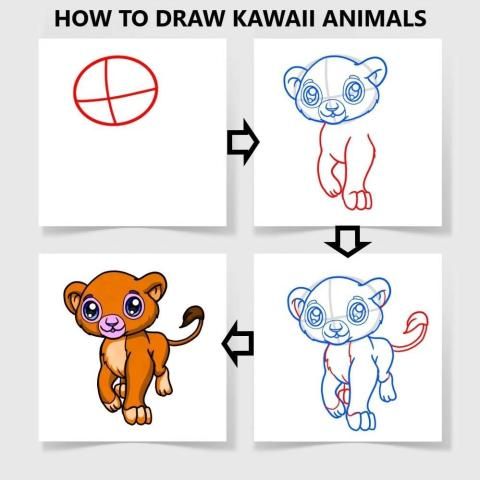
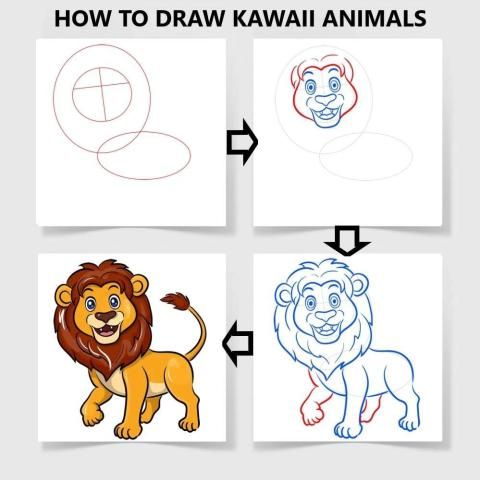
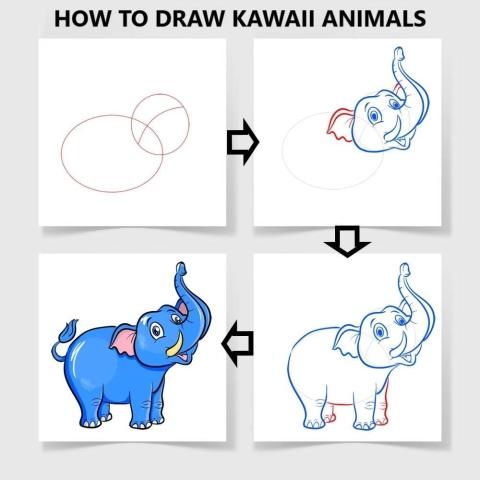
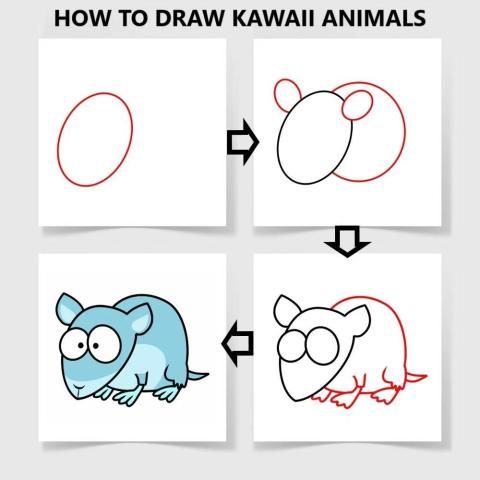
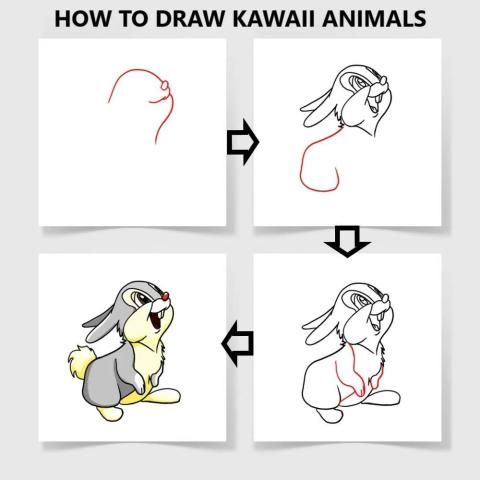
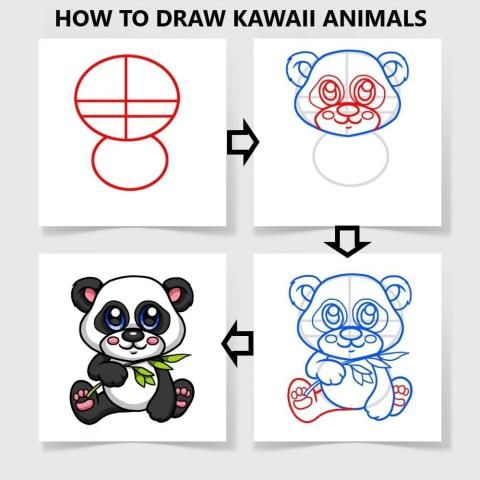
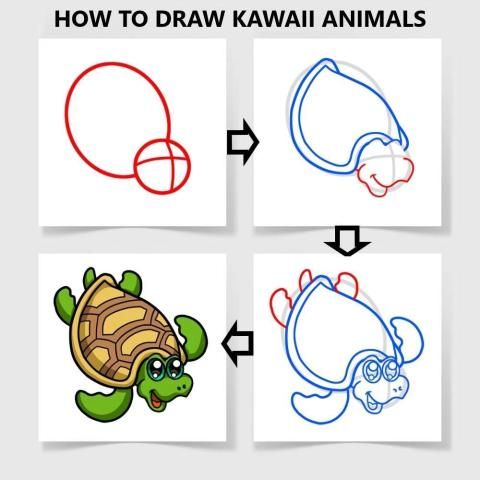
How To Draw Kawaii Animals is a simple application that helps you learn to draw various types of kawaii animals easily through an excellent step-by-step guide and detailed tutorial .
In this application you only need to follow the stage to stride from the beginner level to the master level.
This application is expected to be able to make the pace and progress of learning to draw much better than before.
This application is suitable for all ages both children and adults.
You don't need any experience and skills, just follow the steps!
Grab paper and pencil, choose the kawaii animals you like, and let's draw!
This application has 15 kawaii animals and a collection of instructions for drawing :
✍ how to draw Crocodile
✍ how to draw Duck
✍ how to draw Dragon
✍ how to draw Elephant
✍ how to draw Horse
✍ how to draw Lion
✍ how to draw Mouse
✍ how to draw Panda
✍ how to draw Pig
✍ how to draw Rhinoceros
✍ how to draw Turtle
Animated Animals, Kawaii Animals, Cool Animals, Cute Animals and many more kawaii animals ...
Explain exercise with the best draw easy lessons! Good luck!
Application features:
Pencil = You can make any line or shape as you wish.
Adjust Line Thickness = You can adjust the pencil size to your liking.
Eraser = You can erase the image with a pencil (Manual)
Select Color = You can choose and adjust the color of the pencil.
Zoom = You can enlarge or reduce the image size as desired.
Move = You can move the image as desired
Delete = Erase the image result with pencil (Automatic)
Save = You can save the picture you want.
Share = You can share the picture you made to social media.
Display Both = Displays images and results in pencil.
Hide Image = Only display results in pencil.
Don't show both = Don't show pictures and results in pencil.
Favorites = You can create shortcuts to your favorite images.
My Work = You can see the results of images that have been created and saved.
Language = This application is in English.
Note & Disclaimer
All content in this application is collected from Google or other applications.
This application is only for fans and does not mean imitating any brand.
So all the contents of this application are suitable for the right owner, if you feel entitled to the content in this application, please contact us via email or write a comment below, we will immediately follow up.
कावई पशु कैसे आकर्षित करें एक सरल अनुप्रयोग है जो आपको उत्कृष्ट चरण-दर-चरण गाइड और विस्तृत ट्यूटोरियल an के माध्यम से विभिन्न प्रकार के कवई जानवरों को आसानी से सीखने में मदद करता है।
इस एप्लिकेशन में आपको केवल शुरुआती स्तर से मास्टर स्तर तक प्रगति करने के लिए चरण का पालन करने की आवश्यकता है।
इस एप्लिकेशन को सीखने की गति और प्रगति को पहले से बहुत बेहतर बनाने में सक्षम होने की उम्मीद है।
यह आवेदन सभी उम्र के बच्चों और वयस्कों दोनों के लिए उपयुक्त है।
आपको किसी भी अनुभव और कौशल की आवश्यकता नहीं है, बस चरणों का पालन करें!
कागज और पेंसिल पकड़ो, आप की तरह कावाई जानवरों का चयन करें, और चलो आकर्षित करें!
A इस एप्लिकेशन में 15 कवाई जानवर और ड्राइंग के लिए निर्देशों का एक संग्रह है:
✍ मगरमच्छ कैसे आकर्षित करें
✍ बत्तख कैसे आकर्षित करें
✍ ड्रैगन कैसे आकर्षित करें
✍ हाथी को कैसे खींचना है
Horse घोड़े को कैसे खींचना है
Lion सिंह राशि कैसे आकर्षित करें
Mouse माउस कैसे खींचना है
✍ पांडा को कैसे आकर्षित किया जाए
कैसे सुअर आकर्षित करने के लिए
✍ गैंडे को कैसे खींचना है
Le कछुए को कैसे आकर्षित करें
एनिमेटेड जानवर, कवाई पशु, शांत पशु, प्यारे पशु और कई अन्य कव्वाई जानवर ...
सबसे अच्छा ड्रा आसान सबक के साथ व्यायाम की व्याख्या करें! सौभाग्य!
आवेदन विशेषताएं:
You पेंसिल = आप अपनी इच्छानुसार कोई भी रेखा या आकृति बना सकते हैं।
Pअडवाइस लाइन की मोटाई = आप अपनी पसंद के हिसाब से पेंसिल के आकार को समायोजित कर सकते हैं।
A इरेज़र = आप एक पेंसिल के साथ छवि को मिटा सकते हैं (मैनुअल)
Of रंग चुनें = आप पेंसिल के रंग को चुन सकते हैं और समायोजित कर सकते हैं।
ज़ूम = आप इच्छानुसार छवि का आकार बड़ा या घटा सकते हैं।
हटो = आप छवि को इच्छानुसार स्थानांतरित कर सकते हैं
हटाएं = पेंसिल के साथ छवि परिणाम मिटाएं (स्वचालित)
Can सहेजें = आप जो चित्र चाहते हैं उसे सहेज सकते हैं।
शेयर = आप अपने द्वारा बनाई गई तस्वीर को सोशल मीडिया पर साझा कर सकते हैं।
Encil प्रदर्शन दोनों = पेंसिल में चित्र और परिणाम प्रदर्शित करता है।
Hide Image = केवल पेंसिल में परिणाम प्रदर्शित करते हैं।
Encil दोनों को न दिखाएं = पेंसिल में चित्र और परिणाम न दिखाएं।
पसंदीदा = आप अपनी पसंदीदा छवियों के शॉर्टकट बना सकते हैं।
मेरा काम = आप उन चित्रों के परिणाम देख सकते हैं जिन्हें बनाया और सहेजा गया है।
भाषा = यह आवेदन अंग्रेजी में है।
नोट और अस्वीकरण
इस एप्लिकेशन की सभी सामग्री Google या अन्य एप्लिकेशन से एकत्र की गई है।
यह एप्लिकेशन केवल प्रशंसकों के लिए है और इसका मतलब किसी भी ब्रांड की नकल नहीं है।
इसलिए इस एप्लिकेशन की सभी सामग्री सही स्वामी के लिए उपयुक्त हैं, यदि आप इस एप्लिकेशन में सामग्री के हकदार हैं, तो कृपया हमें ईमेल के माध्यम से संपर्क करें या नीचे एक टिप्पणी लिखें, हम तुरंत अनुसरण करेंगे।
Easy Drawing With Step By Step




9Apps 4.9














