
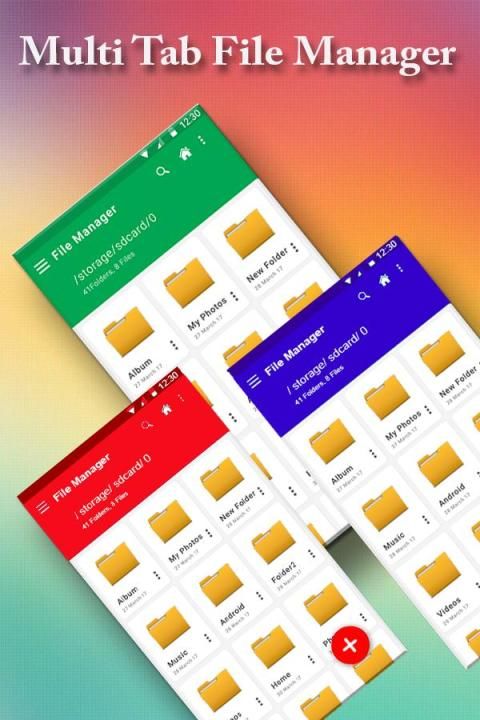
With the updating of mobile application, 20,000+ users downloaded HD File Explorer latest version on 9Apps for free every week! It is an excellent app and the fact it is! This hot app was released on 2017-04-16. Here are some guides of this app:
With HD File manager, you can manage all files and folders stored on your device and SD card.
**Key features
Internal storage: Manage all files and folders from your internal storage.
SD Card: You can manage your files and folders from the SD card.
Favorites: Add your frequently used files to Favorites.
Image: Supports all image files including PNG, JPG, GIF, and BMP.
Video: Supports all video files including MP4, AVI, MPEG, FLV, and MKV.
Music: Supports all audio files including MP3, OGG, FLAC, WAV, and WMA.
Document: Manage your documents including DOC, XLX, PPT, and PDF.
Download: You can check and manage any downloaded video, image, or audio files.
Recent file: View recently added files.
Large size files: You can collect all large files to delete or move unnecessary files (ex. Duplicate videos and images).
Fully Featured File Management Tool!
Highlights of File Manager HD
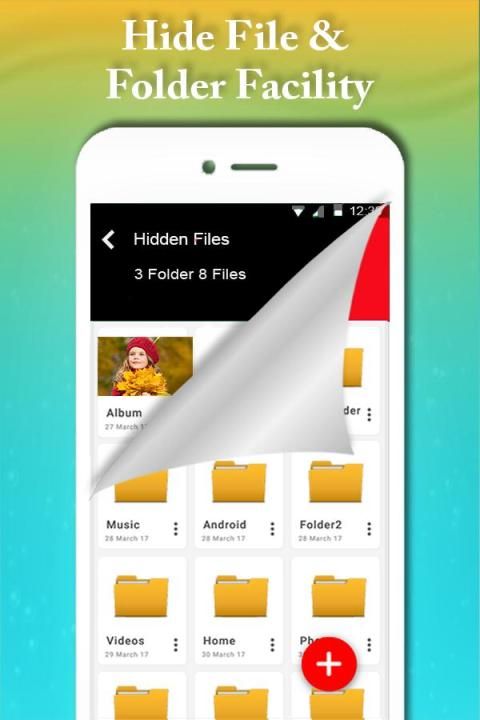
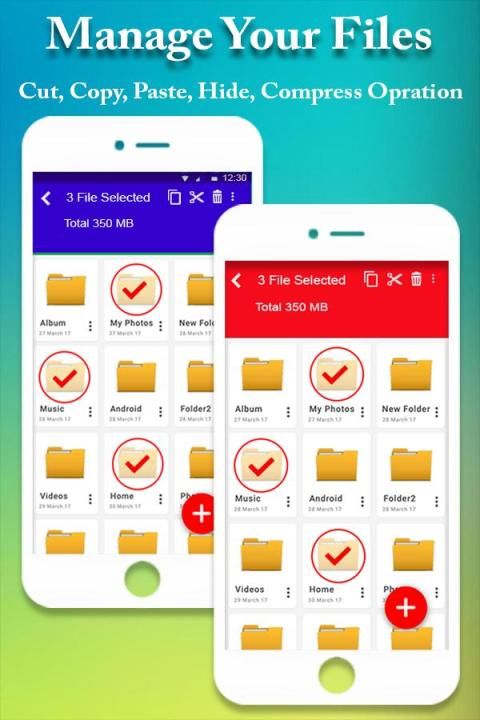
☆ Fully featured:Cut, copy, paste, delete, compress, decompress, search and more.
☆ Cloud support:Switch between local and cloud files - supports Dropbox, Box, Google Drive, SkyDrive and more.
☆ Wi-Fi File transfer:Use your PC to wirelessly edit your mobile files using FTP.
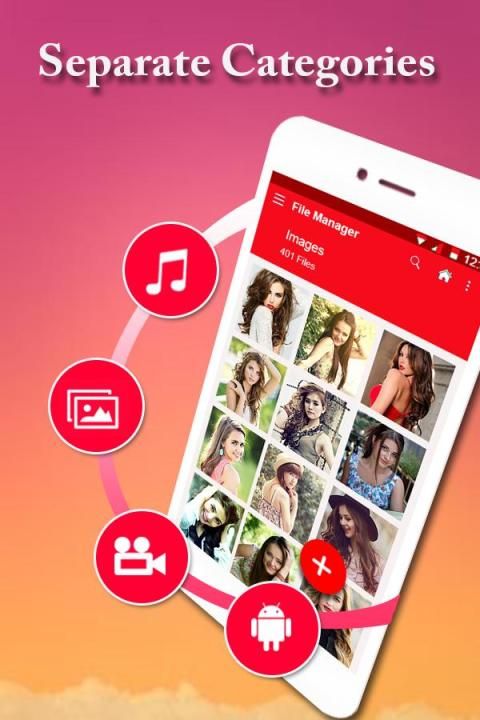
☆ Super convenient:View files by type (image, audio, video, recent, download etc.), use a widget to access folders in one tap from the homescreen.
☆ Multiple protocols: Supports file transfers using FTP, FTPS, SFTP, WebDAV and LAN/SMB, stream media from LAN/SMB/FTP/WebDAV/Cloud without downloading.
File Manager has been developed to be the most user-friendly file management tool (file manager, file explorer, filer) in Android file managers.This application has basic file management function as a filer.
In addition to basic file operations, the following operations are possible.
- Display by List/Grid
- Resizing thumbnail image.
- Dual screen
- File sort
- File search
- Multi select (Range select support)
- Zip (Multi encode support)
- Unzip file (Multi encode support)
- Favorite mark
- Desktop shortcut
- File share
- Layout arrange
- File attachment
- Image viewer
- Sending reduced image file
- Trash box
-root access support, modify system files and change file permissions, need rooted phone
- zip / unzip, zip, rar, 7z, tar, APK, jar and more are coming (compress / decompress)
- fastest file search performance
- built-in advanced App manager, install, uninstall, backup, auto backup apps when installing and unstalling
- support file tag with different names and colors
- select / unselect batch of files
- select single file by long tap
- tap on any other targets after single select for batch select of files
- file thumbnails, support image video music app, both local & network
- display count of files and size of each folder
- properties page for file and dir
- support private cloud, you can build your own private cloud center in your home or office computer and access it anytime & anywhere, support Windows, MacOS X and Linux operating system
- built-in video and music player with enhanced network streaming feature. Stream video & MP3 from cloud service or NAS, all network protocol supported like HTTP, FTP, SMB, WebDAV and Chromecast, floating window play supported
- built-in text editor (txt log conf config INI INF sh xml html htm)
- recycle bin, recover deleted file
- batch file rename
- file shred, shred file to delete permanently and can’t recover
- ftp server
- share and transfer files via bluetooth or wifi
Just give it a try and it will become your daily file manager / file explorer
Feedback
If you have any questions, send email to contact support or go to Settings to Submit Feedback in the App.

9Apps 4.9















