
It is a truth that 30,000+ users downloaded GeoTrack latest version on 9Apps for free every week! It has been a popular app for a long time. This hot app was released on 2020-01-02. Find out more android software you're looking for at 9apps.com
Fan of travel and trekking, I designed this application to allow me to geotag all my photos. I record my trips with this application and then I export them in my other windows application PicaGeoTag (https://www.picageotag.com) to mark my photos with the GPS coordinates of the location of the shooting.
The operation is extremely simple thanks to the automatic calibration function between GeoTrack and PicaGeoTag.
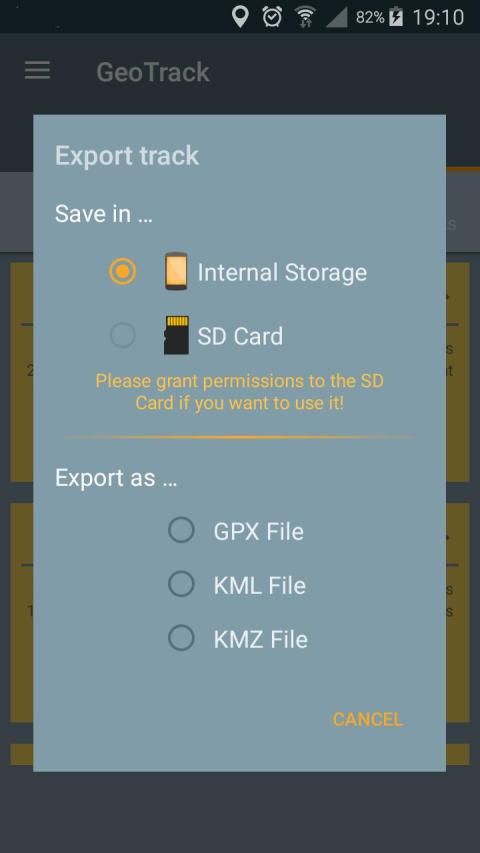
Exports are in standard formats GPX, KML and KMZ. So you can use any software capable of processing these formats such as Google Earth.
GeoTrack is also interesting for trekking as it is the only one of its kind that records the number of footsteps at the same time. You can also record points of interest along the courses.
The application has been designed to be very battery-efficient so you can record even very long runs. Recording is done even when the screen is off or the application is closed.
If you use the application as a navigation tool, you can use it as a GPS (map centered and oriented on the heading of the device) keeping the screen on.
The main features are:
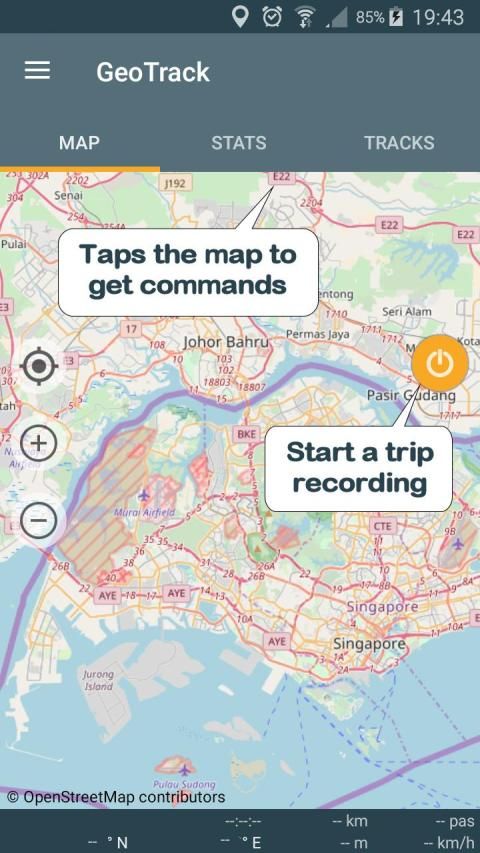
. GPS recording of trips and of number of foot steps.
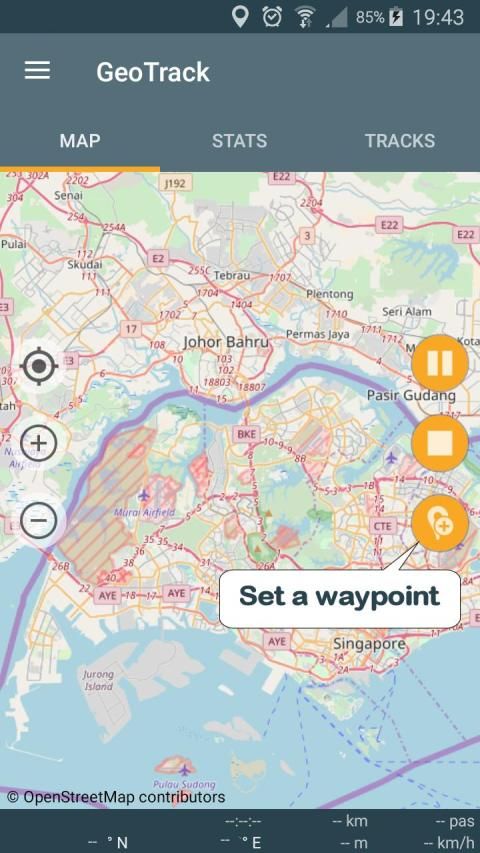
. Recording of points of interest (waypoints).
. Recording while screen is off or application is closed (Saves battery)
. Choice between several maps: Google or Open Street Map Classical, Hiking Biking or Topographic.
. Real time location on map.
. Ability to keeps the map centered during displacements.
. GPS mode to orient the map following the heading of the device.
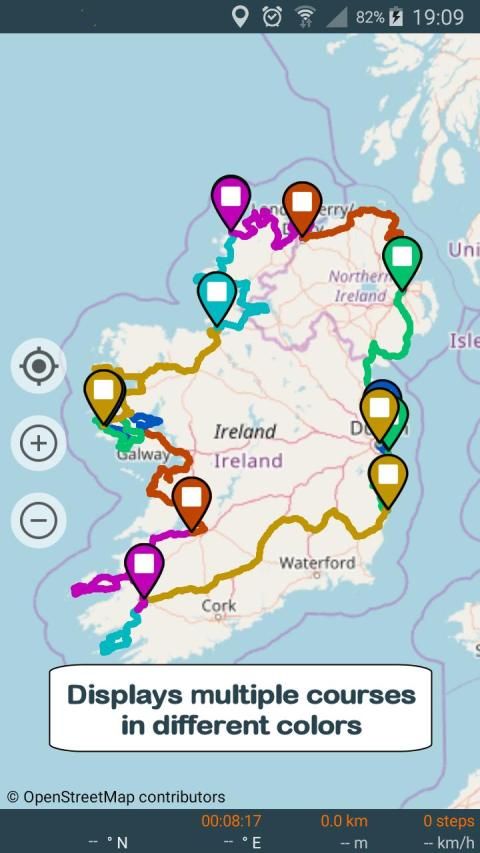
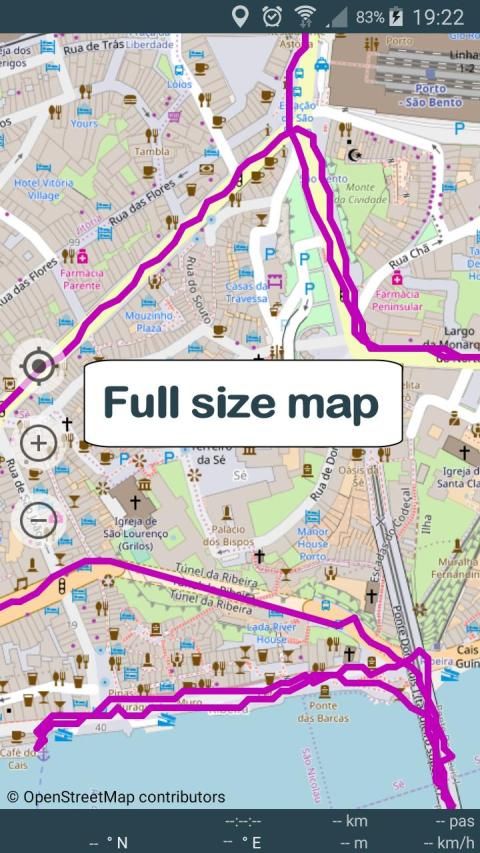
. Displaying selected trips on a map (one or more trips)
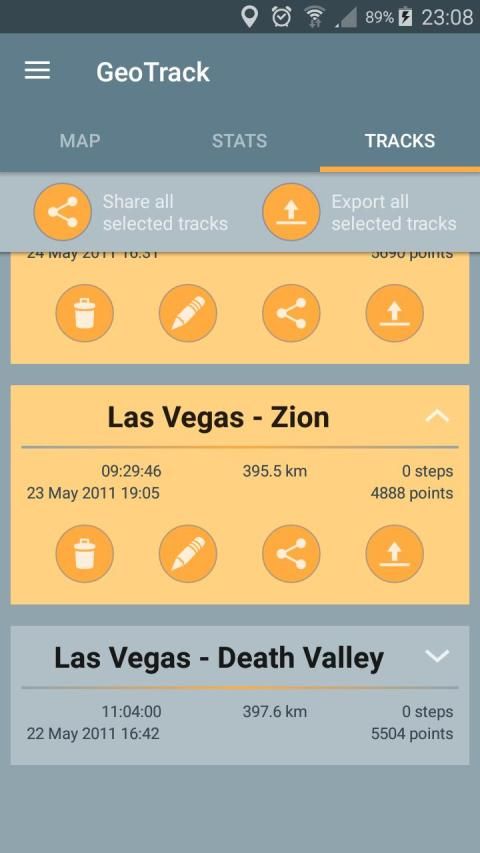
. Export / Share as GPX, KML or KMZ files (one or more trips per file).
. Import of GPX, KML or KMZ files.
. Calibration screen to adjust the time difference between the GPS track recorder and your camera.
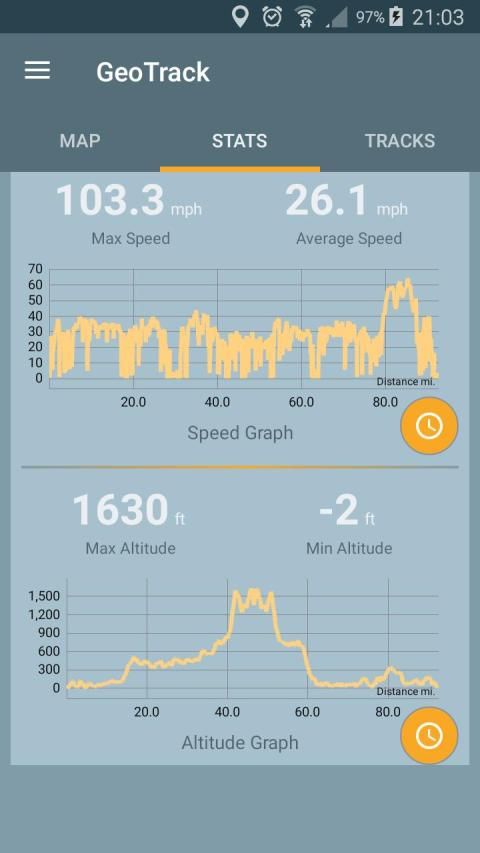
. Statistics with graphs.
. Export / Sharing of charts
. Choice of measurement units (metric, english or marine units)
. Magnification up to 3 times of maps.
. Simplified offline mode (keeps the already loaded map elements indefinitely).
Remarks:
. Recording of the number of foot steps requires at least Android KITKAT and a compatible device.
. GPS mode requires a device with compass.
When importing files, prefer as much as possible GPX-type files that are faster to process.
Privacy:
This application respects your privacy. It uses the minimum possible permissions:
. 'Precise Position' to record GPS positions.
. 'Write / Read storage' (internal or SD card) to export the trips.
. 'Run at start-up' to resume a stopped recording after restarting the device.
यात्रा और ट्रेकिंग के फैन, मैं मुझे मेरी सभी फ़ोटो जियोटैग करने के लिए अनुमति देने के लिए इस आवेदन बनाया गया है। मैं इस आवेदन के साथ मेरी यात्राएं रिकॉर्ड करने और फिर मैं उन्हें अपने अन्य विंडो के आवेदन PicaGeoTag (https://www.picageotag.com) में निर्यात के साथ जीपीएस शूटिंग के स्थान के निर्देशांक मेरी तस्वीर को चिह्नित करने के।
आपरेशन GeoTrack और PicaGeoTag के बीच स्वचालित अंशांकन समारोह के लिए अत्यंत सरल धन्यवाद है।
निर्यात मानक प्रारूप GPX, KML और KMZ में हैं। तो अगर आप किसी भी सॉफ्टवेयर जैसे गूगल पृथ्वी के रूप में इन प्रारूपों के प्रसंस्करण में सक्षम उपयोग कर सकते हैं।
GeoTrack के रूप में यह अपनी तरह कि एक ही समय में नक्शेकदम की संख्या रिकॉर्ड में से एक है ट्रैकिंग के लिए दिलचस्प है। तुम भी पाठ्यक्रम के साथ रुचि के स्थानों के रिकॉर्ड कर सकते हैं।
आवेदन तो तुम भी बहुत लंबे रन रिकॉर्ड कर सकते हैं बहुत बैटरी कुशल होने के लिए बनाया गया है। रिकॉर्डिंग से किया जाता है और भी स्क्रीन के बंद होने या आवेदन बंद कर दिया है।
यदि आप एक नेविगेशन उपकरण के रूप में आवेदन का उपयोग करते हैं, आप इसे एक जीपीएस (मानचित्र केंद्रित और डिवाइस के शीर्षक पर उन्मुख) पर स्क्रीन रखने के रूप में उपयोग कर सकते हैं।
मुख्य विशेषताएं इस प्रकार हैं:
। यात्राओं की और पैर चरणों की संख्या की GPS रिकॉर्डिंग।
। ब्याज (वेपोइंट) के अंकों की रिकॉर्डिंग।
। रिकॉर्डिंग ही स्क्रीन बंद हो या आवेदन बंद कर दिया है (बैटरी बचाता है)
। गूगल या ओपन स्ट्रीट मानचित्र शास्त्रीय, लंबी पैदल यात्रा बाइकिंग या स्थलाकृतिक: कई नक्शे के बीच विकल्प।
। नक्शे पर वास्तविक समय स्थान।
। करने की क्षमता नक्शा विस्थापन के दौरान केंद्रित रहता है।
। जीपीएस मोड डिवाइस के शीर्षक निम्न मानचित्र उन्मुख करने के लिए।
। एक नक्शे पर चयनित यात्राएं प्रदर्शित (एक या अधिक यात्राएं)
। निर्यात GPX, KML या KMZ फ़ाइलों (फ़ाइल प्रति एक या अधिक यात्राएं) के रूप में / शेयर।
। GPX, KML या KMZ फ़ाइल को आयात करें।
। अंशांकन स्क्रीन जीपीएस ट्रैक रिकॉर्डर और अपने कैमरे के बीच समय अंतर को समायोजित करने के।
। रेखांकन के साथ सांख्यिकी।
। निर्यात / चार्ट के शेयरिंग
। माप इकाइयों की पसंद (, मीट्रिक अंग्रेज़ी या समुद्री इकाइयों)
। नक्शे के 3 बार आवर्धन।
। सरलीकृत ऑफलाइन मोड (पहले से ही भरी हुई नक्शा तत्वों अनिश्चित काल के लिए रहता है)।
टिप्पणी:
। पैर चरणों की संख्या की रिकॉर्डिंग कम से कम एंड्रॉयड किटकैट और एक संगत डिवाइस की आवश्यकता है।
। जीपीएस मोड कम्पास के साथ एक उपकरण की आवश्यकता है।
जब फ़ाइलें आयात, संभव GPX प्रकार फ़ाइलें है कि इस प्रक्रिया को तेजी से कर रहे हैं के रूप में के रूप में ज्यादा पसंद करते हैं।
गोपनीयता:
इस एप्लिकेशन के पास आपकी गोपनीयता का सम्मान। यह कम से कम संभव अनुमतियों का उपयोग करता है:
। 'सटीक स्थिति' रिकॉर्ड जीपीएस पदों के लिए।
। 'लिखें / पढ़ें भंडारण' (आंतरिक या एसडी कार्ड) यात्राएं निर्यात करने के लिए।
। 'स्टार्ट-अप पर चलाने के लिए' डिवाइस पुन: प्रारंभ करने के बाद एक बंद कर दिया रिकॉर्डिंग फिर से शुरू करने के लिए।
Fixed bug that sometimes prevent the location marker to show.




9Apps 4.9














