

Find most popular android apps here! 20,000+ users downloaded EX File Explorer latest version on 9Apps for free every week! It is the app that defined the best for a generation. This hot app was released on 2020-01-28. You can see more apps release recently on 9Apps.
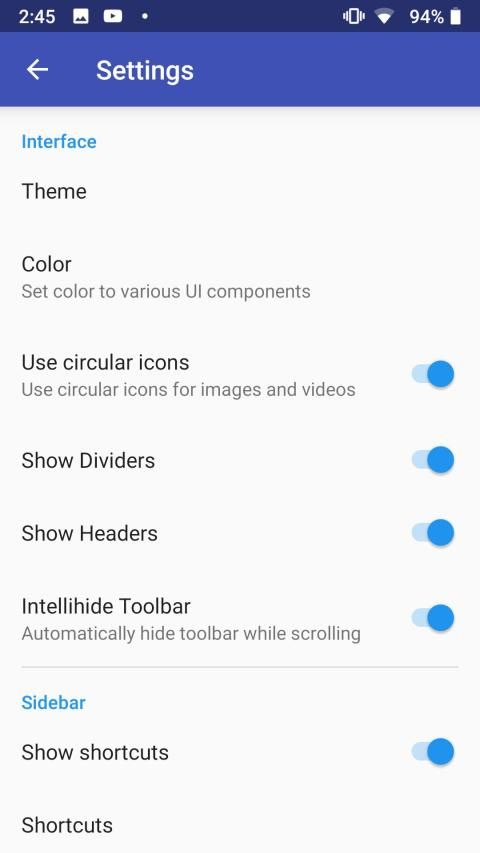
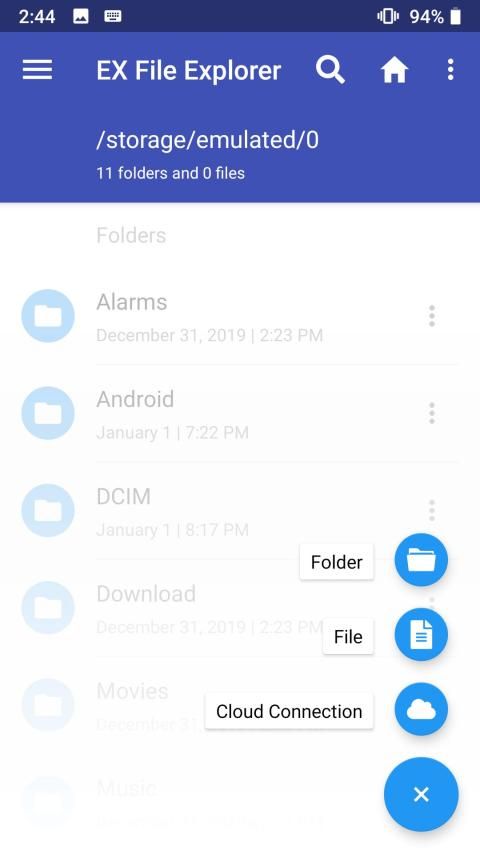
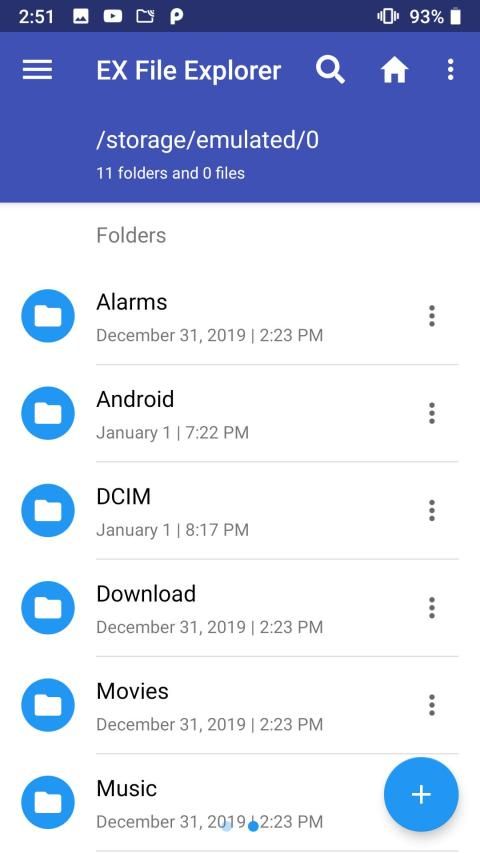
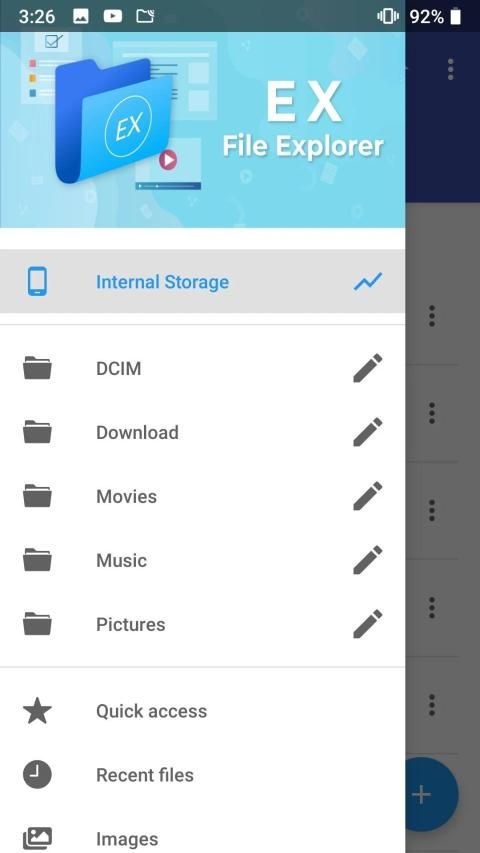
Ex File Explorer is a powerful file manager app with a clean and intuitive interface. Let's take a tour of that attractive features :
* File Manager and Folder Manager - now manage your files with features like file browser, hide, create shortcut, download, bookmark, paste, copy, cut, compress, rename, move, delete, search, transfer, organise and many such similar actions easily.
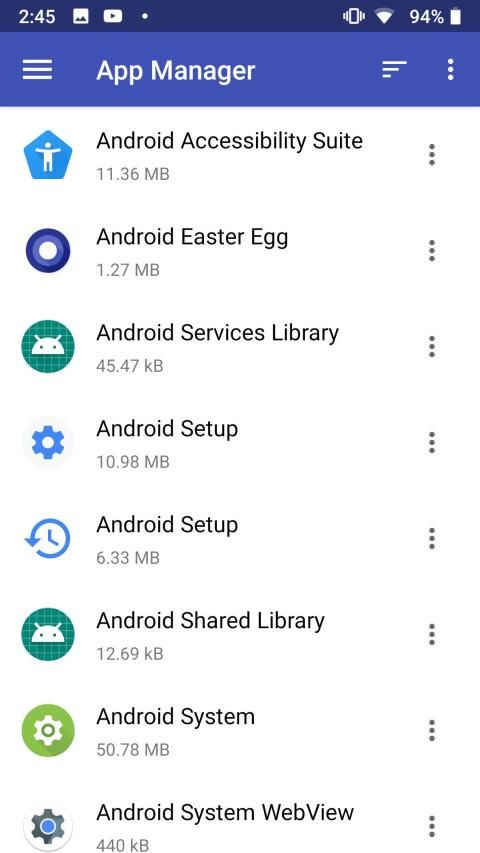
* Application Manager - you can backup,uninstall and create shortcut for your apps
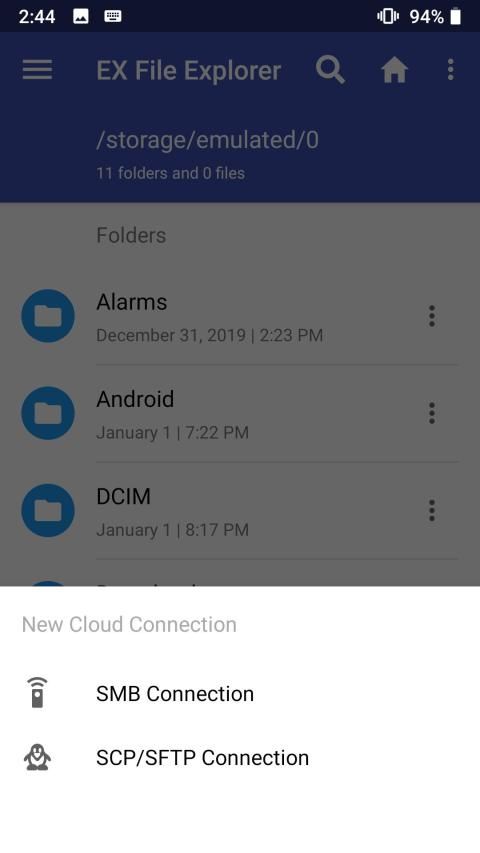
* Cloud Storage Manager- the app supports multiple cloud storage.
* Root explorer and browser - for complete access to mobile storage.
* App manager - to backup, open, create shortcut and uninstall your app’s.
* Various file types viewers and players : video player, image viewer, document reader inside app, without leaving the application.
* ZIP and RAR support built-in : compressed and decompressed ZIP and RAR files with password(encryption AES 256 bit).
* Designed for multiple device resolutions support(Mobile,Tab).
* Supports more than 30 languages.
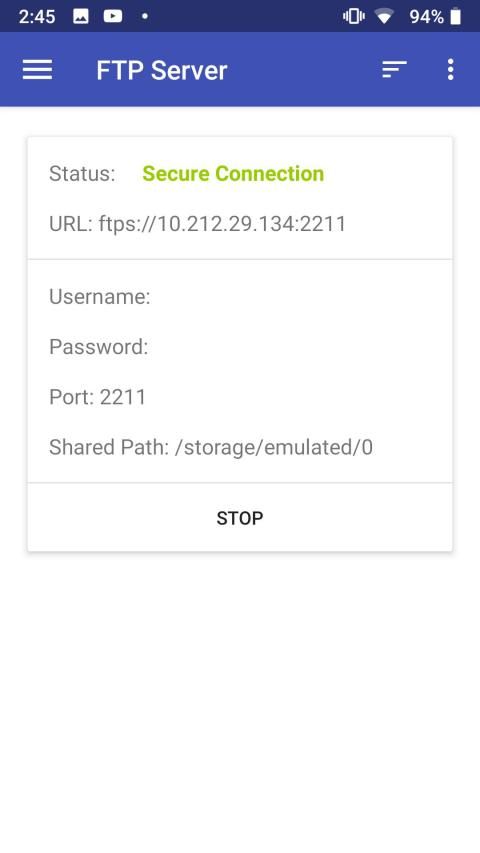
* Access files on NAS (Network-attached storage): You can access files within remote or shared storage like FTP, FTPS, SFTP, SMB, WebDAV, and LAN. Also you can access your mobile dev ice from PC using FTP(File Transfer Protocol).
* Quickly access recent files, access bookmarks, access history or search for any file.
If you are looking for a file manager app that has simple and sleek interface with full features, Ex File Explorer would be the best choice.
एक्स फ़ाइल एक्सप्लोरर एक साफ और सहज ज्ञान युक्त अंतरफलक के साथ एक शक्तिशाली फ़ाइल प्रबंधक ऐप है। आइए उस आकर्षक विशेषताओं का भ्रमण करें:
* फाइल मैनेजर और फोल्डर मैनेजर - अब अपनी फाइल को फाइल ब्राउजर, छिपाने, शॉर्टकट बनाने, डाउनलोड करने, बुकमार्क, पेस्ट, कॉपी, कट, सेक, रीनेम, मूव, डिलीट, सर्च, ट्रांसफर, ऑर्गनाइजेशन और ऐसे ही कई एक्शन जैसे फीचर्स के साथ मैनेज करें। सरलता।
* एप्लिकेशन मैनेजर - आप अपने ऐप्स के लिए बैकअप, अनइंस्टॉल और शॉर्टकट बना सकते हैं
* क्लाउड स्टोरेज मैनेजर- ऐप कई क्लाउड स्टोरेज को सपोर्ट करता है।
* रूट एक्सप्लोरर और ब्राउज़र - मोबाइल स्टोरेज तक पूरी पहुँच के लिए।
* ऐप मैनेजर - बैकअप के लिए, खोलें, शॉर्टकट बनाएं और अपने ऐप को अनइंस्टॉल करें।
* विभिन्न फ़ाइल प्रकार दर्शकों और खिलाड़ियों: वीडियो प्लेयर, छवि दर्शक, अनुप्रयोग के अंदर दस्तावेज़ पाठक, आवेदन छोड़ने के बिना।
* ज़िप और आरएआर समर्थन में निर्मित: संकुचित और विघटित ज़िप और पासवर्ड के साथ आरएआर फ़ाइलें (एन्क्रिप्शन एईएस 256 बिट)।
* कई डिवाइस रिज़ॉल्यूशन समर्थन (मोबाइल, टैब) के लिए डिज़ाइन किया गया।
* 30 से अधिक भाषाओं का समर्थन करता है।
* एनएएस (नेटवर्क-अटैच्ड स्टोरेज) पर फाइल एक्सेस करें: आप रिमोट या शेयर्ड स्टोरेज जैसे एफ़टीपी, एफटीपीएस, एसएफटीपी, एसएमबी, वेबडाव, और लैन में फ़ाइलों तक पहुँच सकते हैं। इसके अलावा आप एफ़टीपी (फ़ाइल ट्रांसफर प्रोटोकॉल) का उपयोग करके अपने मोबाइल देव बर्फ को पीसी से एक्सेस कर सकते हैं।
* जल्दी से हाल ही में फ़ाइलों का उपयोग, बुकमार्क का उपयोग, इतिहास का उपयोग या किसी भी फ़ाइल के लिए खोज।
यदि आप एक फ़ाइल प्रबंधक ऐप की तलाश कर रहे हैं जिसमें पूर्ण विशेषताओं के साथ सरल और चिकना इंटरफ़ेस है, तो एक्स फ़ाइल एक्सप्लोरर सबसे अच्छा विकल्प होगा।
_ Ex File Explorer







9Apps 4.9














