

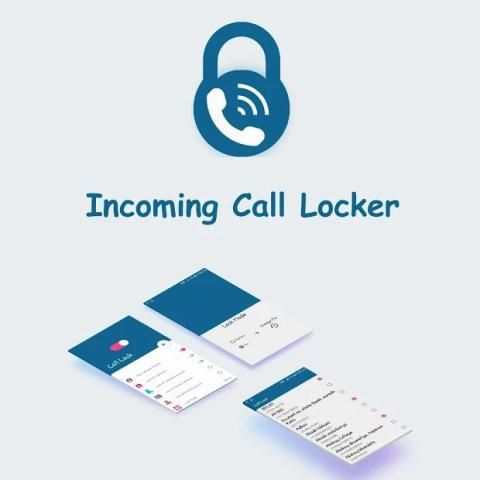
The No.1 store for free apps, games & videos. 20,000+ users downloaded Call Lock latest version on 9Apps for free every week! Therefore, people are willing to accept this latest version. This hot app was released on 2018-09-27. Certainly you will love it after play.
Incoming call lock work for may purpose just like:
* incoming call privacy
* My incoming call Locker
* Call Screen Lock
Features of Incoming Call Lock:
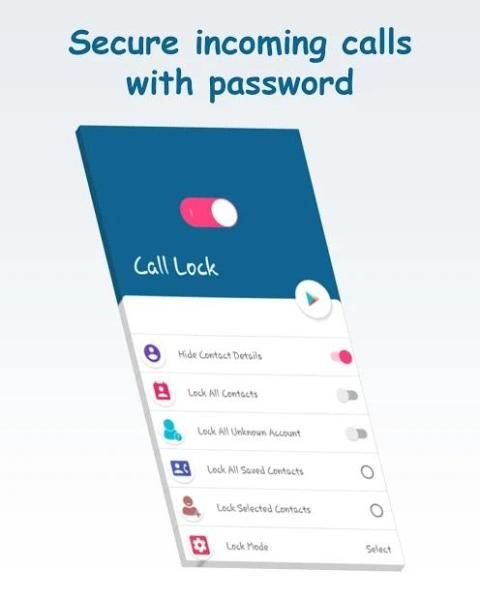
* Enable/Disable Call Lock Option
* Set a call lock on either all of your contacts or just specific ones
* You can Easily Change Password
* User Friendly
* Free to use
HOW TO USE Incoming Call Lock free:
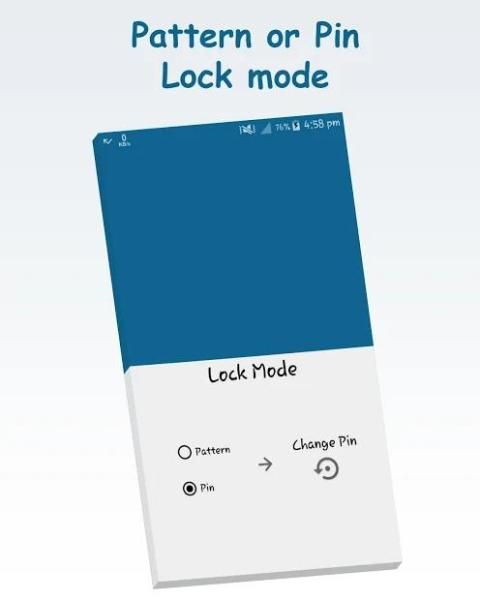
Step 1: In the setting screen click on "Pattern" or "Pin" Button then enter your
password and confirm it.
Step 2: Turn on Main switch on home screen to Turn it ON.
Step 3: To activate lock for all contacts turn ON the "Lock All Contacts" Button by
just click on it.
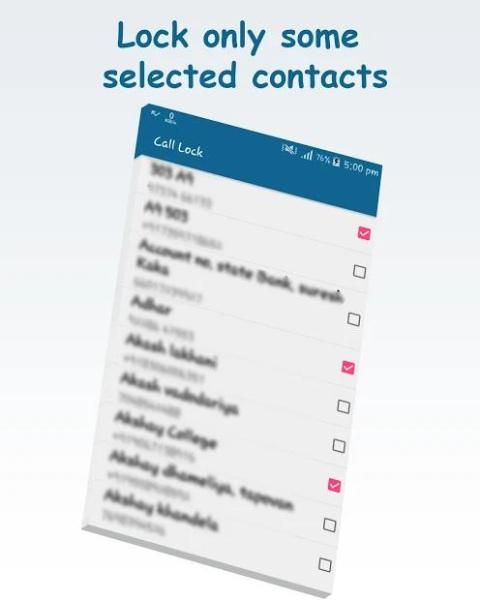
Step 4: To activate for specific contact click on "Lock Selected Contacts" Button and
select the specific contacts.
FEATURES -->
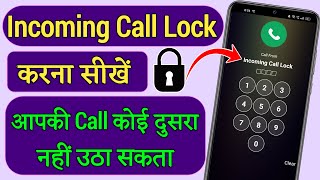
1. Call Lock application will not allow anyone to answer incoming calls
without unlocking the lock screen.
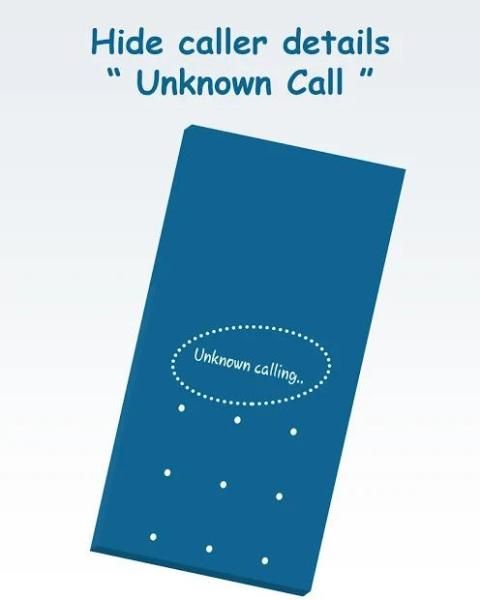
2. Hide caller details features will not allow anyone to see the caller's
number, name or any other details of caller as this feature will only show
"Unknown" caller on calling screen.
मई प्रयोजन के लिए आने वाली कॉल ताला काम जैसे:
* आने वाली कॉल गोपनीयता
* मेरी आने वाली कॉल लॉकर
* कॉल स्क्रीन लॉक
इनकमिंग कॉल लॉक की विशेषताएं:
* / अक्षम कॉल लॉक विकल्प को सक्षम
* या तो अपने संपर्कों या बस विशिष्ट लोगों के सभी पर एक फोन लॉक सेट
* आप आसानी से पासवर्ड बदल सकते हैं
* यूजर फ्रेंडली
* उपयोग करने के लिए नि: शुल्क
कैसे इनकमिंग कॉल लॉक मुक्त उपयोग करने के लिए:
चरण 1: "पैटर्न" या "पिन" बटन पर सेटिंग स्क्रीन क्लिक में तो दर्ज कर अपने
पासवर्ड और यह पुष्टि करते हैं।
चरण 2: इसे शुरू करना भी होम स्क्रीन पर मुख्य स्विच ऑन करें।
चरण 3: द्वारा "लॉक सभी संपर्क" बटन को चालू करें सभी संपर्कों के लिए लॉक सक्रिय करने के लिए
बस उस पर क्लिक करें।
चरण 4: "चुने गए संपर्क लॉक" पर विशिष्ट संपर्क क्लिक के लिए सक्रिय करने के लिए बटन और
विशिष्ट संपर्कों का चयन करें।
विशेषताएं ->
1. कॉल लॉक आवेदन किसी को भी आने वाली कॉल का जवाब देने की अनुमति नहीं दी जाएगी
लॉक स्क्रीन को अनलॉक किए बिना।
2. छिपाएं फोन करने वाले का विवरण सुविधाओं किसी को देखने के लिए अनुमति नहीं दी जाएगी फोन करने वाले का
नंबर, नाम या इस सुविधा के रूप में फोन करने वाले के किसी भी अन्य जानकारी के केवल वे दिखाई देंगी
स्क्रीन बुला पर "अज्ञात" फोन करने वाले।
Lock screen now supports fingerprints




9Apps 4.9














