

An easy-to-use and wise calendar with a clear and simple interface can help you create important events, set up reminders, and notify you as scheduled effectively!
If you are still looking for a smart and free calendar app on your Android phone, Calendar Lite is the best choice. Apart from the basic date viewing and events planning features, Calendar Lite helps you manage all the events in your schedule line efficiently and sync with other calendar accounts perfectly.
♛
What Features You can Get:
♛
❤
Clean Calendar Interface
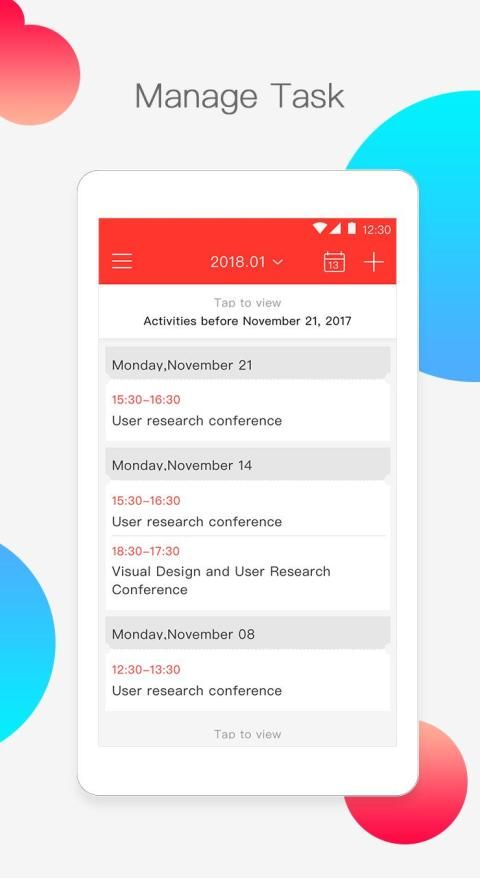
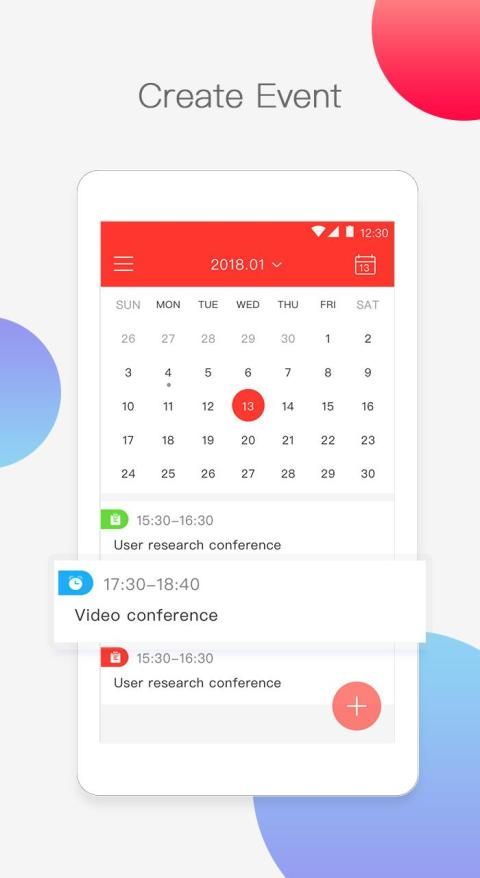
You can choose different ways to view the calendar - daily, weekly, monthly, and yearly. All the to-do lists will be listed in the Agenda view. After entering inside, you can check out your agenda and add any new events to it by simply click on one of the dates in the calendar.
❤
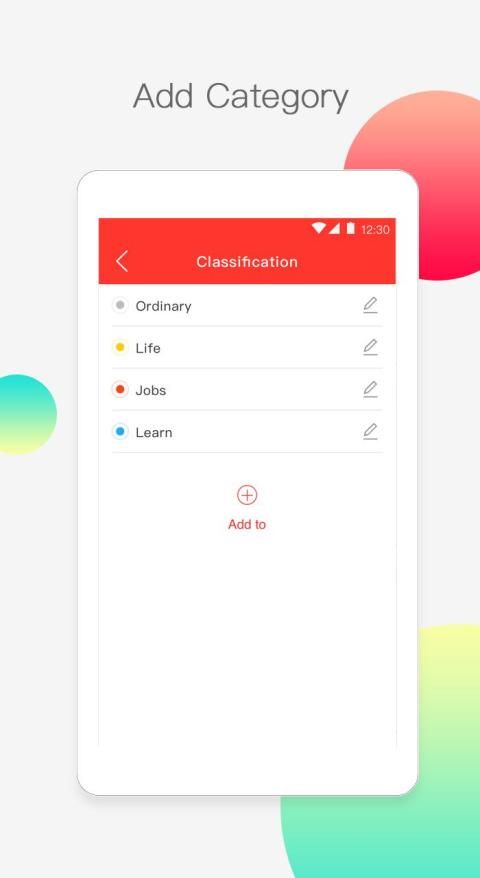
Create & Edit Your Events/Reminders/Notifications
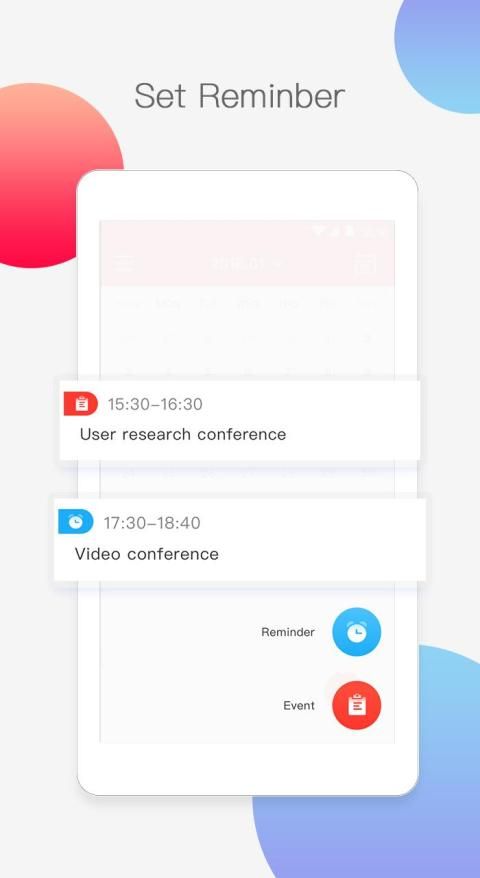
Schedule your life and work effectively using simple steps. Just click on any date to create your recurring events - fill in information such as event title, event category, email account, date time, location, note and etc. You can set up reminders so that you won’t miss any important events. You can choose the time zone and decide the repetition pattern for the event. You can add a list of attendees to invite to the event. You can edit your events at any time and change the color for them.
❤
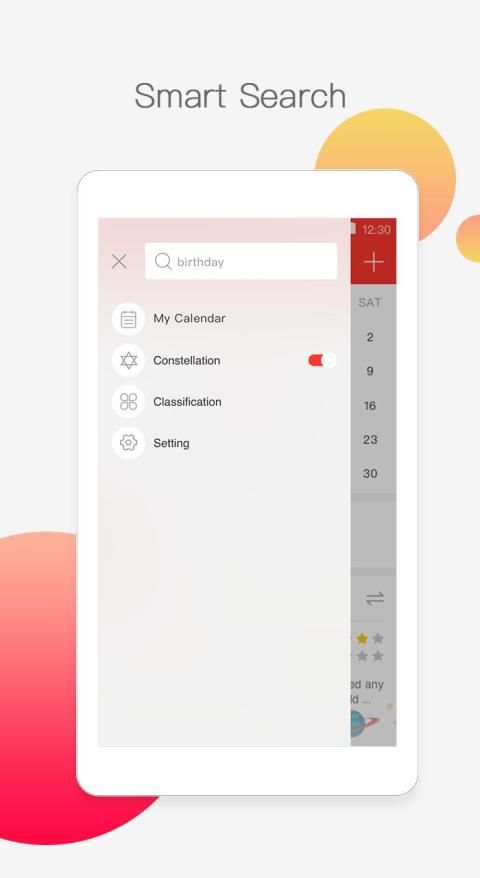
Live Search
Calendar Lite provides the search function to precisely locate to your events and it’s easy to clear the search history in the settings.
❤
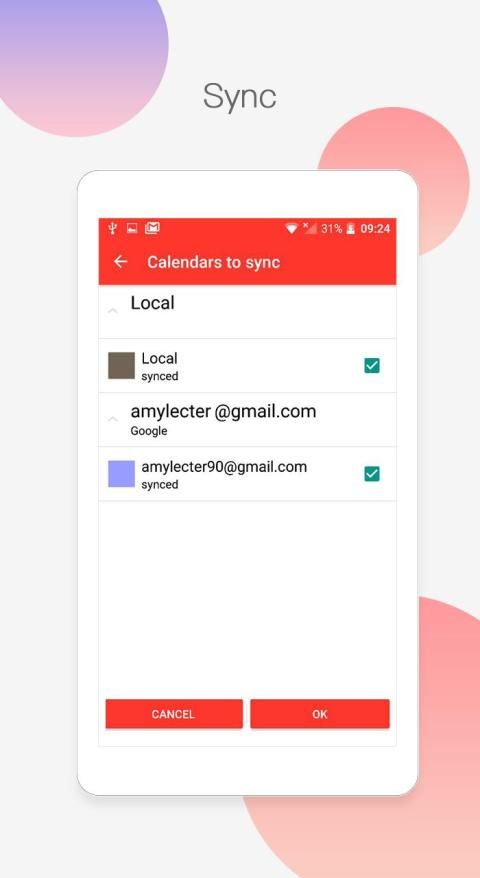
Smart Synchronization
Choose any account from Corporate, Google Exchange, and Google to log in to Calendar Lite. It allows synchronization and backup from these accounts.
>>>
Other Features
<<<
✔
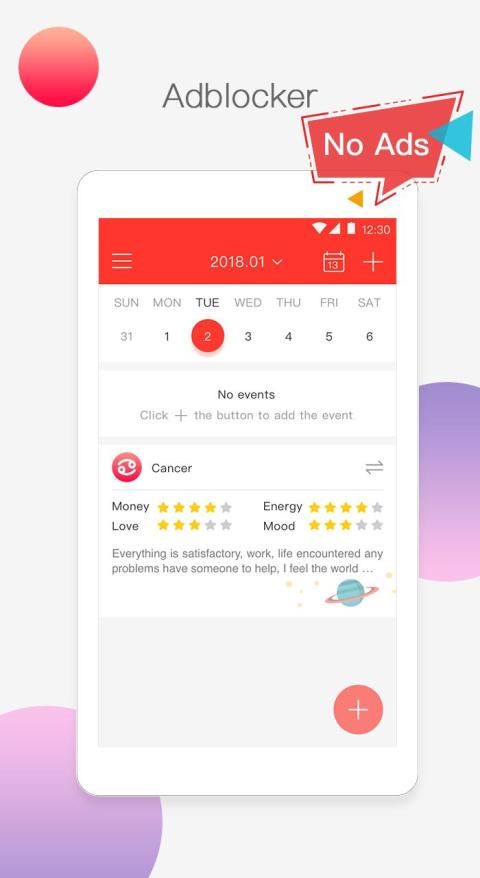
No ads:
Free enjoy the Calendar Lite to help you organize your day and life. It’s totally free and ads-free!
✔
Intuitive interface:
The interface and navigation are super user-friendly and flexible.
✔
Setup reminders:
You can decide how to get the notifications/reminders of your events.
✔
Permission of some accessing:
We ask for permissions to access some of your data/information such as WLAN to sync, Contact to link with the appointment and etc. so as to ensure the use of Calendar Lite.
✔
Calendar Widget:
Add the Calendar Lite widget to your home screen and customize it.
✔
Show week number
You can choose to display the week number in the calendar.
✔
Week start day
You can start weeks on Saturday, Monday or Sunday instead.
Calendar Lite team is dedicated to building up a stable and steady app-experience for you. Please support us and get more new and amazing features from this app.
Just join us to give more improvements to the calendar app.
Facebook page: https://www.facebook.com/CalendarLite/
G+ Community: https://plus.google.com/u/2/communities/107472707740176775532
एक स्पष्ट और सरल इंटरफ़ेस के साथ एक आसान-से-उपयोग और बुद्धिमान कैलेंडर आपको महत्वपूर्ण घटनाओं को बनाने में मदद कर सकता है, अनुस्मारक सेट कर सकता है और प्रभावी ढंग से निर्धारित कर सकता है!
यदि आप अभी भी अपने एंड्रॉइड फोन पर एक स्मार्ट और मुफ्त कैलेंडर ऐप की तलाश कर रहे हैं, तो कैलेंडर लाइट सबसे अच्छा विकल्प है। मूल तिथि देखने और घटनाओं की योजना बनाने की सुविधाओं के अलावा, कैलेंडर लाइट आपकी शेड्यूल लाइन में सभी घटनाओं को कुशलतापूर्वक प्रबंधित करने और अन्य कैलेंडर खातों के साथ पूरी तरह से सिंक करने में आपकी सहायता करता है।
♛
आप क्या विशेषताएं प्राप्त कर सकते हैं: What
❤
स्वच्छ कैलेंडर इंटरफ़ेस
आप कैलेंडर को देखने के लिए अलग-अलग तरीके चुन सकते हैं - दैनिक, साप्ताहिक, मासिक और वार्षिक। सभी टू-डू सूचियां एजेंडा दृश्य में सूचीबद्ध होंगी। अंदर प्रवेश करने के बाद, आप अपने एजेंडे की जांच कर सकते हैं और कैलेंडर में किसी एक तारीख पर क्लिक करके इसमें कोई नई घटना जोड़ सकते हैं।
/
अपने ईवेंट / अनुस्मारक / अधिसूचनाएँ बनाएं और संपादित करें
अपने जीवन को शेड्यूल करें और सरल चरणों का उपयोग करके प्रभावी ढंग से काम करें। अपनी आवर्ती घटनाओं को बनाने के लिए किसी भी तारीख पर क्लिक करें - घटना शीर्षक, घटना श्रेणी, ईमेल खाता, तिथि समय, स्थान, नोट और आदि जैसी जानकारी भरें। आप अनुस्मारक सेट कर सकते हैं ताकि आप किसी भी महत्वपूर्ण घटनाओं को याद न करें। आप समय क्षेत्र चुन सकते हैं और घटना के लिए पुनरावृत्ति पैटर्न तय कर सकते हैं। आप ईवेंट में आमंत्रित करने के लिए उपस्थित लोगों की सूची जोड़ सकते हैं। आप किसी भी समय अपनी घटनाओं को संपादित कर सकते हैं और उनके लिए रंग बदल सकते हैं।
❤
लाइव खोज
कैलेंडर लाइट आपकी घटनाओं का सटीक पता लगाने के लिए खोज फ़ंक्शन प्रदान करता है और सेटिंग में खोज इतिहास को साफ़ करना आसान है।
❤
स्मार्ट सिंक्रोनाइज़ेशन
कैलेंडर लाइट में लॉग इन करने के लिए कॉर्पोरेट, Google एक्सचेंज और Google में से कोई भी खाता चुनें। यह इन खातों से सिंक्रनाइज़ेशन और बैकअप की अनुमति देता है।
>>>
अन्य विशेषताएं <<<
✔
कोई विज्ञापन नहीं: आप अपने दिन और जीवन को व्यवस्थित करने में मदद करने के लिए कैलेंडर लाइट का आनंद लें। यह पूरी तरह से स्वतंत्र और विज्ञापन-मुक्त है!
✔
सहज इंटरफ़ेस: इंटरफ़ेस और नेविगेशन सुपर उपयोगकर्ता के अनुकूल और लचीले हैं।
✔
सेटअप रिमाइंडर: आप यह तय कर सकते हैं कि अपने ईवेंट की सूचनाएं / रिमाइंडर कैसे प्राप्त करें।
✔
कुछ एक्सेस की अनुमति: हम आपके कुछ डेटा / जानकारी जैसे WLAN को सिंक करने के लिए, अपॉइंटमेंट के साथ लिंक करने के लिए संपर्क और आदि का उपयोग करने के लिए अनुमति मांगते हैं ताकि कैलेंडर लाइट का उपयोग सुनिश्चित हो सके।
✔
कैलेंडर विजेट: कैलेंडर लाइट विजेट को अपनी होम स्क्रीन पर जोड़ें और इसे कस्टमाइज़ करें।
✔
सप्ताह संख्या दिखाएं आप कैलेंडर में सप्ताह संख्या प्रदर्शित करना चुन सकते हैं।
✔
सप्ताह का प्रारंभ दिन आप इसके बजाय शनिवार, सोमवार या रविवार को सप्ताह शुरू कर सकते हैं।
कैलेंडर लाइट टीम आपके लिए एक स्थिर और स्थिर ऐप-अनुभव बनाने के लिए समर्पित है। कृपया हमें समर्थन करें और इस ऐप से और अधिक नई और अद्भुत सुविधाएँ प्राप्त करें।
कैलेंडर ऐप में और सुधार करने के लिए बस हमसे जुड़ें।
फेसबुक पेज: https://www.facebook.com/CalendarLite/
जी + समुदाय: https://plus.google.com/u/2/communities/107472707740176775532
1.Optimized reminder and event page layouts
2.Bug fixes and performance updates





9Apps 4.9














