

Are you finding some interesting apps? 20,000+ users downloaded CPU Master latest version on 9Apps for free every week! If you are not comfortable with the old version then you can updated it right now. This hot app was released on 2019-09-15. If you wanna more apps besides this, turn to 9Apps.
* System
* Display
* Processor
* Memory
* Cameras
* Graphics
* Features
* Codecs
* Sensors
Hardware information is categorized into:
* Device Info: Model, Manufacturer, Chipset, Build Number and Android OS version.
* System: CPU architecture, Board, Number of Cores, Clock Speed, CPU Features, Governor and Kernel information. As well as current CPU Utilization, Total running processes, and clock frequency of each core.
* Camera: Detailed information about the primary and secondary camera in your phone. Along with supported resolutions, focus modes and AntiBanding modes.
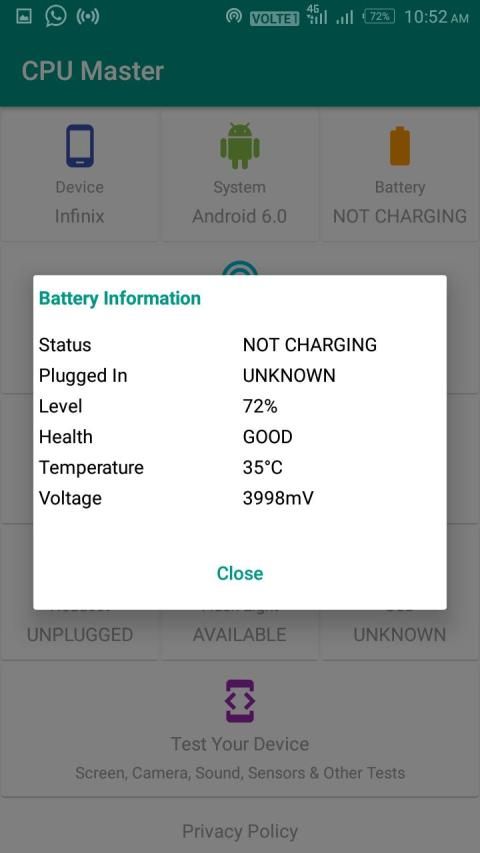
* Battery: Health, current level, power source, temperature, voltage.
* Sensors: All the sensors in your device with real-time testing.
CPU Hardware Info is elegant, accurate and simple - the beautiful user interface doesn’t stand between you and the information. Each section is split into 4 smart categories - for ease of access and fast switching. These categories are: usage, software information, device information and connectivity.
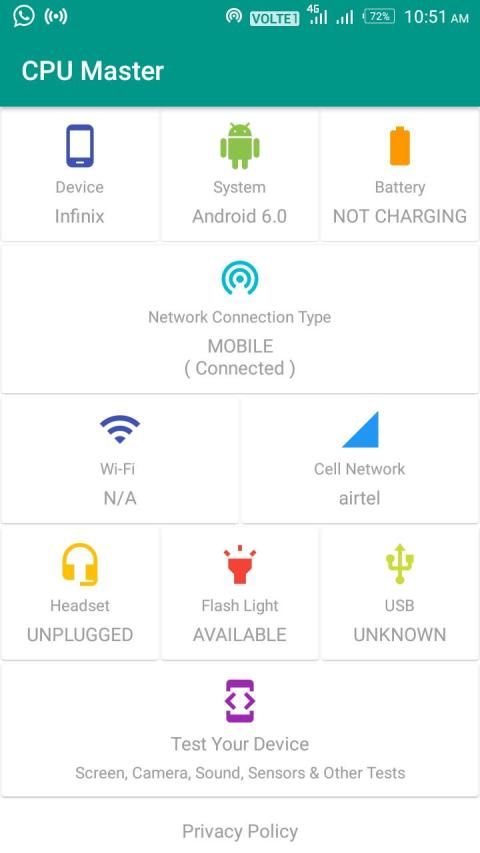
Just swipe and see the following useful info of your device:
+ Battery: Battery level, charging status.
+ CPU Detail: Processor type, architecture, hardware info.
+ Screen Display: Display size, density and orientation.
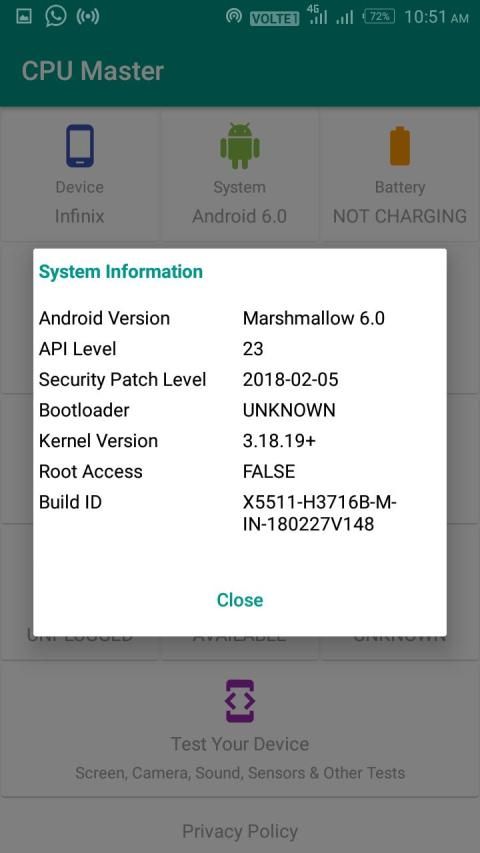
+ Device Model: Model name, manufacturer, build time, brand, etc.
+ Operating System: Version name, SDK number, release number.
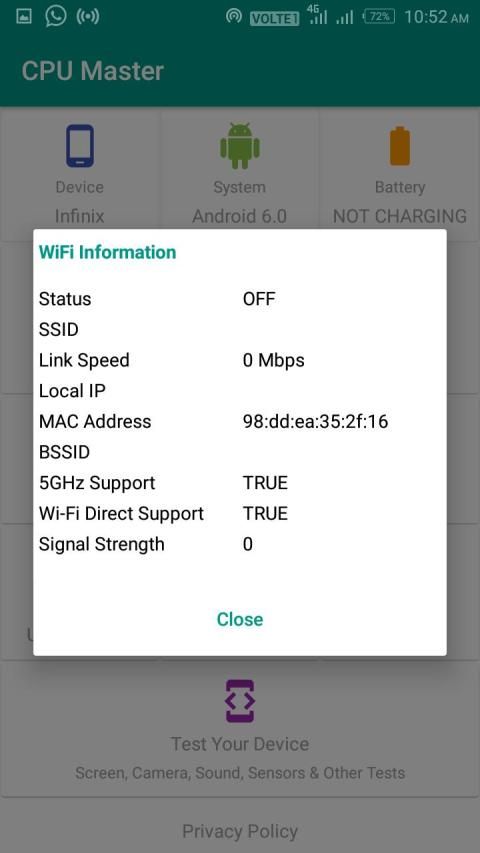
+ WiFi Status: Connected or not, WiFi connected name, WiFi Mac Address
+ Call Network Status.
+ Headset Status.
+ Flash Light Status: On or off.
+ USB Status.
Please write an email if you have any problems, questions or feature requests at asdevelopersoffice@gmail.com
Thanks & Regards,
* सिस्टम
* प्रदर्शित करें
* प्रोसेसर
* याद
* कैमरा
* ग्राफिक्स
* विशेषताएं
* कोडेक्स
* सेंसर्स
हार्डवेयर जानकारी में वर्गीकृत किया गया है:
* डिवाइस की जानकारी: मॉडल, निर्माता, चिपसेट, बिल्ड नंबर और एंड्रॉइड ओएस संस्करण।
* सिस्टम: सीपीयू वास्तुकला, बोर्ड, कोर की संख्या, घड़ी की गति, सीपीयू सुविधाएँ, राज्यपाल और कर्नेल जानकारी। साथ ही वर्तमान सीपीयू यूटिलाइजेशन, टोटल रनिंग प्रोसेस और हर कोर की क्लॉक फ्रीक्वेंसी।
* कैमरा: अपने फोन में प्राथमिक और द्वितीयक कैमरे के बारे में विस्तृत जानकारी। समर्थित संकल्पों के साथ, फ़ोकस मोड और एंटीबैन्डिंग मोड।
* बैटरी: स्वास्थ्य, वर्तमान स्तर, बिजली स्रोत, तापमान, वोल्टेज।
* सेंसर: वास्तविक समय परीक्षण के साथ आपके डिवाइस के सभी सेंसर।
CPU हार्डवेयर जानकारी सुंदर, सटीक और सरल है - सुंदर उपयोगकर्ता इंटरफ़ेस आपके और सूचना के बीच खड़ा नहीं है। प्रत्येक अनुभाग को 4 स्मार्ट श्रेणियों में विभाजित किया गया है - पहुंच में आसानी और तेजी से स्विच करने के लिए। ये श्रेणियां हैं: उपयोग, सॉफ़्टवेयर जानकारी, डिवाइस जानकारी और कनेक्टिविटी।
बस स्वाइप करें और अपने डिवाइस की निम्न उपयोगी जानकारी देखें:
+ बैटरी: बैटरी स्तर, चार्जिंग स्थिति।
+ सीपीयू विस्तार: प्रोसेसर प्रकार, वास्तुकला, हार्डवेयर जानकारी।
+ स्क्रीन डिस्प्ले: प्रदर्शन आकार, घनत्व और अभिविन्यास।
+ डिवाइस मॉडल: मॉडल का नाम, निर्माता, निर्माण समय, ब्रांड, आदि।
+ ऑपरेटिंग सिस्टम: संस्करण का नाम, एसडीके नंबर, रिलीज़ नंबर।
+ WiFi स्थिति: कनेक्टेड या नहीं, WiFi कनेक्टेड नाम, WiFi Mac पता
+ कॉल नेटवर्क स्थिति।
+ हेडसेट की स्थिति।
+ फ्लैश लाइट स्थिति: चालू या बंद।
+ USB स्थिति।
यदि आपको कोई समस्या है, तो कृपया ईमेल लिखें और asdevelopersoffice@gmail.com पर अनुरोध करें
धन्यवाद एवं सादर,
New Look
Fast Info.
Cemera Check
All Divce Information.



9Apps 4.9













