9Apps supports free android apps apk download. 20,000+ users downloaded All WiFi Router Settings latest version on 9Apps for free every week! One thing you need to know that this app is unique. This hot app was released on 2019-01-28. Even if you’re not a fan of this app, you’ll love it after reading this page.
All WiFi Router Settings
It will try to find the IP of your router and connect to it automatically. You don't need choose to connect manually by inputting the IP on your browser . View information about your network and connect with ease to your router with a good user experience. You can also reference known-brand router's default passwords in the application.
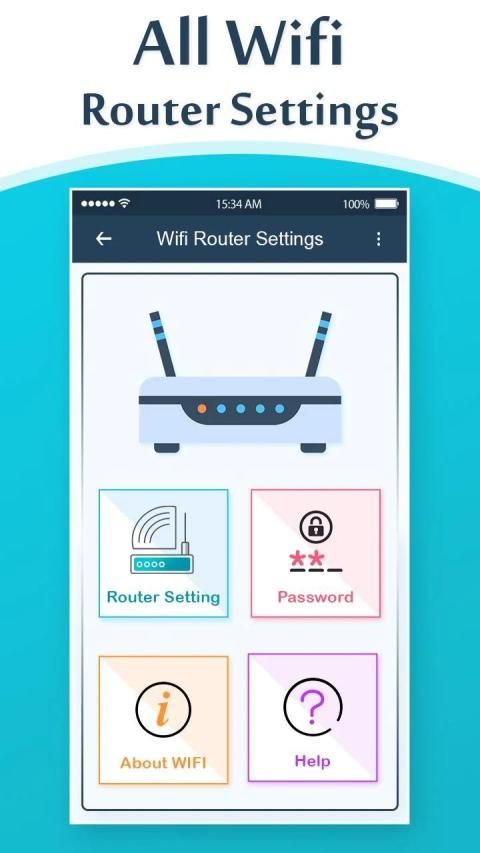
All WiFi Router Settings helps you to configure you WifI Router Settings Setup, or LAN settings configurations without using computer or laptop normal browser.
Features : -
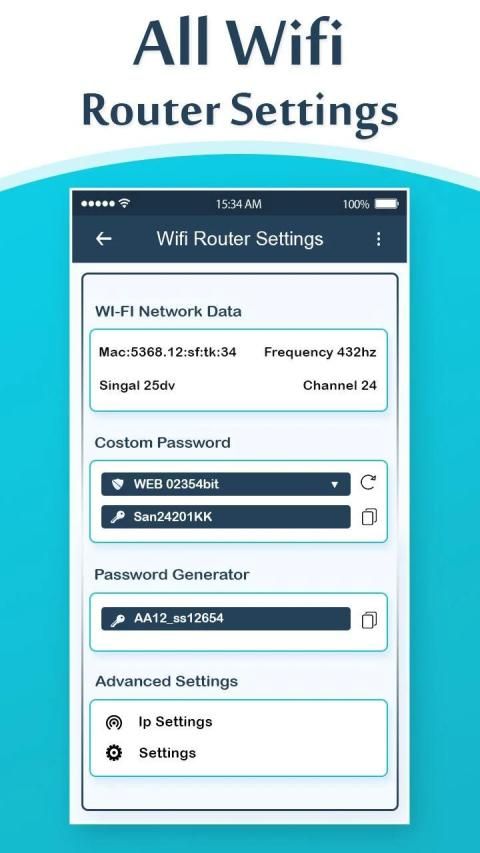
❑ WiFi password management
❑ How many devices is currently connected to your router
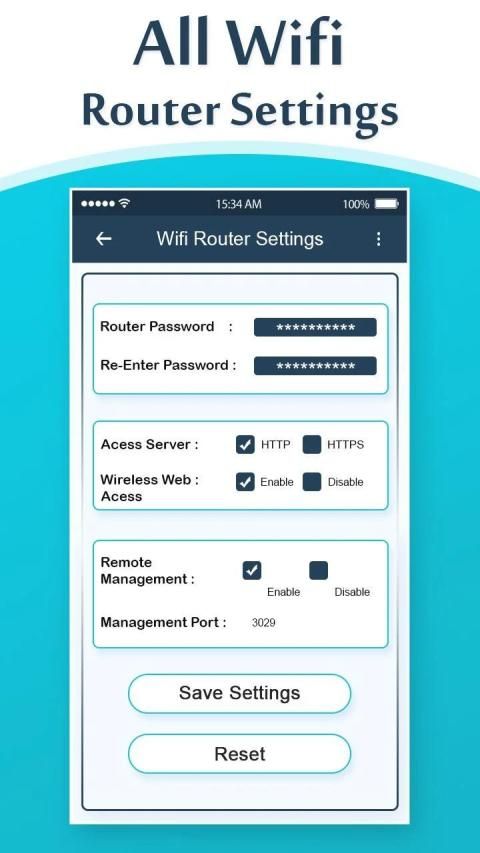
❑ Router password change & Default gateway checkup
❑ Access to router settings and LAN settings
❑ Change WIFI internet password frequently and configures the Router as fast as possible fast
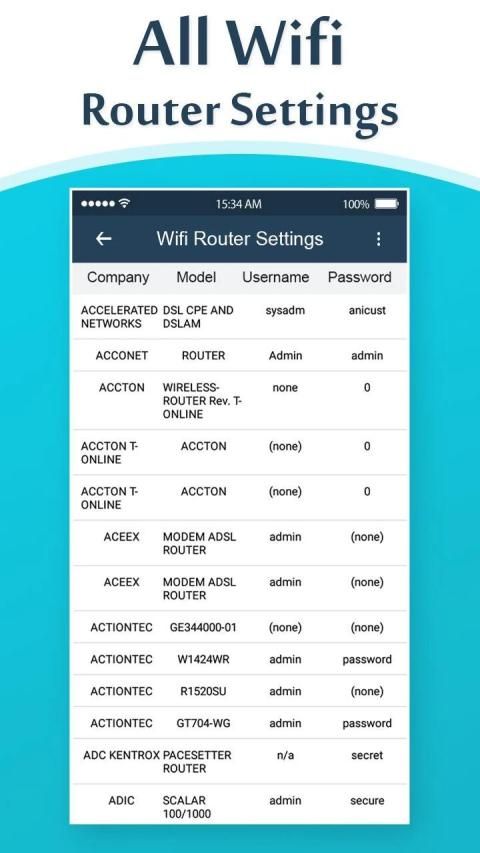
❑ User and password (login data) from many router companies
❑ The users who is there job is based on the Routers settings and Setup.
❑ Detects your WI-FI Router Gateway by different mechanisms to support the variety of Routers gateways all over the world.
❑ Search for your Router default username and Password in an offline database by your Router Brand or Model, in case of you haven’t change it before.
❑ Generate a Fast-Secure Password by your own to protect either the WIFI or the Router Login Page itself.
If you never changed your password, try a username and password which we provide to the brand of your WiFi Router , if you changed it, you must reset the WiFi router by inserting a sharp object into the small hole with a button that usually have all the router WiFi in the back side, or keep the on-Off button pressed for a few seconds.
You can also choose to connect manually by inputting the IP on your own.
View information about your network and connect with ease to your WiFi router with a good user experience.
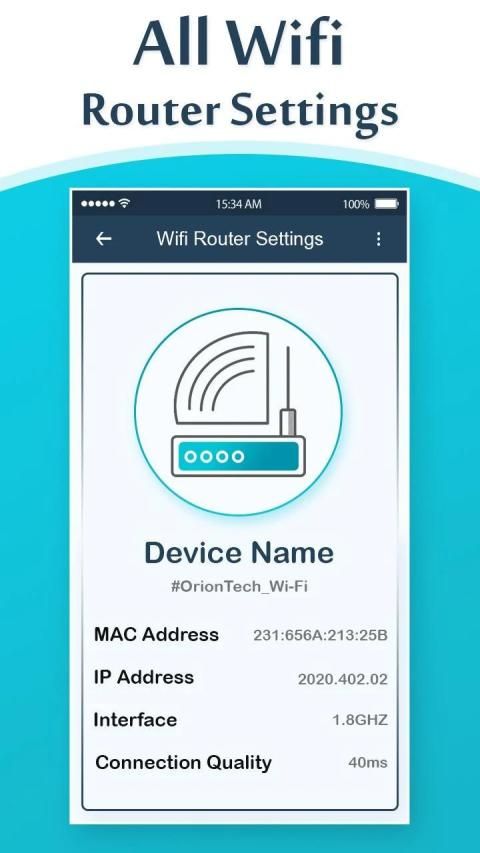
WIFI Info : IP Address, Physical Address, Net Mask, WiFi Encryption, WiFi Frequency, IMEI Number, Device Model Info, Manufacturer, MAC Address, Netmask, External IP Address, Network State(Hidden/Visible), DNS Server, System Uptime, DNS Address, Gateway (192.168.0.1) and many more info.
Thank You !!!!
सभी वाईफाई राउटर सेटिंग्स
यह आपके राउटर के आईपी को खोजने और अपने आप से कनेक्ट करने का प्रयास करेगा। आपको अपने ब्राउज़र पर आईपी इनपुट करके मैन्युअल रूप से कनेक्ट करने की आवश्यकता नहीं है। अपने नेटवर्क के बारे में जानकारी देखें और एक अच्छा उपयोगकर्ता अनुभव के साथ आसानी से अपने राउटर से कनेक्ट करें। आप एप्लिकेशन में ज्ञात-ब्रांड राउटर के डिफ़ॉल्ट पासवर्ड का संदर्भ भी ले सकते हैं।
सभी वाईफ़ाई राउटर सेटिंग्स आपको कंप्यूटर या लैपटॉप सामान्य ब्राउज़र का उपयोग किए बिना आपको वाईफ़ाई राउटर सेटिंग्स सेटअप, या लैन सेटिंग्स कॉन्फ़िगरेशन को कॉन्फ़िगर करने में मदद करती हैं।
विशेषताएं : -
Management वाईफाई पासवर्ड प्रबंधन
Many वर्तमान में आपके राउटर से कितने डिवाइस जुड़े हैं
। राउटर पासवर्ड परिवर्तन और डिफ़ॉल्ट गेटवे चेकअप
❑ राउटर सेटिंग्स और लैन सेटिंग्स तक पहुंच
Password WIFI इंटरनेट पासवर्ड को बार-बार बदलें और राउटर को जितनी जल्दी हो सके कॉन्फ़िगर करें
❑ कई राउटर कंपनियों के उपयोगकर्ता और पासवर्ड (लॉगिन डेटा)
Rout जो उपयोगकर्ता वहां काम करते हैं, वे राउटर सेटिंग्स और सेटअप पर आधारित होते हैं।
❑ दुनिया भर में राउटर के प्रवेश द्वार की विविधता का समर्थन करने के लिए विभिन्न तंत्रों द्वारा अपने WI-FI राउटर गेटवे का पता लगाता है।
’इससे पहले कि आप परिवर्तन न करें, अपने राउटर ब्रांड या मॉडल द्वारा एक ऑफ़लाइन डेटाबेस में अपने राउटर डिफ़ॉल्ट उपयोगकर्ता नाम और पासवर्ड की खोज करें।
Or वाईफ़ाई या राउटर लॉगिन पेज की रक्षा के लिए अपने आप से एक फास्ट-सिक्योर पासवर्ड बनाएं।
यदि आपने अपना पासवर्ड कभी नहीं बदला है, तो उपयोगकर्ता नाम और पासवर्ड की कोशिश करें जो हम आपके वाईफाई राउटर के ब्रांड को प्रदान करते हैं, यदि आपने इसे बदल दिया है, तो आपको एक बटन के साथ छोटे छेद में एक तेज वस्तु डालकर वाईफाई राउटर को रीसेट करना होगा, जिसमें आमतौर पर सभी होते हैं पिछले हिस्से में राउटर वाईफाई, या कुछ सेकंड के लिए ऑन-ऑफ बटन दबाए रखें।
आप अपने दम पर आईपी इनपुट करके मैन्युअल रूप से कनेक्ट करना चुन सकते हैं।
अपने नेटवर्क के बारे में जानकारी देखें और एक अच्छे उपयोगकर्ता अनुभव के साथ आसानी से अपने वाईफाई राउटर से कनेक्ट करें।
वाईफ़ाई जानकारी: आईपी पता, भौतिक पता, नेट मास्क, वाईफाई एन्क्रिप्शन, वाईफाई फ्रीक्वेंसी, IMEI नंबर, डिवाइस मॉडल जानकारी, निर्माता, मैक पता, नेटमास्क, बाहरी आईपी पता, नेटवर्क राज्य (छिपा / दर्शनीय), डीएनएस सर्वर, सिस्टम अपटाइम, डीएनएस पता, गेटवे (192.168.0.1) और कई और जानकारी।
धन्यवाद !!!!

9Apps 4.9