

Are you finding some interesting apps? 20,000+ users downloaded VideoCutout latest version on 9Apps for free every week! By use it, you can upgrade your abilities smartly. This hot app was released on 2019-11-29. Download in official websites like 9apps and you'll never miss it!
Video Cutout
This app can be used to apply an overlay filter on combination of videos & images along with different options.
Now, you can DRAW movies, AND you can draw ON movies! Video Cutout powerful, easy-to-use editing features put YOU in control, allowing you to make the highest quality movies, DIFFERENT from anything you’ve seen!
You can add videos from your camera roll or record a clip right from within the app. After adding a video, select a photo to lay it over the clip. Then, tap the finger button to move the photo while the video is playing.
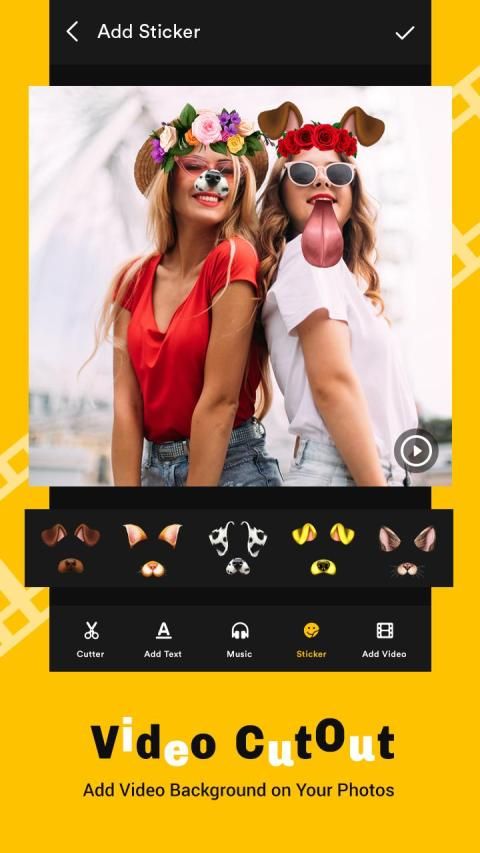
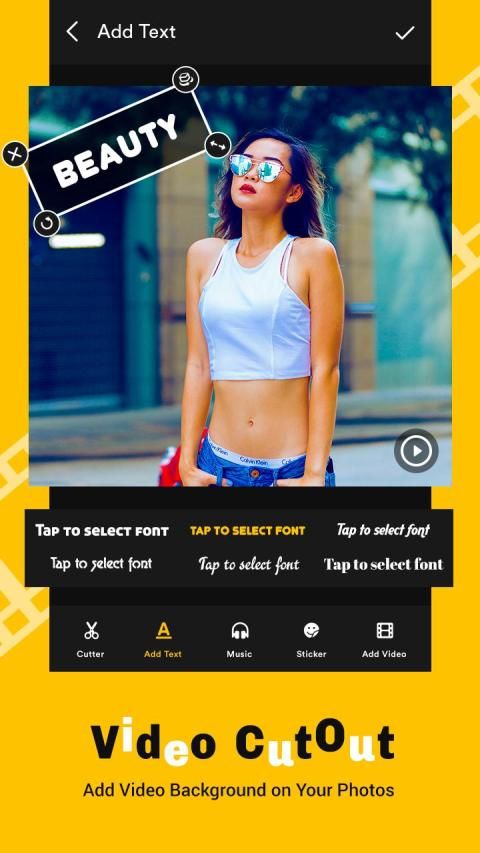
Professional video editing tools included with custom text, effects and emoticons. Share your beautiful memories with family and friends over social platforms and create your own short movies easy and quick. Download the app today!
# Features:
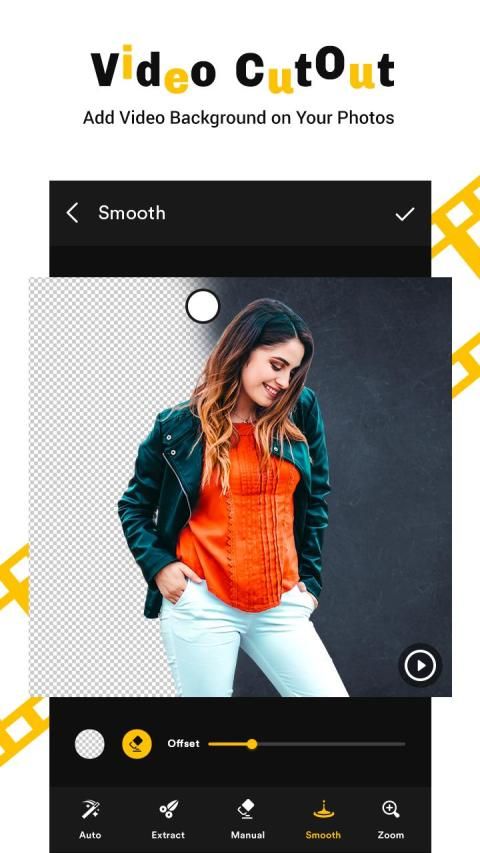
Auto erasing: This mode allows you to Touch and erase portions of the image based on Colour, Threshold and Texture. Use this for Fast Processing when the background has similar colours
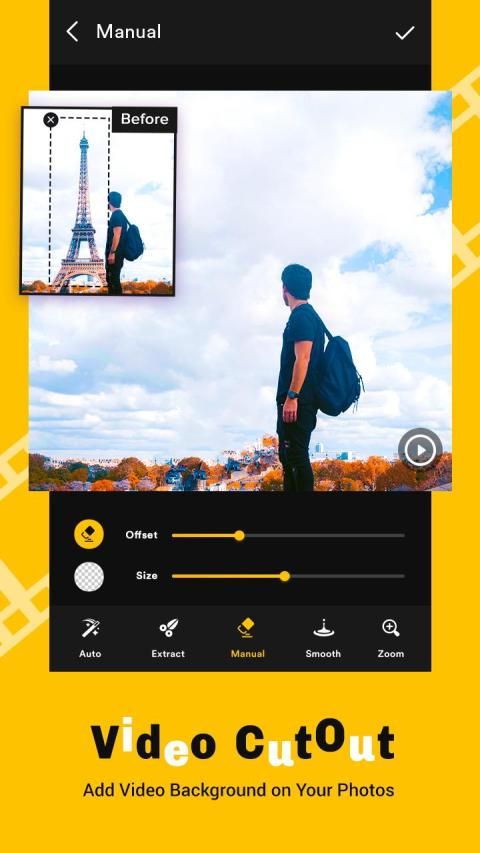
Manual: Allows you to Erase Manually by just using your finger as a brush. Use Offset for easy erase.
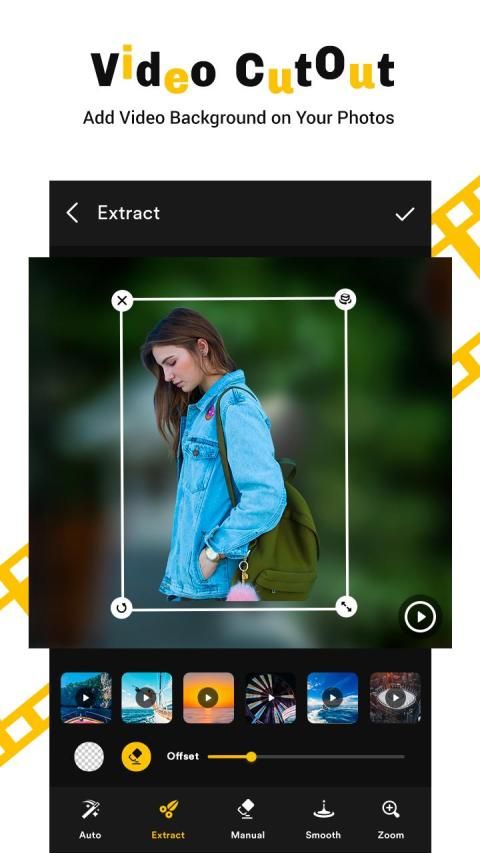
Extract: Allows you to select an area to Cut by just drawing a closed loop
Restore: Allows you to restore erased areas.
Zoom: Zoom your picture for a perfect cut
Magnifying Glass: Shows you which portion are you cutting/selecting.
Different Brush Types: Change Brush Size and Brush Type - Circular and Square.
Undo/Redo Option for handling any mistakes.
Cut Photos, Erase Backgrounds, Create Photo layers Superimpose and Photo Montages with this easy to use an Auto background changer
वीडियो कटआउट
इस एप्लिकेशन का उपयोग विभिन्न विकल्पों के साथ वीडियो और छवियों के संयोजन पर एक ओवरले फिल्टर लागू करने के लिए किया जा सकता है।
अब, आप फिल्मों को चला सकते हैं, और आप फिल्मों को आकर्षित कर सकते हैं! वीडियो कटआउट शक्तिशाली, आसानी से उपयोग की जाने वाली संपादन सुविधाएँ आपको नियंत्रण में रखती हैं, जिससे आप उच्चतम गुणवत्ता वाली फ़िल्में बना सकते हैं, जो कुछ भी आप देख रहे हैं उससे अलग!
आप अपने कैमरा रोल से वीडियो जोड़ सकते हैं या ऐप के भीतर से क्लिप को रिकॉर्ड कर सकते हैं। वीडियो जोड़ने के बाद, क्लिप के ऊपर इसे बिछाने के लिए एक फोटो चुनें। फिर, जब वीडियो चल रहा हो तो फोटो को स्थानांतरित करने के लिए फिंगर बटन पर टैप करें।
पेशेवर वीडियो संपादन उपकरण जिसमें कस्टम पाठ, प्रभाव और इमोटिकॉन्स शामिल हैं। सामाजिक प्लेटफार्मों पर परिवार और दोस्तों के साथ अपनी खूबसूरत यादों को साझा करें और अपनी छोटी फिल्मों को आसान और त्वरित बनाएं। आज एप्लिकेशन डाउनलोड करें!
# विशेषताएं:
ऑटो इरेजिंग: यह मोड आपको कलर, थ्रेसहोल्ड और टेक्सचर के आधार पर इमेज के कुछ हिस्सों को टच करने और मिटाने की अनुमति देता है। फास्ट प्रोसेसिंग के लिए इसका उपयोग करें जब पृष्ठभूमि में समान रंग होते हैं
मैनुअल: आप अपनी उंगली को ब्रश के रूप में उपयोग करके मैन्युअल रूप से मिटा सकते हैं। आसान मिटाने के लिए ऑफसेट का उपयोग करें।
एक्स्ट्रेक्ट: आपको एक बंद लूप को खींचकर कट करने के लिए एक क्षेत्र का चयन करने की अनुमति देता है
पुनर्स्थापना: आपको मिटाए गए क्षेत्रों को पुनर्स्थापित करने की अनुमति देता है।
ज़ूम: एक सही कटौती के लिए अपनी तस्वीर ज़ूम करें
आवर्धक काँच: आपको दिखाता है कि आप किस भाग को काट रहे हैं / चुन रहे हैं।
विभिन्न ब्रश प्रकार: ब्रश आकार और ब्रश प्रकार बदलें - परिपत्र और वर्ग।
किसी भी गलतियों को संभालने के लिए पूर्ववत करें / फिर से करें विकल्प।
कट फोटो, मिटा पृष्ठभूमि, एक ऑटो पृष्ठभूमि परिवर्तक का उपयोग करने के लिए इस आसान के साथ फोटो परतें सुपरइम्पोज और फोटो मॉन्टेज बनाएं




9Apps 4.9















