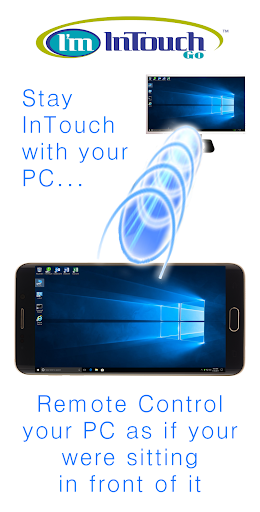
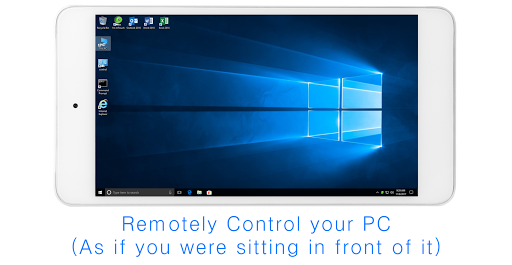
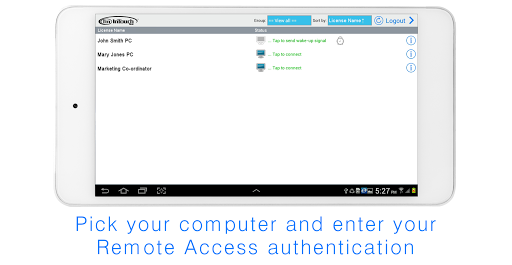
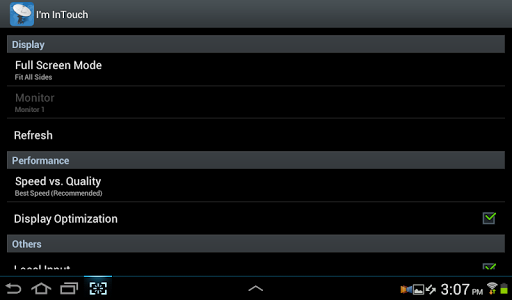
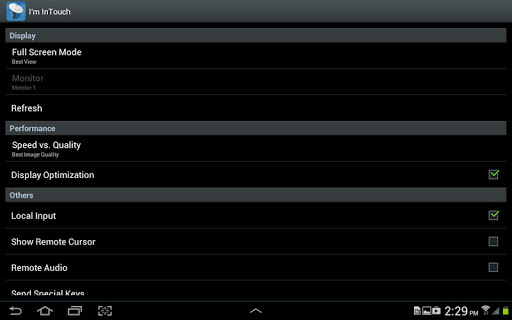
I'm InTouch Go allows I'm InTouch users to access their remote computers from their Android phone/tablet devices.
From your Android phone/tablet, you will be able to:
*
Use your remote computer as if you were sitting in front of it (even listening to audio files or watching videos on that computer)
*
Reboot the host computer
*
Wake-up your remote computer (if it has been powered off)
Getting Started
===============
Once you have installed the I'm InTouch Software on your home or office computer, you can remote access them via your Android phone/tablet devices easily:
1. Download I'm InTouch Go onto your device.
2. Run the I'm InTouch Go app.
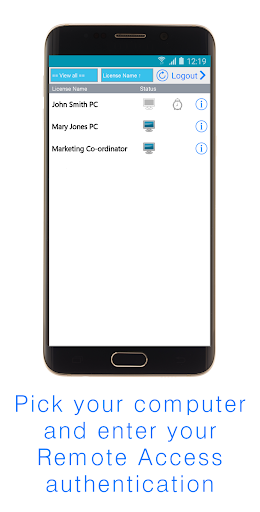
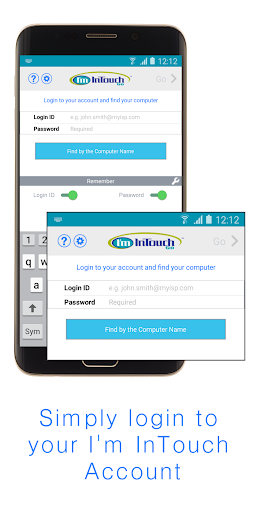
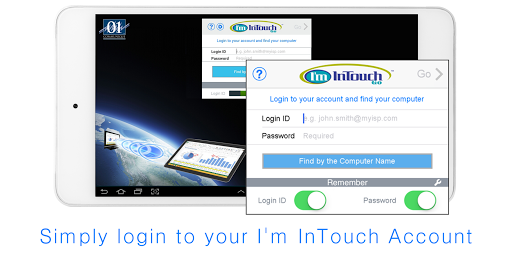
3. Login to your I'm InTouch Account and simply follow the on-screen instructions.
Note:
If you do not have the I'm InTouch software installed at your host computer, go to www.imintouch.com and signup for a 30-day trial.


9Apps 4.9


![Allexinno & Starchild - Joanna [Official Video] screenshot 2](https://i.ytimg.com/vi/fWvT1PmUXpY/mqdefault.jpg)