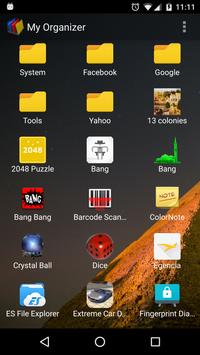
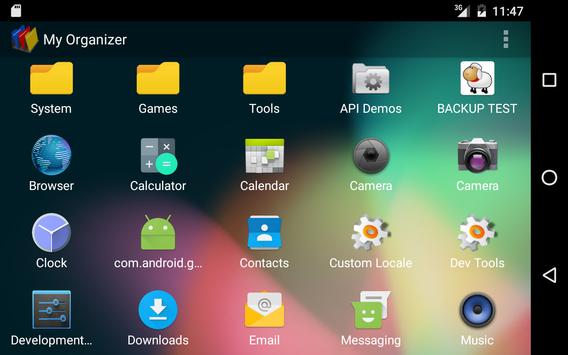
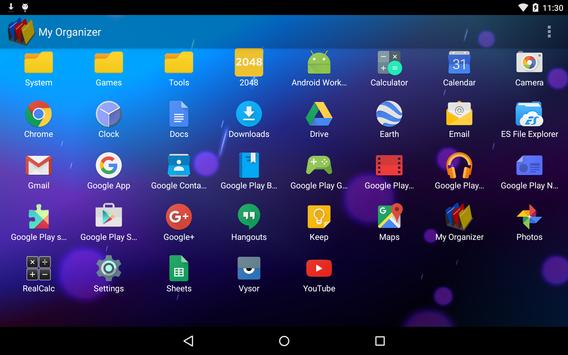
- My Organizer automatically groups applications into collections on its first run.
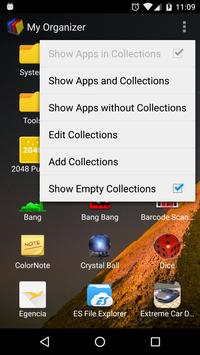
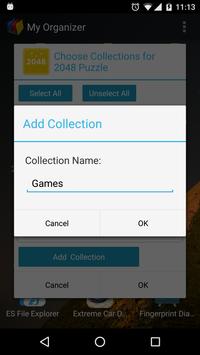
- Create new collections via the menu options "Add Collections" or "Edit Collections."
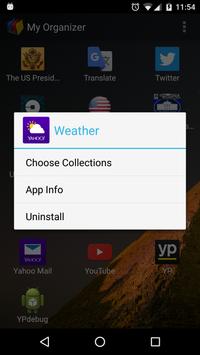
- Add applications to a collection by long pressing the app and selecting "Choose Collections" or "Edit Collections" from the popup dialog box.
- My Organizer allows adding one application into multiple collections.
- Display all applications on the phone or tablet without collections through the menu option "Show Apps without Collections."
- View applications only via their collections through the menu option "Show Apps in Collections."
- Hide empty collections by un-checking the menu option "Show Empty Collections."






9Apps 4.9