As one of the top-ranked tools on Android, Dual Space helps more than 90 million users log on multiple accounts at the same time on one device and highlight their own style.
It also protects user privacy by making apps invisible on device with the Incognito Installation feature. Moreover, users are able to customize themes of their cloned apps and the themes of Dual Space to style their own space. Dual Space supports 24 languages, and be compatible with most Android apps. Get Parallel Space immediately to manage multiple accounts, protect privacy, and customize your own space.
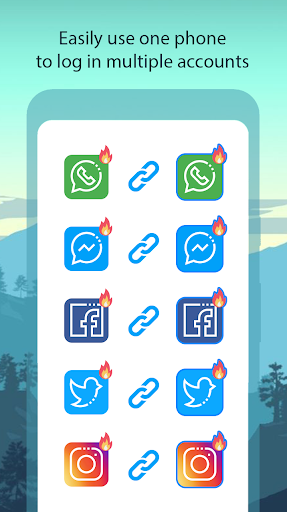
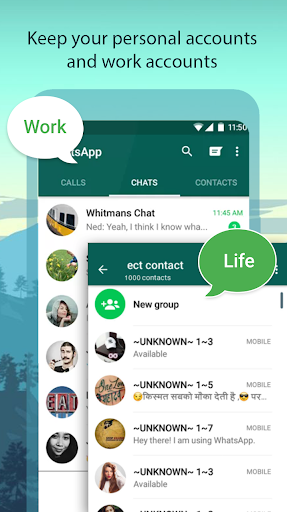
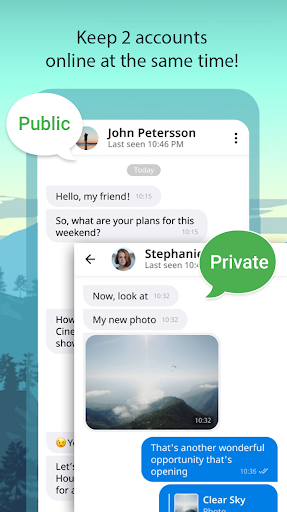
Log in to multiple accounts of social networking apps or game apps at the same time on one device:
Balance between users' life and work easily.
Double users' online gaming experience and have more fun.
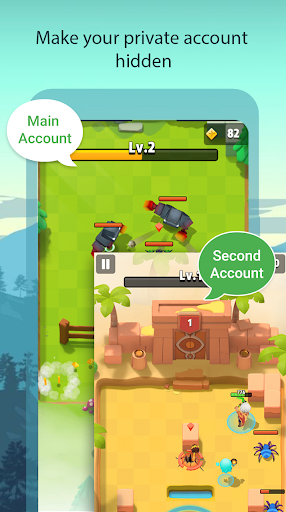
Almost all apps are supported for a second account in Parallel Space. Data from both accounts won't interfere with each other.
Protect user privacy, make apps invisible on device through Incognito Installation:
Hide users' secret apps without worrying about prying eyes by keeping apps only in secret space.
Protect user privacy with a security lock.
Create a customized space by applying themes:
A theme store is integrated into Parallel Space and a list of customized themes are ready for users to apply to style your own space.
To style a unique space by a customized theme. The user can switch fast the different themes by one-tap with their moods.
Switch fast between accounts with just one-tap:
Run two accounts simultaneously and switch between them fast with one-tap to effective manage different accounts.
Highlights for Dual Space:
Powerful, stable & easy-to-use.
Unique: Parallel Space is based on multiDroid, the first application virtualization engine on Android.
Switch fast between infinite multiple accounts with just one-tap:
•
Run multiple accounts simultaneously, and will create icons with clone tags.
•
Light weighted, clean, low ram & power consumption.
•
Smooth and easy to use
•
Lite Mode for best power and memory efficiency
Notes:
Permissions:
Dual Space has applied for as many system permissions as we can to ensure that applications cloned in Dual Space will run normally.For example, if Dual Space is not permitted to acquire camera permission, you will be unable to use camera function in some apps that run in Dual Space. Dual Space does not collect your personal information to protect privacy.
Malicious virus warning:
We found that some antivirus software maliciously popped up a virus warning because Dual Space applied for system permissions. If you experience this situation, please don't worry.Dual Space is an absolutely safe application, does not contain any virus.
Notifications:
Please add Dual Space to the whitelist of some boost Parallel Space to ensure that notification of some cloned apps work well.



9Apps 4.9