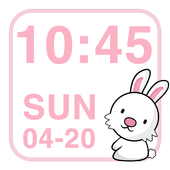
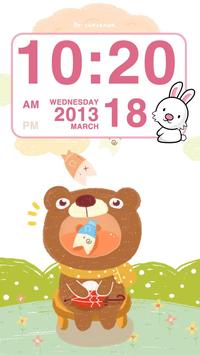
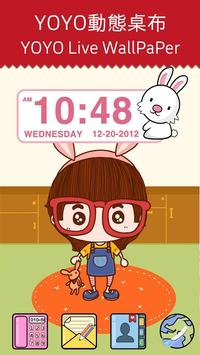

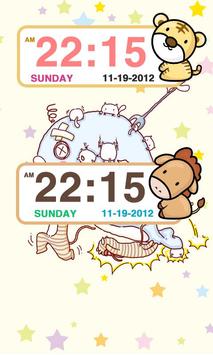
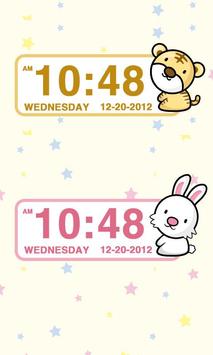
Christmas is approaching, I believe that our software can bring you a different festive atmosphere. Merry Christmas!
Zodiac sign Clock Widget
How to add the widgets?
After the installation, please click on the "Settings" at the bottom right corner has a small tutorial "help".
Features:
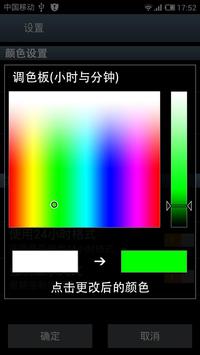
--Font color modifier;
--Default language environment;
--Date format custom;
--24 hours mode switch;
--Compulsory English
--Forced case
--Hidden background map Settings;
--Alarm setting;
How to add "Widgets"?
Method 1: normally, unlock the phone, in blank screen long press 2-3 seconds, it will pop up an selection window,select the "Widgets", and then choose the list you want to add.Remember,empty out some place to put of them :)
Method 2: Some mobile phone "Widgets" list is in the function table, such as :Galaxy S3 .The "Widgets" list is in the function table. as the same in the list you choose what you like :)
--If you to our application have any questions, please contact our E-mail, I will try my best to help you solve the problem.
Email:lolDT.com@gmail.com
1. Repair serious Bug (Major update!)

9Apps 4.9