9Apps provide lots of India android apps. 20,000+ users downloaded Quick PDF Scanner latest version on 9Apps for free every week! You can find this multifunction app on 9Apps easily. This hot app was released on 2018-11-10. I believe you’ll enjoy it after use it.
IS THAT A SCANNER IN YOUR POCKET?
Quick PDF Scanner
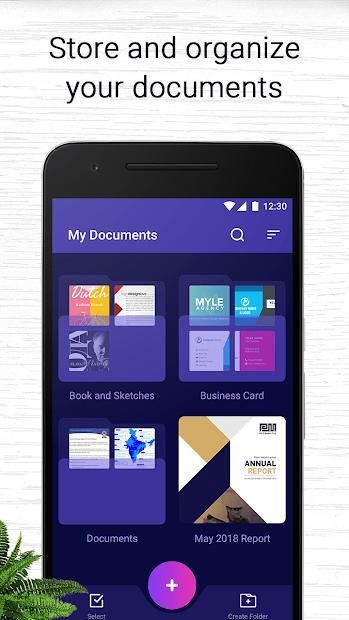
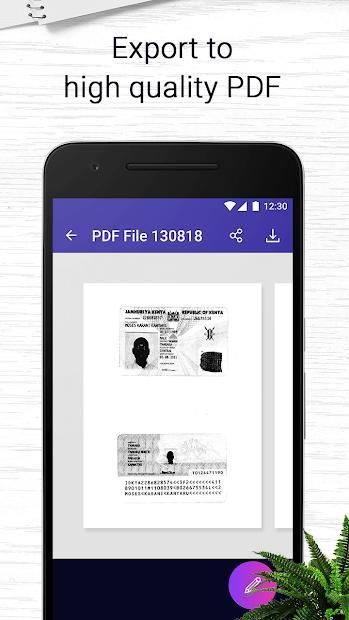
is a pdf document scanner app that turns your mobile into a portable scanner. Scans are saved to your device as images or PDFs. Name and organize your scans into folders, or share them by:
- Email
- Dropbox, Evernote, Google Drive, OneDrive or Box
- Wifi directly to your computer
- Send fax from phone
Features:
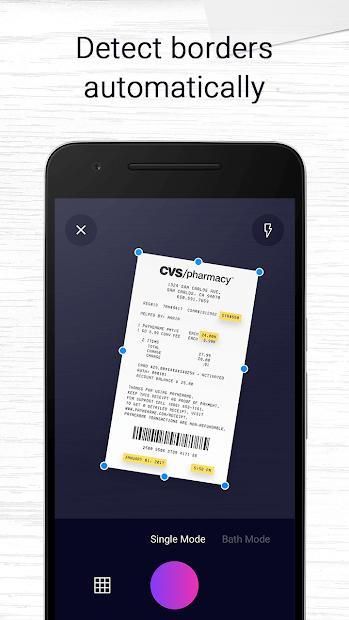
*Quickly Digitize Document
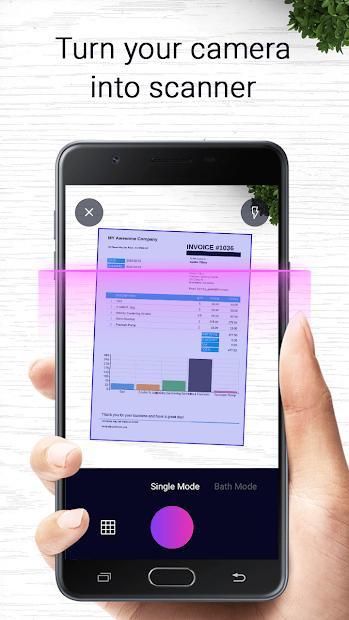
Just use your phone camera to scan and digitize all kinds of paper documents: receipts, notes, invoices, whiteboard discussions, business cards, certificates, etc.
*Optimize Scan Quality
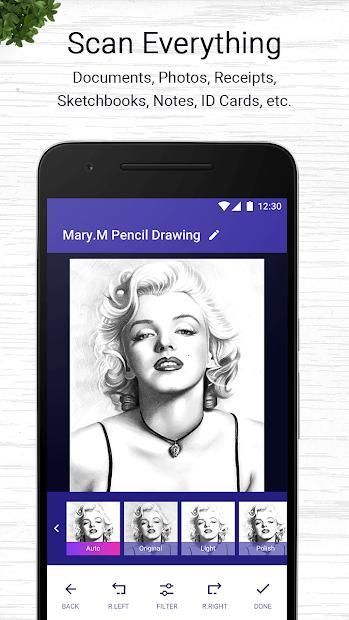
Smart cropping and auto enhancing ensures the texts and graphics in scanned documents are clear and sharp with premium colors and resolutions.
*Extract Texts from Image
OCR (optical character recognition) feature recognizes texts in document images and extract them from images for later searching, editing or sharing.
*Share PDF/JPEG Files
Easily share documents in PDF or JPEG format with friends via various ways: post on social media, send attachment or document download link through email.
*AirPrint & Fax Documents
Instantly print out any documents in
Quick PDF Scanner
with nearby printer via AirPrint; directly select document and fax to over 30 countries from the app.
*Advanced Document Editing
Make annotations on documents with a full set of editing tools. Also adding customized watermarks are made available to mark your own documents.
Quick PDF Scanner
users scan and manage
* Credential, Certificate, Identity Documents…
* Whiteboard, Memo, Script, Letter…
* Bill, Invoice, Contract, Tax Roll, Business Card…
* Blackboard, Note, PPT, Book, Article…
Note
Permission Overview:
1.
Storage
: CamScanner needs permission to store docs in your phone.
2.
Camera
: CamScanner needs permission to use camera to scan docs.
Performance improvements and bug fixes to bring you the very best experience

9Apps 4.9