
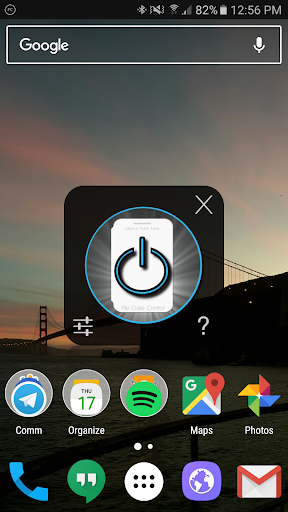
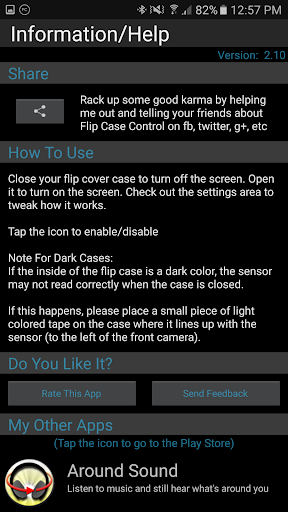
Close the Flip Cover case and the screen turns off. Open the Flip Cover Case and the screen turns on.
That's the way it should be and now it's here.
Tested on Galaxy S7 and Nexus 5X
Currently not compatible with non-Samsung ROMs (AOSP/CM)
IMPORTANT: If your case is black or dark on the inside, the sensor may not read correctly when the case is closed. To fix this, put a piece of light colored tape on the inside of the case where it lines up with the sensor (located next to the front camera)
If you have a Note II and you're experiencing high battery use: turn off "Reduce Sensitivity" I'm working on a fix.
Frequently Asked Questions:
Q. Does it use a lot of battery?
A. On my test phones, it comes in around 0.3-0.5% per hour depending on usage.
Q. Is the sensor on all the time?
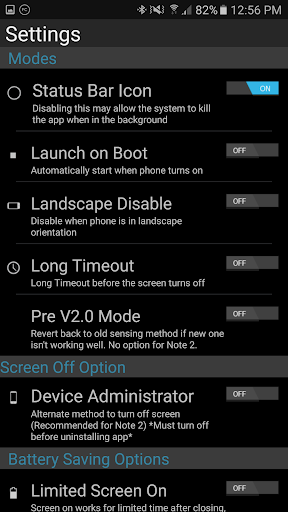
A. It can be, if you don't want it to be then try Night Disable or Limited Screen On to disable it.
Q. Is that bad to leave the sensor on all the time?
A. No, the sensor is just a passive light sensor paired with an LED. It's ok to let the LED run.
Q. Can my phone still reach the "Deep Sleep" state?
A. Yes.
Q. Sometimes the screen takes a little bit longer to turn on after opening the case, is something wrong?
A. No, that's normal. The phone has powered down to the "Deep Sleep" mode and takes a little bit of time to wake up.
Permissions Needed:
Get Settings - Needed for core functionality
Wake Lock - Needed for core functionality
On Boot - Auto start on boot up
(Optional) This app uses the Device Administrator permission. - Screen Lock: Used as an alternative method to turn off the screen if the default one does not work. It will need to be disabled prior to uninstalling the app if used.
Added notice about Device Administrator Policy: Lock the screen - per Google guidelines








9Apps 4.9