
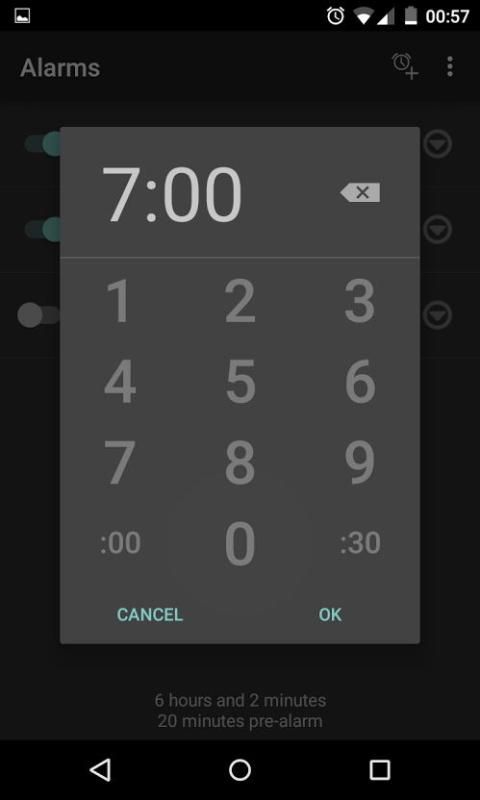
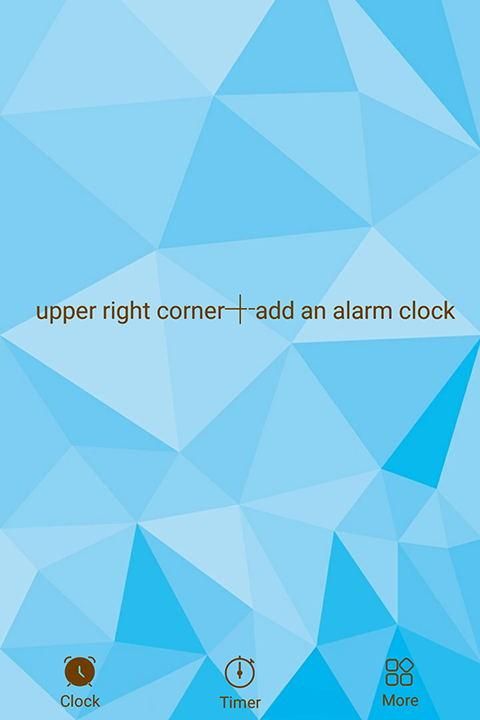
To add a clock widget:
Go to home screen - tap and hold on an empty space - select "Apps and widgets" - tap on "Widgets" at the top of the screen - find, then tap and hold "Analog Clock" widget - drag the widget to a preferred position on the home screen.
To customize a clock widget or live wallpaper clock:
Open the "Clock" app - find the clock you want to customize - Your changes will be automatically saved when You exit the app.

9Apps 4.9


![[Gear 2] Matrix Clock Pro - awesome matrix effect in your watch - Update screenshot 5](https://i.ytimg.com/vi/loLA_UtrYdY/mqdefault.jpg)