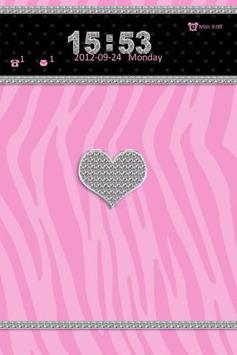
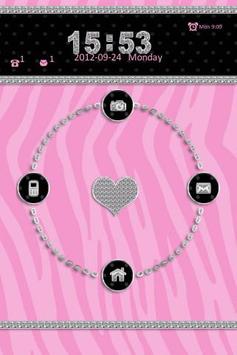
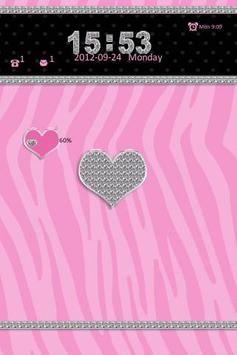
Go Locker Pink Zebra Theme — Pink Zebra Lockscreen for your smartphone! Pink zebra pattern with diamond accents sealed with a heart. Bedazzled icons for the phone, message, camera and home.
★ Jelly Bean user may experience problems with downloading and installing, please contact me if do. :) ★
App Care:
1. Install Go Launcher EX v2.58 or above and Go Locker v1.0
2. To select Pink Zebra — Click on “Menu ~~~> Theme Settings
3. Select "Locker" at the top
4. Click on "Installed"
and click on "Pink Zebra"
5. Click on "Apply"
Feedback: Hello@ChickenAnt.com





9Apps 4.9