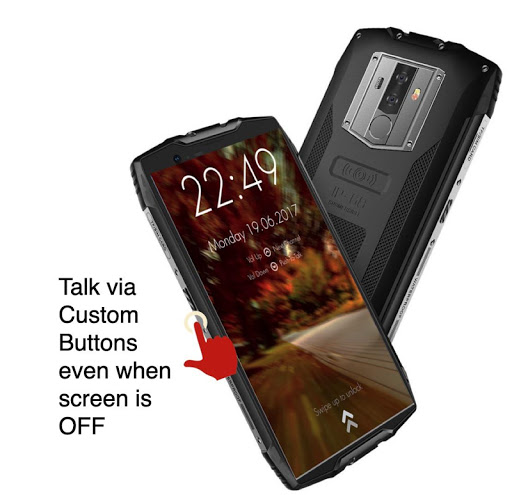
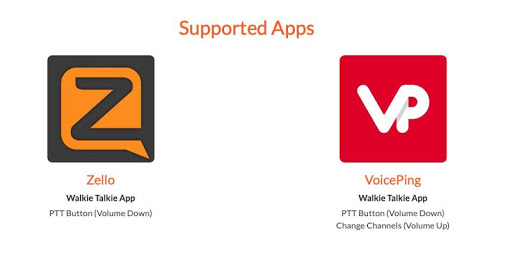
Use Volume Down or any custom button to start PTT (Push to Talk) for Walkie Talkie Apps like Zello and VoicePing.
This app uses accessibility permission to detect a button press. You can select a volume
button or a custom button to start a Push-To-Talk.
Features
- Compatible with Zello and VoicePing.
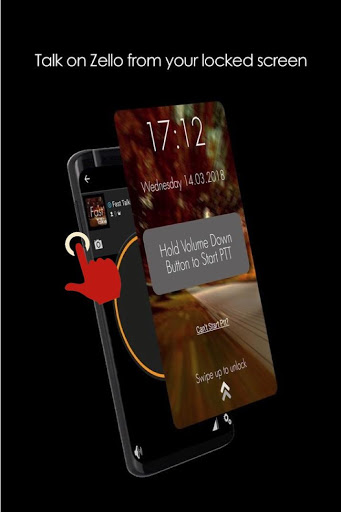
- Push to Talk without unlocking your phone.
- Accessibility Mode: Allow PTT as long as screen is switched on. Depending on your smartphone, this could even allow PTT even if screen is switched off
PRO Features
- Use a Custom Button (i.e SOS/Programmable/Camera buttons) for PTT
- Use any supported PTT App (Normally only Zello and VoicePing)
- Next Channel Button for apps that support changing channels
- PTT Only when screen is ON: Useful if your PTT button is too sensitive
How It Works
The fastest way to start or reply to PTT
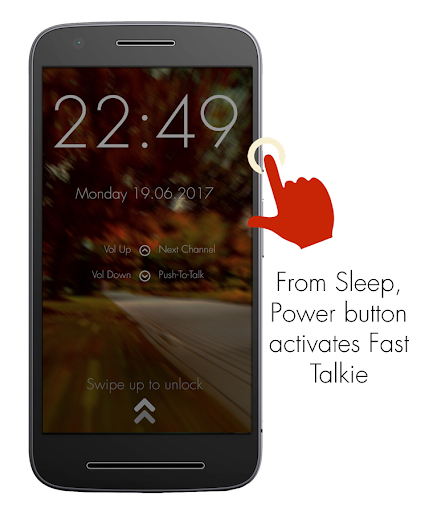
1: Press Power button to wake up phone
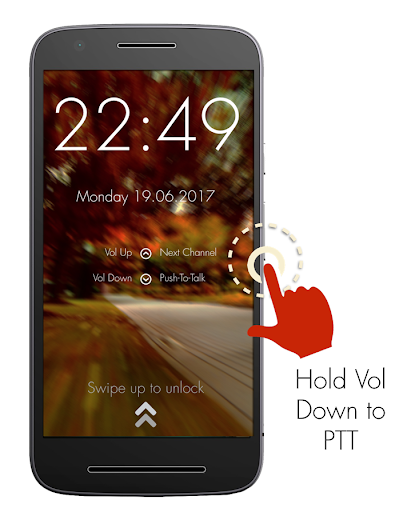
2: Hold Volume Down/Custom button to PTT in the previously selected Zello/VoicePing Channel
Required Setup
1: Install Fast Talkie
2: Enable Accessibility Permission
3: Choose a Zello Contact or Channel
4: Hold your selected PTT button
PTT Intent generated by Fast Talkie
- android.intent.action.PTT.down
- android.intent.action.PTT.up
Reach out to us via our website: https://www.fasttalkie.com/
New option for allowing PTT Only when screen is ON. Useful if your PTT button is too sensitive.


9Apps 4.9