
Download and Installation:
Step 1: Download Mobile Office application from here
Step 2: Install the downloaded application on your mobile device
Step 3: Open the application and a splash screen will come on the screen while application loads
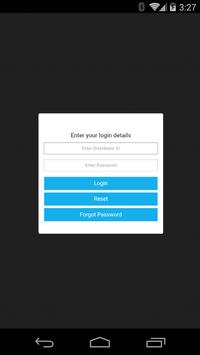
Step 4: A login screen will come where you can enter your distributor id and password assigned to you
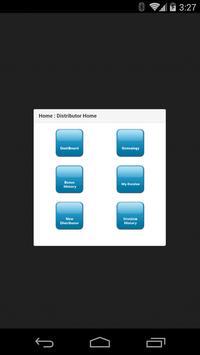
Step 5: A successful login will take you to the opening page just like your Virtual Office
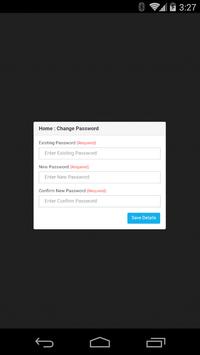
Step 6: Here you can use various options related to your area
Features:
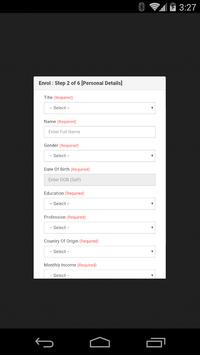
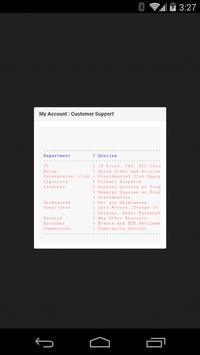
This Mobile Office covers most of the features found in Virtual Office
Enhanced User Interface





9Apps 4.9