
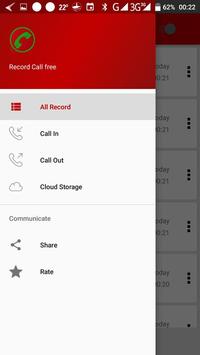
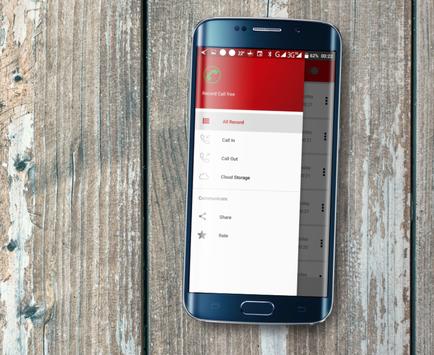
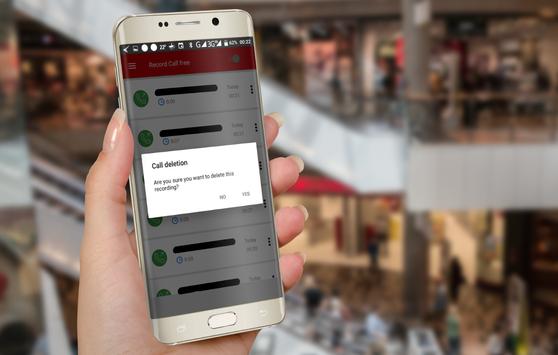
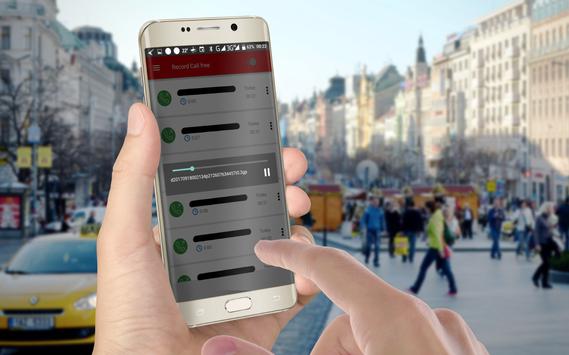
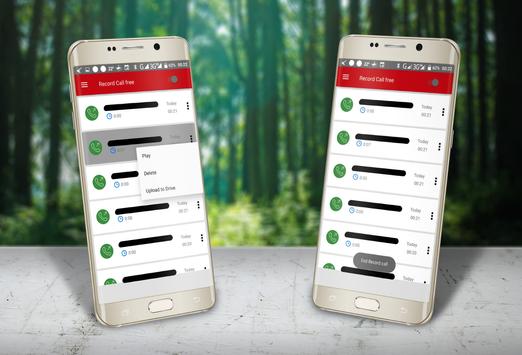
Save any calls you want and choose the ones you want to keep. You can set which calls to save and which calls to ignore. Listen to the recording, add notes and share it. Integrate with Google Drive ™ and Dropbox, back up and synchronize calls to the Cloud.
By using a call recorder, you can save and save any phone call you want.
You can set which calls are whitelisted and ignored.
Listen to the recording, add notes and share it. Synchronized on the cloud as well.
You can set a conversation is important, save it and it will be stored in the important tab.
Otherwise, old records will be automatically deleted when new calls fill the inbox.
Characteristics:
Record incoming call
Recording outgoing calls
Preferred
Marking records as important
Multi select, delete, send
View contact name and photo
excluded numbers
Set password to protect privacy
Many recording formats
Set source (Mic, voice call, camcorder)
Search
Recorded audio playback
Delete Saved Items
Lock items to prevent self-cleaning
Registered shares
Start of delayed recording capacity
Different modes of recording by number, contact, contactless or selected contacts only
Enable / disable call logging
Records all your phone calls
Confirmation Dialog: Do you want to keep a recorded call that appears just after the call (only in Pro version).
White List
Blacklist
- And much more...
Share files:
Dropbox
SMS
Skype, Facebooks.
Google
Save All (Default) - This parameter records all calls except pre-selected contacts to be ignored.
All ignore - This parameter does not record any calls, except for the pre-selected contacts to be recorded.
Ignore Contacts - This setting records all calls from people not in your contacts, except for the preselected contacts you want to save.
Only in the Pro version: You can set the recording of calls from specific contacts so that they are automatically registered. They will be saved in the cloud.

9Apps 4.9