
PRESS THE HELP BUTTON FOR HELP! OR EMAIL ME -- I WILL RESPOND ASAP!!
THIS APP DOES NOT COME WITH ROMS
- You must have the right to a given ROM before you play it!
- A number of public domain games/demos are available at www.pdroms.de
99¢ IS FOR DONATIONS ONLY
- This app is free to download on my website (NO ADS!)
- Please consider donating
- Donations support MANY open-source projects and developers
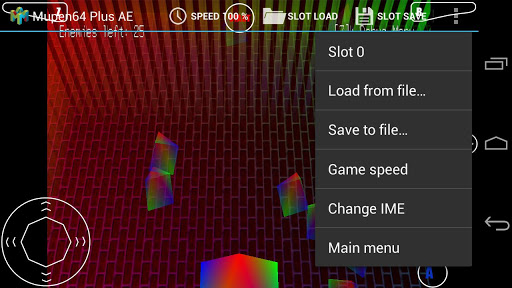
Mupen64Plus, Android Edition (AE) is an N64 emulator for Android. It is currently in Beta testing, which means it is a work in progress. There are still many graphical, lag, and audio problems, even on modern devices. Visit www.paulscode.com to get involved in development and testing, as well as bug-fixes and FAQs.
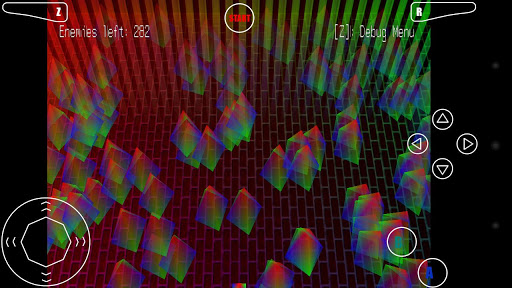
In order to avoid potential copyright issues related to game screenshots, I've decided to use only public domain games and demos for screenshots. However, if the app gets pulled from the Market again, you will still be able to acquire future updates for free on paulscode.com.
This app is licensed by the GNU GPL v3, and the full source code is available through the public GIT repository at https://github.com/paulscode/mupen64plus-ae If any developers would like write access to the repository, please get in touch with me (Paul) on the support forum. If you need help branching the project, just let me know, and I can help you get set up.
XPERIA PLAY OPTIMIZED
- Analog input from the touchpad!
PERMISSIONS
Internet - The internet is used to send crash reports. It does not download viruses, spyware, or ads of any kind, and it does not collect any private information. Normal data rates apply.
Write External Storage - The device storage is used for writing savegames and custom input profiles.
Vibrate - If your device supports it, vibrate is used for Rumble Pak emulation and haptic button feedback
GETTING STARTED
- Transfer ROMs anywhere to your internal storage/SD card
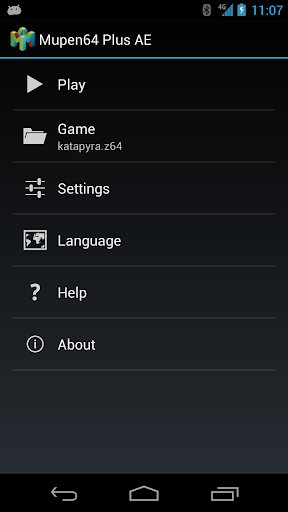
- Browse to them from within the app
- Default SD card directory on most devices is /mnt/sdcard
- ROMs must be in .n64, .v64, or .z64 format, optionally in .zip files
HELP, FAQS, BUG-FIXES, GAME BACKUP INSTRUCTIONS:
- http://www.paulscode.com

![Mupen64 Plus AE Emulator 2.4.4 for Android | 1080° Snowboarding [720p HD] | Nintendo 64 screenshot 2](https://i.ytimg.com/vi/cXMmsQkENqY/mqdefault.jpg)


![Mupen64 Plus AE Emulator 2.4.4 Settings / Configuration for Android Nexus 7 [720p HD] screenshot 5](https://i.ytimg.com/vi/lIu7nK0YL44/mqdefault.jpg)







9Apps 4.9















