
* A game file (ROM file) is necessary to play a game.
* Copy your own game files to SD card or Internal Memory. (e.g. /sdcard/ROM/)
* Please refresh games again after copy new game files.
Features:
* Support android 5.0 (suitable for android 11 ).
* Save state and load state.
* Auto save.
* Auto Screen orientation (Settings - Display - Screen orientation - Auto).
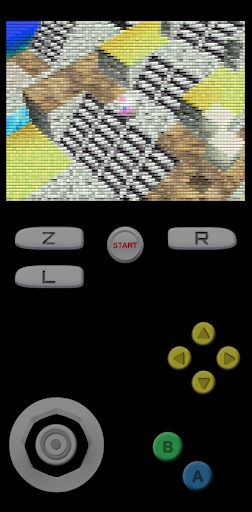
* All Controls: Analog & D pad & L R Z Button (Profiles - Select Profiles - Touchscreen profile - Everything: All Controls)
* Resize Control Buttons (Settings - Touchscreen - Button scale).
* Edit Control Buttons (Profiles - Touchscreen - Copy - Rename - Edit).
Important:
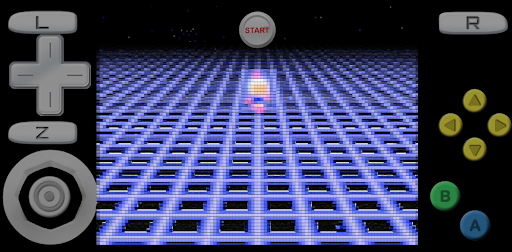
* To fix graphical glitches, try changing the video plugin (Profiles - Select Profiles - Emulation profile).
* To fix lag, try changing the video setting (Settings - Display - Rendered resolution).
* For unplayable ROMs, try unzipping the ROM first or trying a different version of the ROM.
* For touchscreen control issues, try changing the button scale.
This app is based on the Open Source project, which is licensed by GNU GPLv3.


9Apps 4.9