
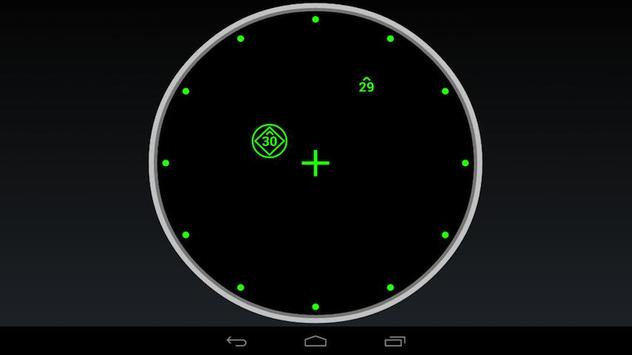
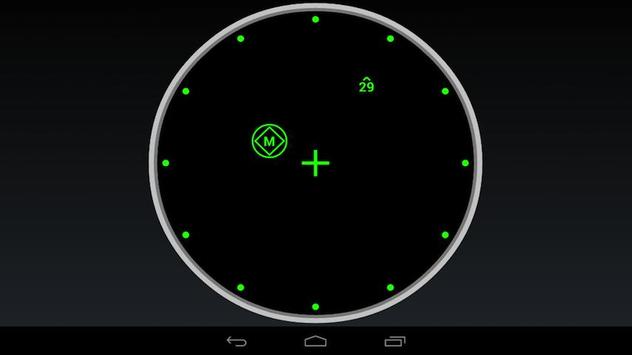
Basic F-15C TEWS display that connected via export.lua to DCS World/FC3.
Initial beta
Please use following exportTWS.lua file for export from DCS:
https://docs.google.com/file/d/0B7tSPZhl7CP2NGRDcGxqeEc2Z1E/edit?usp=sharing
Instructions:
1. Create directory $HOMESaved GamesDCSScripts
2. Copy export.lua from C:Program FilesEagle DynamicsDCS WorldScripts to
$HOMESaved GamesDCSScripts
3. Copy the above telemetryTWS.lua file into $HOMESaved GamesDCSScripts directory.
4. Add the folowing line at the end in export.lua to:
dofile( "C:\Users\[username]\Saved Games\DCS\Scripts\telemetryTWS.lua ")
5. Change [username] to your user name
6. Edit telemetryTWS.lua and change IP to Android table IP. You can check it in the android setting view for WiFi connection
7. Start the application on the device
Please note that it is very early beta, any feedback is welcome
1.0 - Initial version
1.1 - updated list of threat types
1.2 - add flickering launch circle
1.3 - fixed threats types. Please copy updated exportTWS.lua

9Apps 4.9



![[DCS world]F-15C HUD screenshot 4](https://i.ytimg.com/vi/Xz5hUQBCwFE/mqdefault.jpg)