



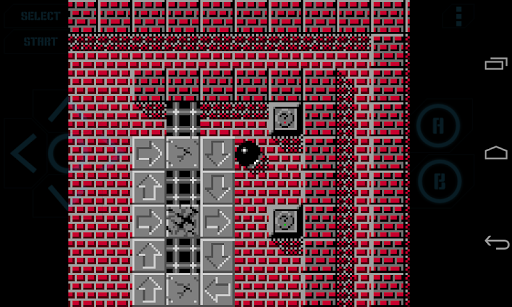
This is the ad-free version of Nostalgia.GBC (GB / GBC emulator).
TRY THE LITE VERSION FOR FREE BEFORE PURCHASING: https://play.google.com/store/apps/details?id=com.nostalgiaemulators.gbclite
NO GAMES ARE INCLUDED IN THE APP!
Nostalgia.GBC is a high quality GBC emulator based on the most up-to-date revision of the famous gambatte.
Features
- Modern, cool-looking & user friendly interface
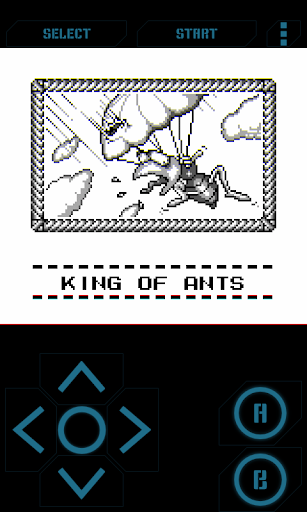
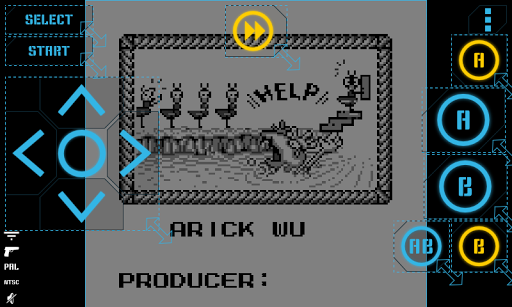
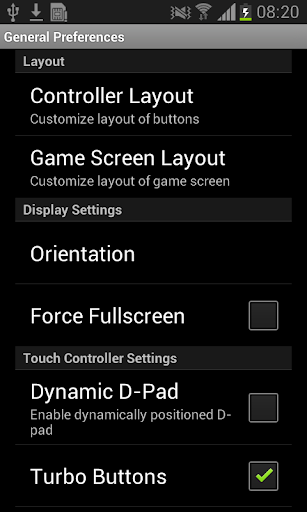
- Highly customizable virtual controller! You can adjust the size and position of each button to suit your needs.
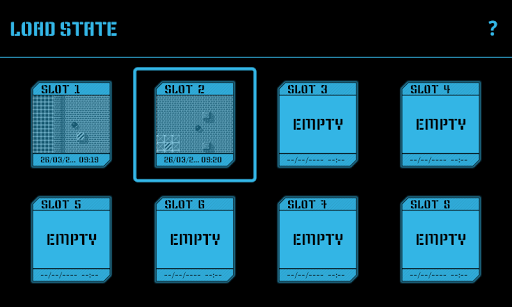
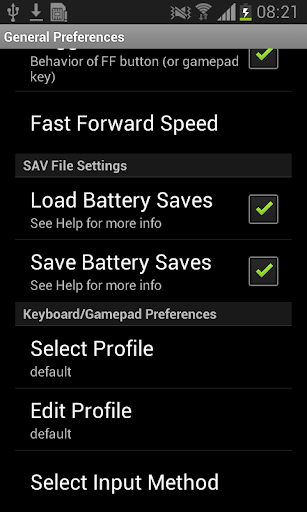
- Game progress saving and loading - 8 manual slots with screenshots & an autosave slot. Share save states among your devices via BT, mail, skype etc. directly from the app.
- Quick Save, Quick Load
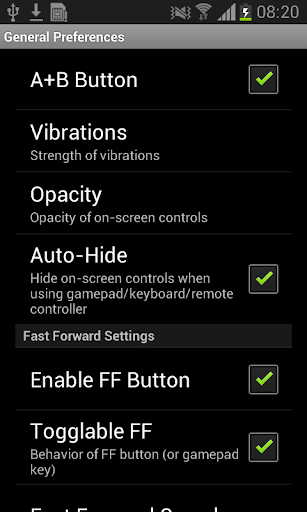
- Controls opacity settings
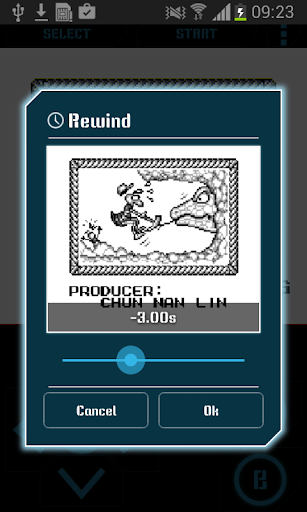
- Rewinding! Got killed by a bad guy? Never mind! Just rewind the game a couple of seconds back and try again!
- Turbo buttons & A B button
- Hardware accelerated graphics utilizing OpenGL ES
- Hardware keyboard support
- Supports HID bluetooth gamepads (MOGA, 8bitdo etc.)
- Screenshots - easily capture an image of the game any time during gameplay
- Use special cheat codes to make GBC games even more fun!
- GB, GBC and ZIP file support
No ROMs are included in the application.
Place your ROMs (zipped or unzipped) anywhere on your SD card - Nostalgia.GBC will find them.
Nostalgia.GBC is GPLv3-licensed and you can download its source code here: http://goo.gl/FxU6Iq
Do not hesitate to send bug reports, suggestions or questions to our email.
bug fixes








9Apps 4.9
















