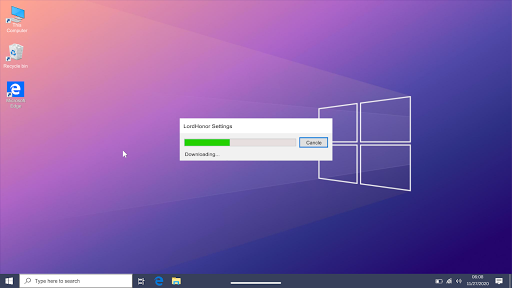
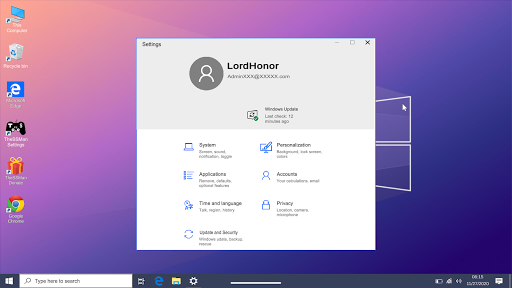
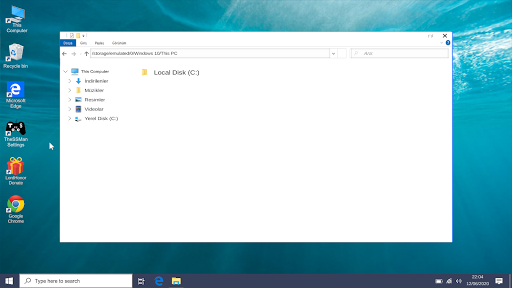
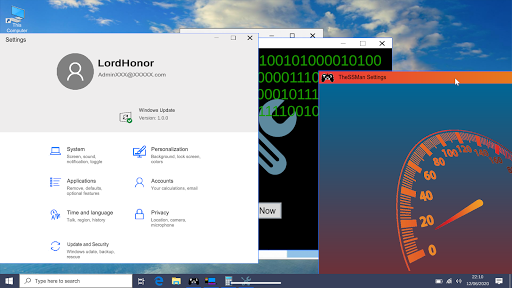
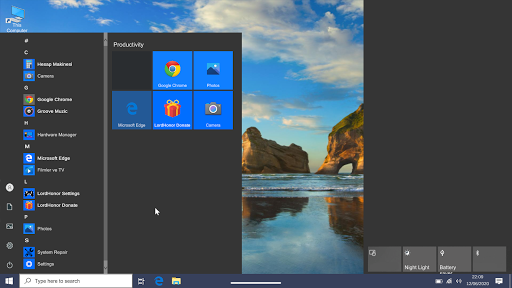

We have collected 80% of Wins 10 in one application for you. Well, would you like to use a virtual computer on your phone?
---> FEATURES
* Install Wins 10 on your first login.
* Chance to control with mouse or touch.
* Surf the internet with Google Chrome and Edge.
* Access your apps from the start menu and search bar.
* Access your background, Wins colors and many features from settings.
* Real computer fan and Wins 10 sounds.
* Take photos from the camera app or open videos, photos and music from file explorer.
* Supports many languages.
* No annoying full screen ads.
* Use LordHonor Settings app to access Android settings.
* Desktop launch bar apps.
* Add a password to your personal computer.
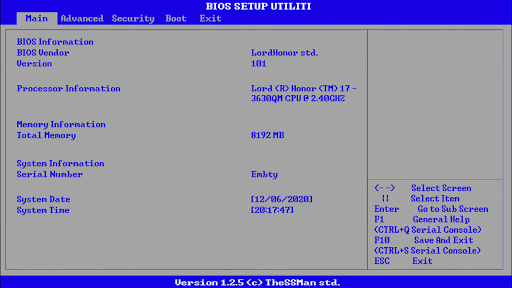
* Bios menu.
* Changing the brightness and night glow.
* Turn off or restart your computer.
* Adjust the size and speed of your mouse with the LordHonor Settings application.
* Play games via internet browser (Downloadable apps will be added soon)
---> Premium
* Speed up your computer with LordHonor Defender app
* Install the Super Root application, then remove and replace your computer hardware and also delete system applications with this application and see how your computer will react.
* The store has been added.
* Now the applications on your computer are stored in .exef files.
* The size of the application has been reduced.
* The installation process has been extended.
* System Update installation has been added.
* File Browser view has been edited.
* Errors found in applications have been corrected.

9Apps 4.9