
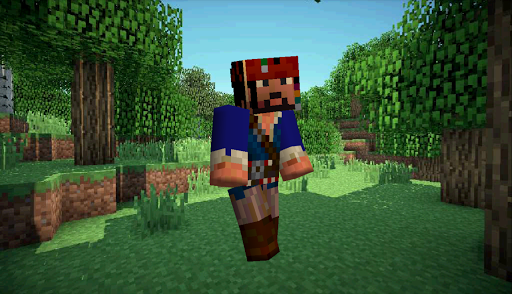
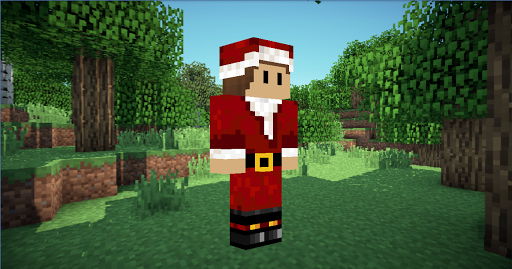
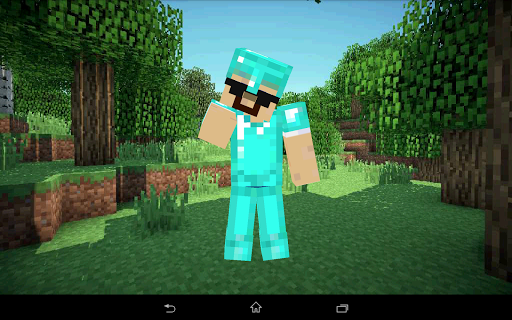

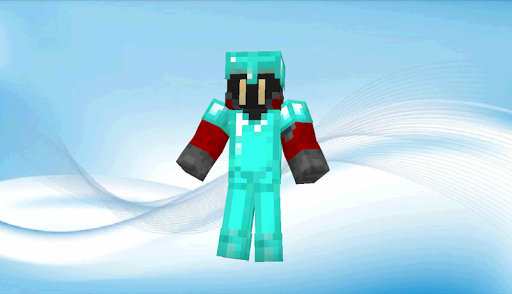
Skin Viewer 3D
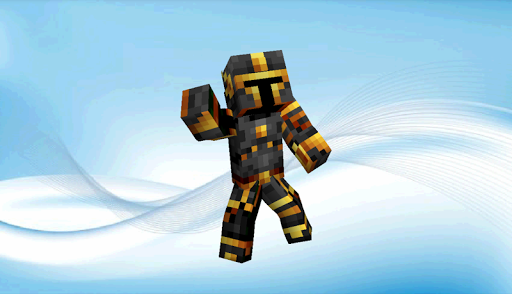
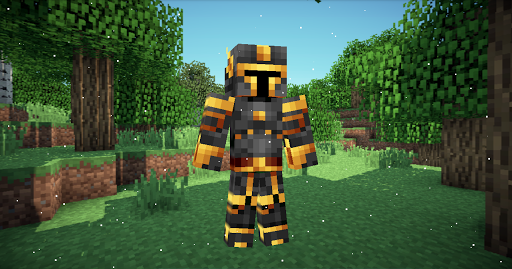
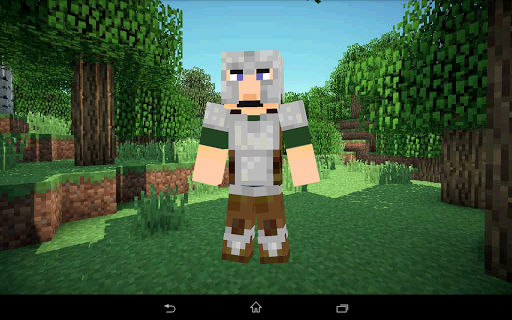
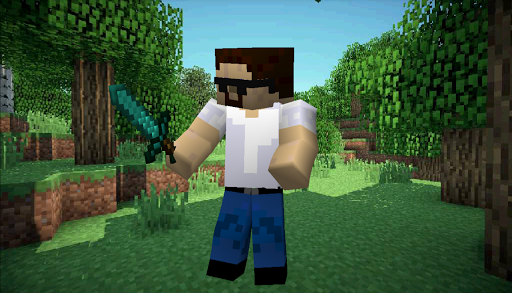
A Material-designed application to load, view and apply your Minecraft skin or Minebuilder skin!
Functions:
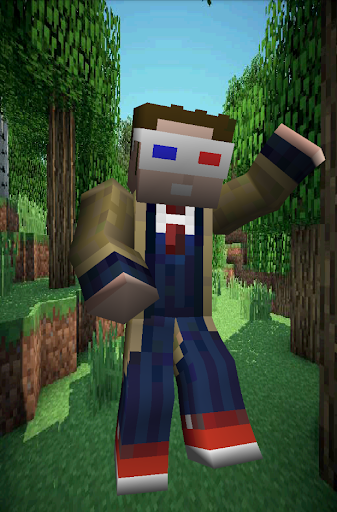
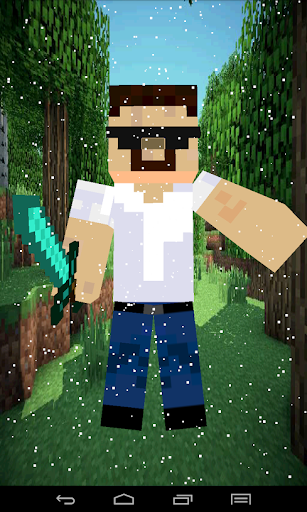
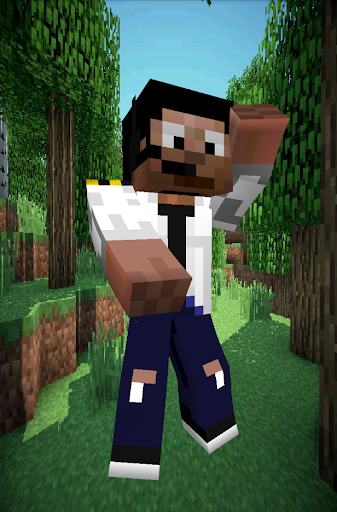
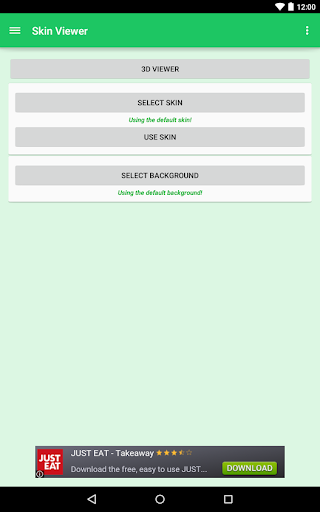
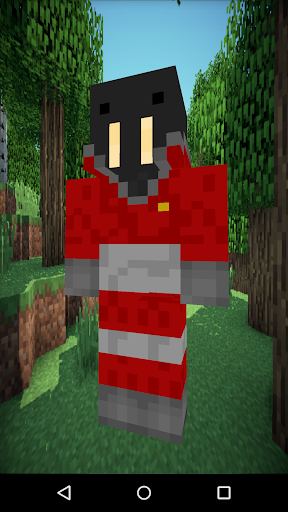
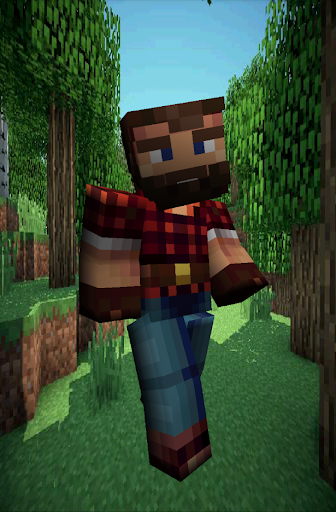
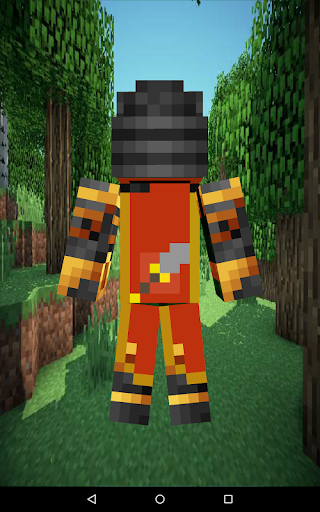
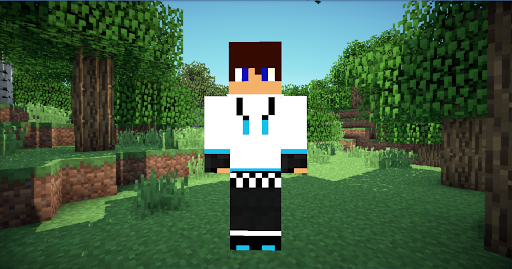
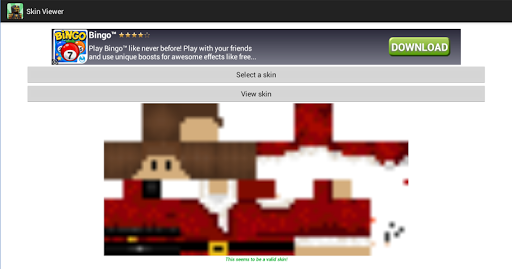
You can view the skin by using the 'View Skin' button.
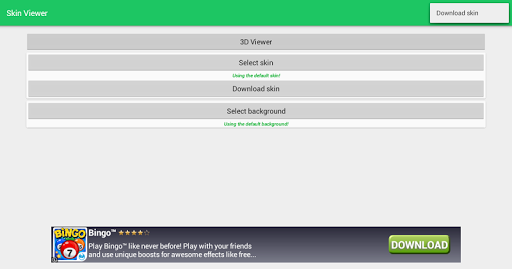
You can select a skin using the 'Select Skin' button:
- from Minebuilder Online Skin Database (loginname required)
- from Minecraft Online Skin Database (playername required)
- from URL (URL required)
- from file (some kind of file manager required)
You can select a background from using the 'Select Background' button:
- from URL (URL required)
- from file (some kind of file manager required)
You can use your skin using the 'Use Skin' button:
- to Download the skin to storage
- to apply the skin to Minebuilder singleplayer.
- to apply the skin to Minebuilder multiplayer.
- to apply the skin to Minecraft PC multiplayer.
- to apply the skin to Minecraft Pocket Edition singleplayer/multiplayer.
Watch an app preview here: https://www.youtube.com/watch?v=hvKMgMEy2k8
Controls:
On the main screen:
- Press a button and you will see its functions
- There is a menu too
In SkinViewer mode:
- Tap (holding tap): Skin stops rotating
- Left and right swipe: Rotate skin in swipe-direction (and keep rotating in that direction when the finger is removed from the screen)
- Swipe, when an arm or leg is touched: rotating body part
- Double tap to show menu (for extra features)
-- Menu:
--- Show snow
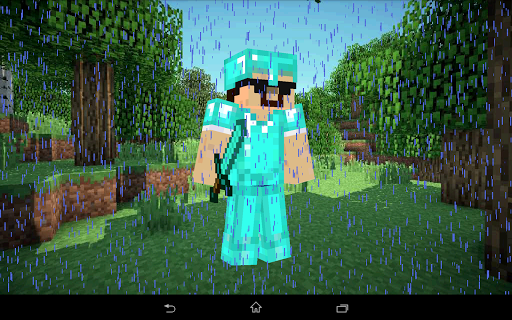
--- Show rain
--- Clear weather
--- Slanted arms/legs
--- Zoom
--- Show/hide parts
--- Save screenshot
--- Enable/Disable auto-rotation
--- Close menu
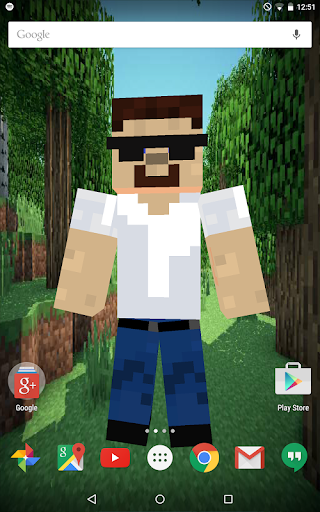
Live Wallpaper:
- A 3D live wallpaper (skin viewer)!
- Double tap to show/clear snow or rain
- Swipe to change rotation direction
- For custom skins and backgrounds:
-- skin: place a skin.png file in /*storage*/SkinViewer
-- background: place a background.png file in /*storage*/SkinViewer
(*storage* is usually the SD-card)
-- or use the in-app Navigation Drawer to change both skin and background!
Supports:
Minecraft (normal skin version and 1.8 skin version) and Minebuilder skins are both supported!
Minebuilder: https://www.space-walrus.com/games/Minebuilder/get/android
Minecraft: https://minecraft.net/pocket
Permissions used:
Internet & Wifi - Advertentions and obtaining skins and/or backgrounds
Read & Write - Loading, saving and applying skins and/or backgrounds
Libraries used:
JPCT-AE: http://www.jpct.net/
ZipI/O: Kellinwood
ZipSigner: Kellinwood
ZipLogger (x2): Kellinwood
Notes:
Minecraft is a trademark of Mojang AB. I am not affiliated with Mojang AB but I adhere to the terms set out by Mojang AB at
https://www.minecraft.net/terms
Minebuilder is a trademark of Space Walrus. I am not affiliated with Space Walrus but I adhere to the terms set out by Space Walrus at
https://www.space-walrus.com/terms




9Apps 4.9


![[Android] Skin Viewer 3D application for Minecraft and Minebuilder! screenshot 4](https://i.ytimg.com/vi/hvKMgMEy2k8/mqdefault.jpg)
![[Skin Viewer 3D] [Android] Animation recording screenshot 5](https://i.ytimg.com/vi/26PJ64XkLpI/mqdefault.jpg)