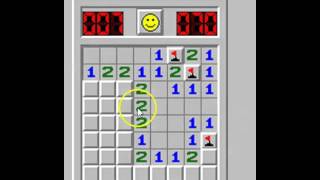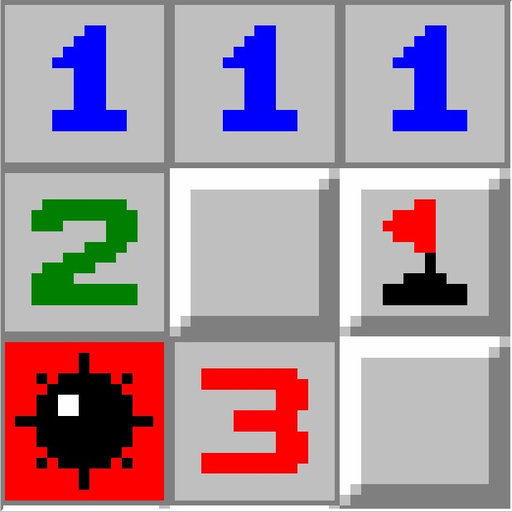
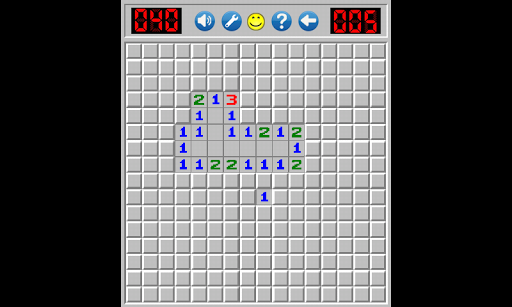
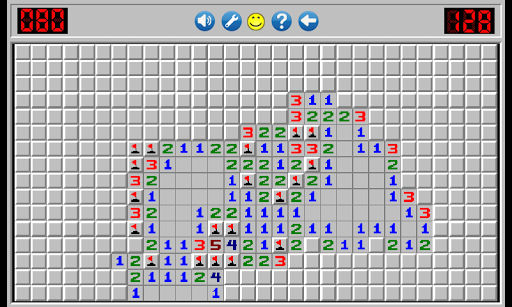
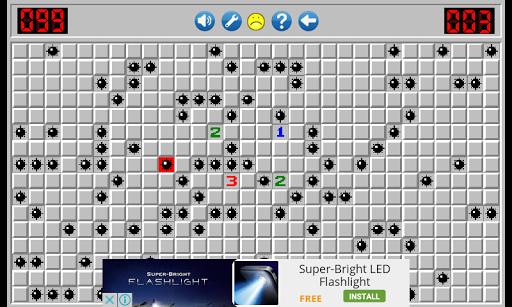
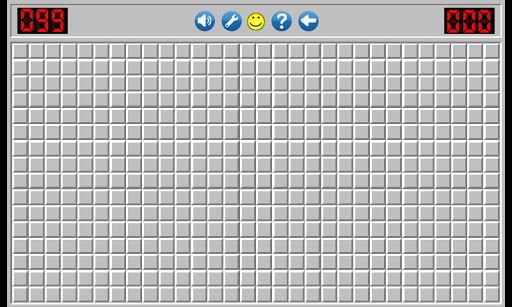
You must find all Mines on board by logic:
-The number in the Top-right corner denotes the number of mines on the board. The number in the Top-left it is the timer.
- Touch any square, preferably towards the middle. Most Minesweeper players Touch random squares until a group of squares "opens" up. If 4 or 5 squares opened after your Touch , it's time to evaluate the numbers. If only one square opens after your Touch , find another random square.
- As you uncover tiles, you will see numbers revealed. A number means that there are that number of bombs touching that tile (both sides, top/bottom, and diagonally). If you see a 1 on the board, it means that square is touching exactly 1 mine.
- Touchknown safe squares. Eliminate squares that can't possibly contain mines by Touch. Say you found a 1, and you're pretty sure where the mine for that 1 is. You can touch all the other squares around that 1 to open them, because the 1 can only be in contact with a single mine.
- Touch and press to identify mines. When you're reasonably certain you've found a mine, identify it by touch and press on the square. This will put a flag on the mine, and prevent you from touching on it.
- Game is completed when you find all mines on the boards.


9Apps 4.9