
GENPlusDroid
=====
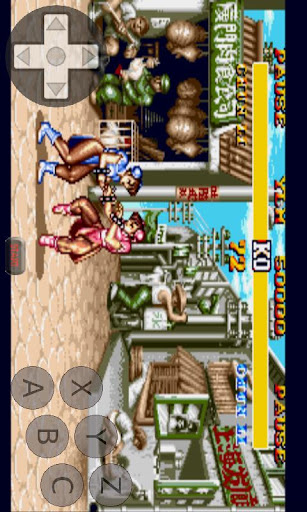
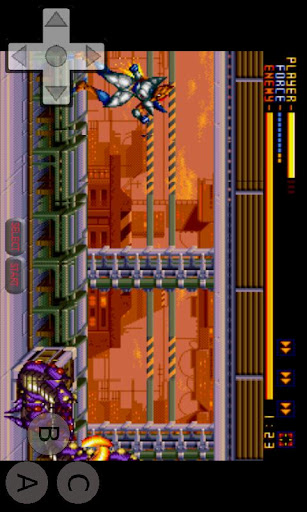
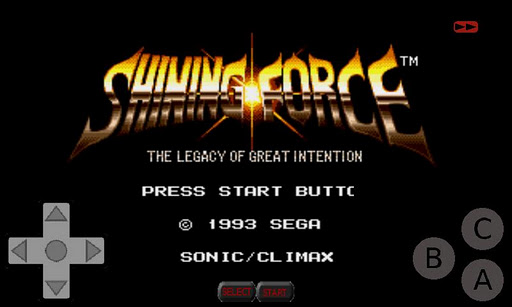
GENPlusDroid is an open source Sega Genesis emulator powered by GENPlus. Runs Sega Master System and Sega Mega Drive games. High compatibility, games like Virtual Racing and Phantasy Star work full speed. Use shaders to increase the graphic quality. Real time rewinding of game play. Complete customization of multi touch input (size and position). Supports game controllers (DS4, XB, etc), including multiplayer.
FEATURES
=====
- Sega Mega Drive / Genesis, Sega Master System
- Cheat File support (.cht files)
- Sega 6 Button Support Mode button
- Game controller supported (DS4, XB, WM, etc)
- Touch input with multi button support
- Custom key bindings
- Custom multi touch input location and size
- Real Time rewind
- Fast Forward
- Auto Save, phone calls won't ruin your game
- Load/Browse compressed archives (*.zip, *.7z)
- Custom directories
- PAL support
- Shaders! (hq2x, super eagle, 2xSaI, etc).
USAGE
======
- After installation, start GENPlusDroid and follow the welcome screen instructions.
- Copy roms to the GENPlusDroid/roms/ folder on your storage device.
ISSUES
=====
- Most issues can be solved by deleting GENPlusDroid/config.xml.
- Feel free to email me any issues or feature requests you have.
LEGAL
=====
This product is not affiliated with, nor authorized, endorsed or licensed in any way by Sega Corporation, its affiliates or subsidiaries. Sega Genesis game software sold separately. Sega and Sega Genesis© are trademarks or registered trademarks of Sega Corporation. All rights reserved. Company and product names are trademarks or registered trademarks of their respective companies. All brands/names/images/etc are copyrighted by their respective owners. Images are shown for documentation purposes only. Halsafar is not affiliated with, nor authorized, endorsed or licensed in any way by software/hardware companies.
- Fix custom controller input
- Download cheats (see cheat browser menu)
- Fix portrait mode
- Support custom touch UI layout per device orientation










9Apps 4.9